Skip to content
View in the app

A better way to browse. Learn more.

Unraid

A full-screen app on your home screen with push notifications, badges and more.

To install this app on iOS and iPadOS
  1. Tap the Share icon in Safari
  2. Scroll the menu and tap Add to Home Screen.
  3. Tap Add in the top-right corner.
To install this app on Android
  1. Tap the 3-dot menu (⋮) in the top-right corner of the browser.
  2. Tap Add to Home screen or Install app.
  3. Confirm by tapping Install.

Atomic

Members
  • Joined

  • Last visited

  1. 感谢。问题已经解决,是内存问题,海力士颗粒的兼容问题将频率降低,解决了这个问题
  2. Atomic changed their profile photo
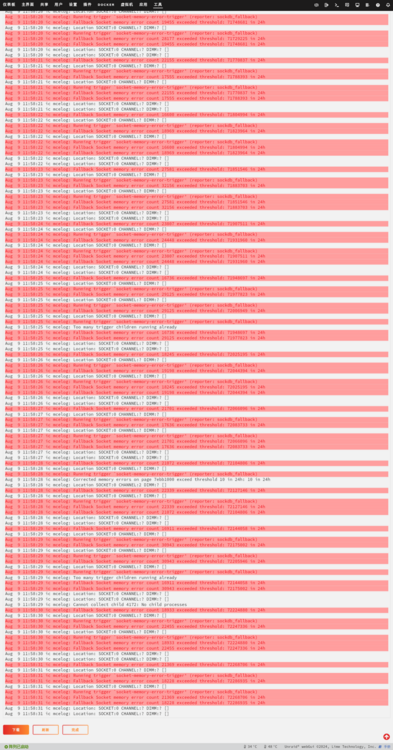
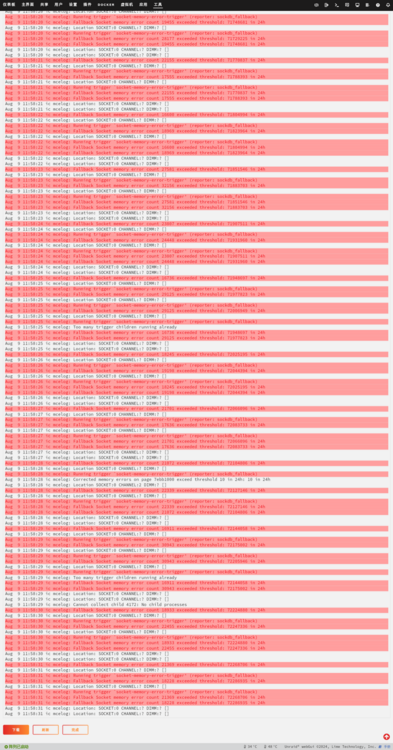
  3. 我用了官方的扫描内存软件 它显示无错误,但是问题依然存在 日志已经到79%😢了
  4. 感谢感谢 但是我检查内存之后 它显示通过
  5. 感谢它会导致我的日志文件夹00% ic-syslog-20240809-0358.zip
Account

Navigation

Search

Search

Configure browser push notifications

Chrome (Android)
  1. Tap the lock icon next to the address bar.
  2. Tap Permissions → Notifications.
  3. Adjust your preference.
Chrome (Desktop)
  1. Click the padlock icon in the address bar.
  2. Select Site settings.
  3. Find Notifications and adjust your preference.