dobbers
Members
-
Joined
-
Last visited
Everything posted by dobbers
-
Once the format had completed then the Add Shares screen no longer looks messed up - many thanks JorgeB for the solution.
-
Okay thanks - I kicked off the format. Will see what Add Share screen looks like after. Dave
-
Sorry but I am new to unraid. So after waiting for the disks to create the parity I need to do something else before I can add a share? Dave
-
I have logged into unraid from Firefox, Chrome and Microsoft Edge and same result on all three - they use different browser caches so not considered that as a fix unless you can persuade me otherwise. Dave
-
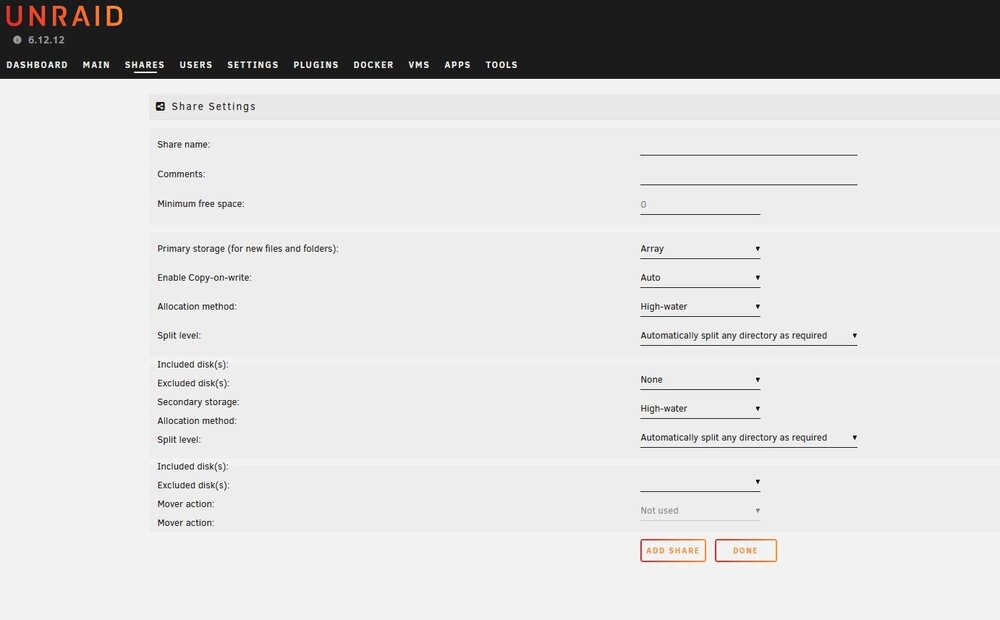
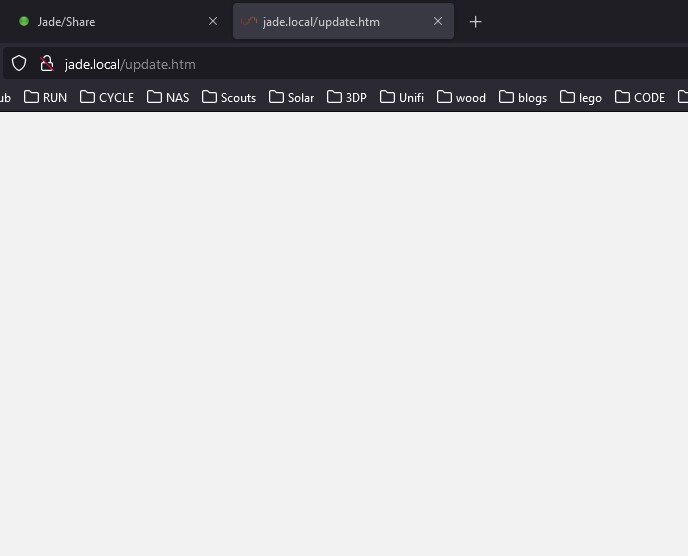
Installed V6.12.12 - waited for array to come online so then go to Shares screen. The screen looks a bit messed up - see screen capture below - and when I come to press add I get a second tab appear in my browser saying update and the share does not get added. Dave jade-diagnostics-20240822-1328.zip