krakkn
Members
-
Joined
-
Last visited
Everything posted by krakkn
-
HAHAHAH! It works now. So when I originally had the issue the service was already enabled by default. I had tried disabling it and re-enabling it a few times after making some changes and I was getting the same issue. After the last reboot that made the VM shares show up, I did not enable the docker service before or after the reboot simply because the shares were not there so figured it didn't matter. Apparently I was wrong. I guess it makes sense that I would need to docker services enabled to have it recreate the shares after that last reboot. Appreciate the help but now everything is up and running, got movers scheduled and already have files moving onto the array. Next stop docker town.
-
I'm attaching an updated diagnostics file that was taken after the reboot and the VM shares were automatically created. Still can't seem to figure out the docker portion. udon-diagnostics-20240923-1505.zip
-
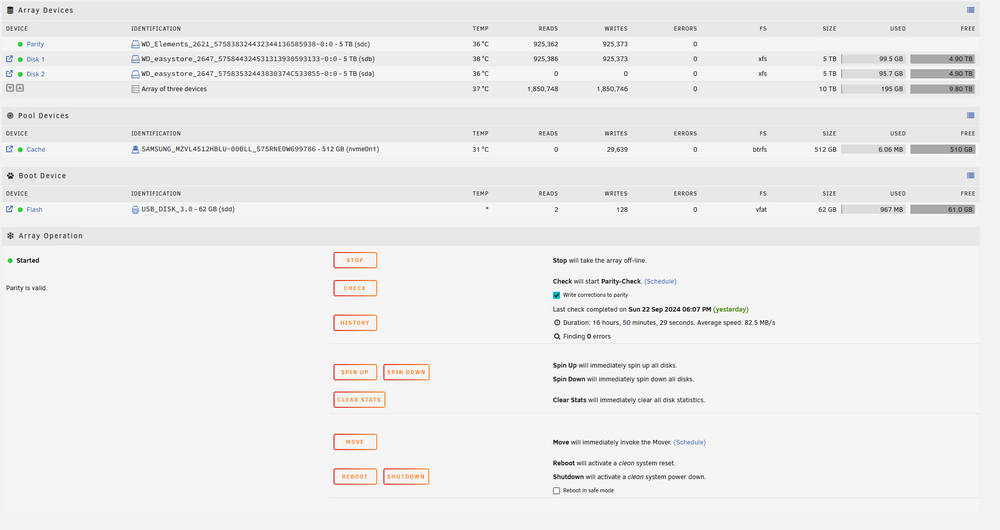
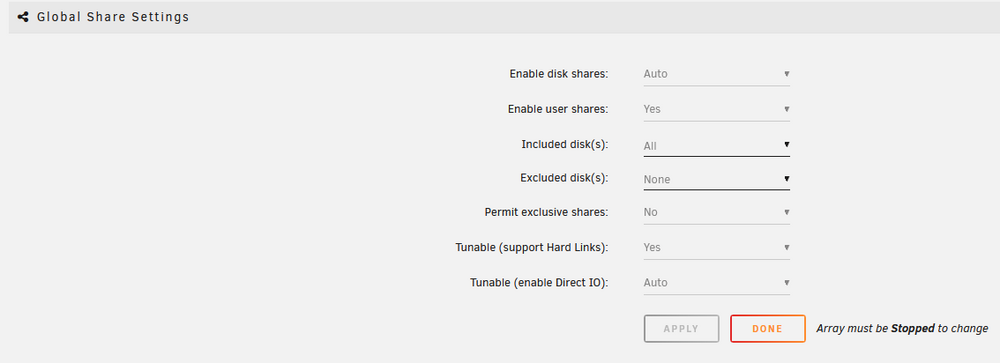
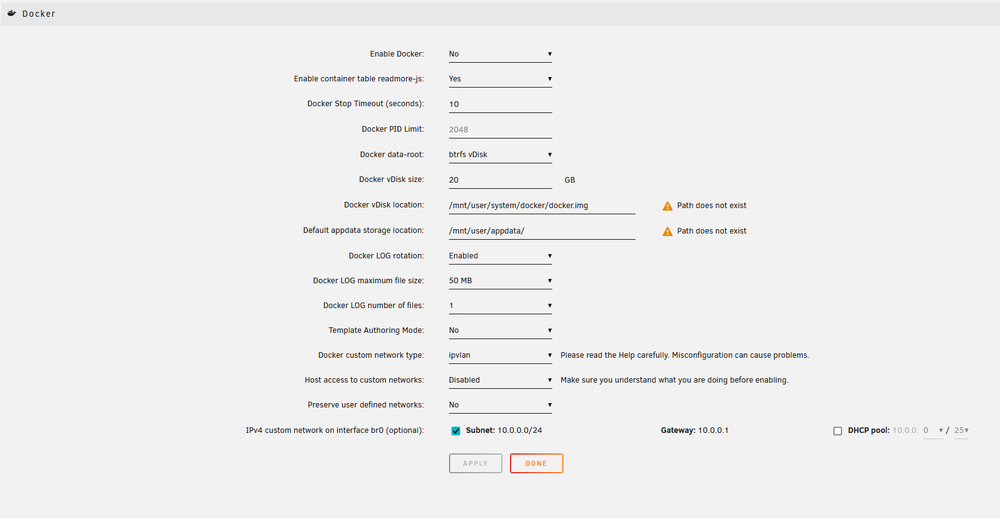
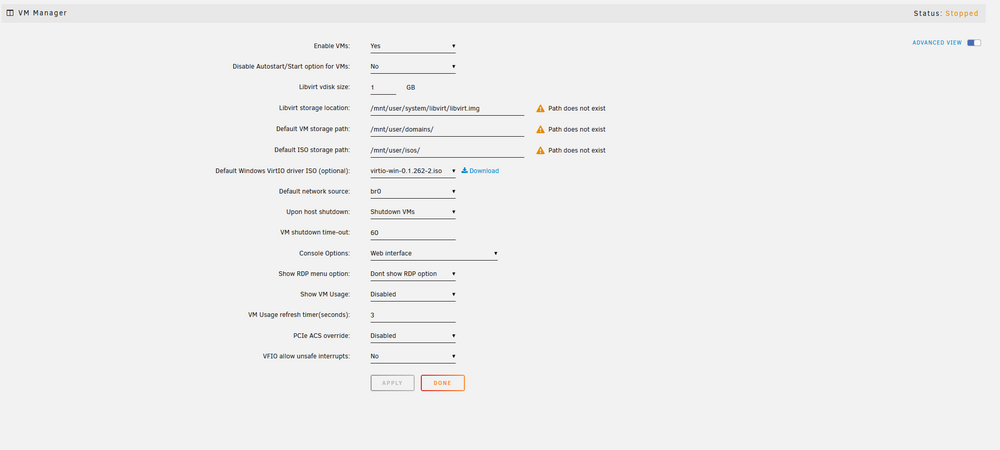
\Good morning, I recently got UNRAID up and running to see if I wanted to migrate everything over to it after some testing. I got my array and cache setup and I let it sit to finish the parity sync. Everything is showing green and I am now ready to start installing some docker applications but the docker system is currently down and it appears to be due to the default shares being missing. I did some research on the topic and from what I can tell it is looking at /mnt/user for all the paths but that does not exist. I would prefer to have all those paths be on my /mnt/cache share. Is there a way to have these automatically created on my cache drive or should I just manually create the share structure myself and then update the settings to point to those paths?. If I do create them manually is there anything I need to be aware of permissions/settings wise for the shares to avoid any conflicts with the operation of Docker / VM? I have attached some screen shots of my settings along with a newly generated diagnostics dump. Appreciate any help on this. UPDATE I decided to try a reboot from the main page and after the system came back up the default shares for the VMs are now there but the docker paths and images are still missing. I don't know if there was some sort of config just stuck in the either that needed to be reloaded but I violated the cardinal rule of IT and did not attempt to turn it off and back on first. So just need to figure out why the docker paths/img are misssing. udon-diagnostics-20240923-1255.zip