Maniekbad
Members
-
Joined
-
Last visited
-
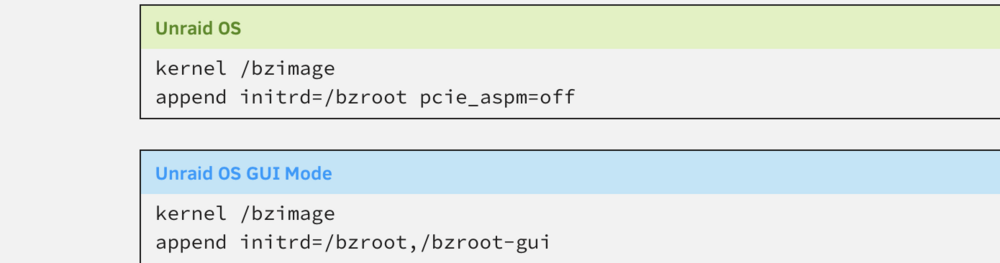
It worked like a charm!!! thank you so much!!! just added pice_aspm=off as below and external nic working normally.
-
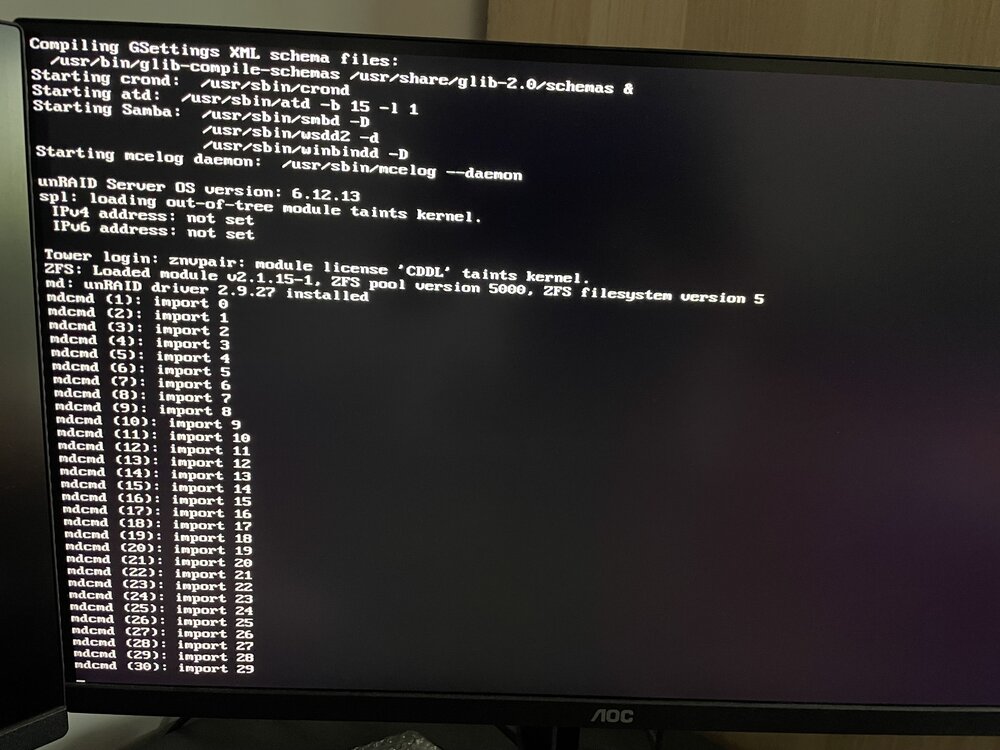
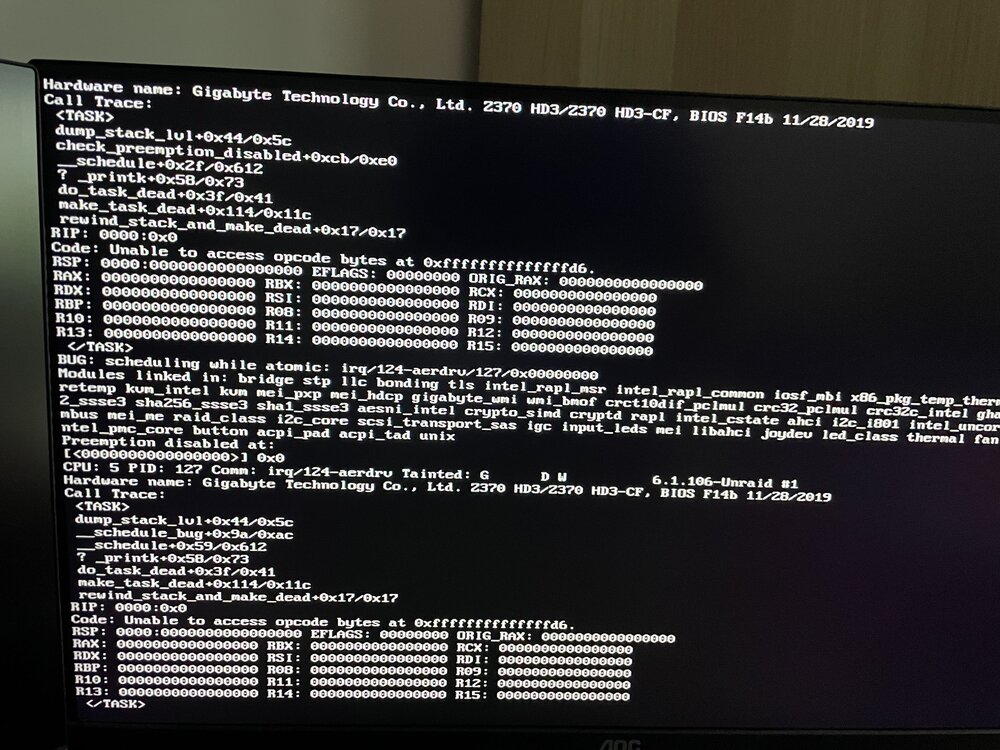
Hello all, I am quite a newbie in the Unraid world and I am having issues with external x2 2.5gb NIC i226 getting to work with Unraid. When attaching ethernet cable to the new NIC there is no IP assigned and console is spamming with some wired stuff. When there is only ethernet cable connected to integrated NIC everything works as expected and IP is getting assigned and I can get in to GUI from the browser. When checking system devices in tools external NIC (i226) is showing there. Tried to delete network.cfg and few other combination like connecting ethernet cable to the both NICS, disabling integrated NIC in bios but no luck. Attaching diagnostic and couple of screenshots for reference. Thank you! nasmaniek-diagnostics-20240927-0821.zip