





Morgoth
Members
-
Joined
-
Last visited
-
You should be able to just add the new variables with the "Add another Path, Port, Variable, Label or Device" link at the bottom of the container settings in unraid. I don't use docling myself but every variable I added just worked.
-
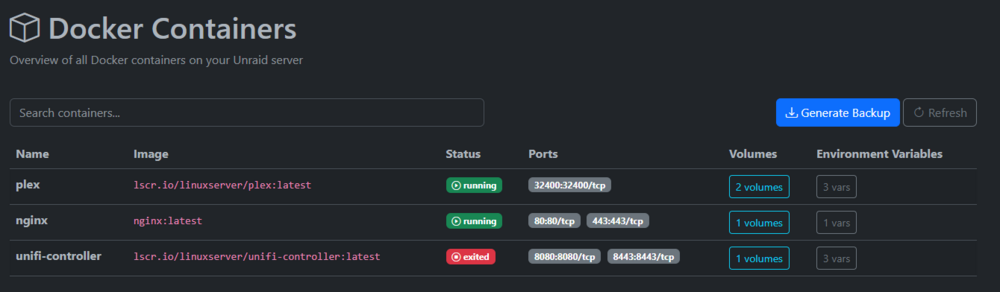
After updating to 1.0.5 and fixing the port issue it shows wrong containers. These are not my containers. Btw: After adding the app the variable DOCKER_HOST is set to tcp://tcp://dockersocket-ip:2375 (tcp:// is included twice) is this correct? EDIT: fixed it, after that I also had to set permissions to 777 to save the files to /output
-
[Template only, I am not the container author/maintainer] Project: https://github.com/icereed/paperless-gpt Support: https://github.com/icereed/paperless-gpt/issues Registry: https://hub.docker.com/r/icereed/paperless-gpt paperless-gpt seamlessly pairs with paperless-ngx to generate AI-powered document titles and tags, saving you hours of manual sorting. While other tools may offer AI chat features, paperless-gpt stands out by supercharging OCR with LLMs-ensuring high accuracy, even with tricky scans. If you're craving next-level text extraction and effortless document organization, this is your solution. Description of container variables: https://github.com/icereed/paperless-gpt?tab=readme-ov-file#configuration
