zwarag
Members
-
Joined
-
Last visited
-
@Hoopster yes you are you are right and I thank you very much.
-
Hello everyone, I'm currently running Unraid version 7.0.0. In a previous beta release, I recall being able to set a Docker container’s network type to “host,” which allowed me to assign a fixed IP address to that container. I used this setup for a middleware container that needed its own IP so it could operate on the default ports 80 and 443. All my other containers work fine in bridge mode—they share the server’s IP and simply use different ports. However, for this specific middleware container, a dedicated IP is essential. Has anyone else noticed that the option to hardcode an IP via the host network type is missing in the current stable version? If so, is there an alternative approach or workaround to achieve the same setup? Thanks in advance for your help!
-
zwarag changed their profile photo
-
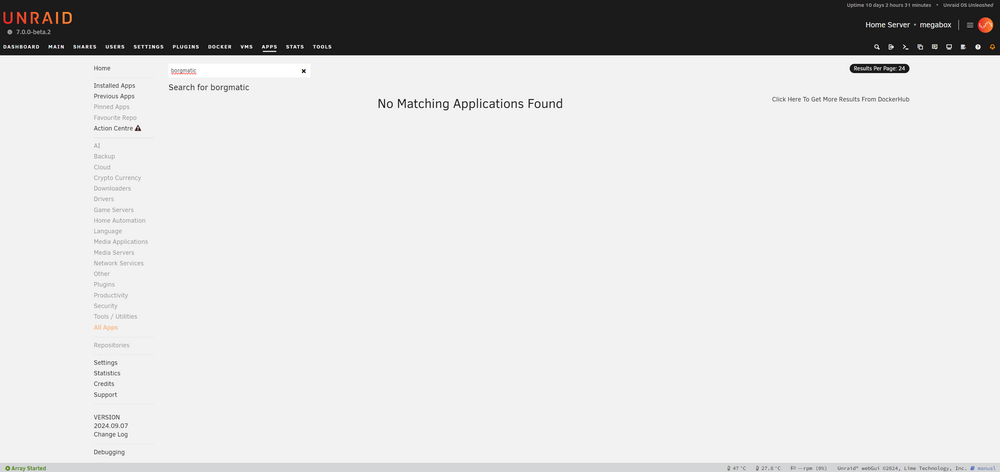
Hello. I'm new to unraid and spend the last days setting it up. Now I was thinking about backups and stumbled upon borgmatic. It seems like a really nice solution. I'm running Unraid 7.0.0-beta.2 and am not able to find this in the CA. Is there anything that has to be done to make it compatible with unraid 7?