lolojr1
Members
-
Joined
-
Last visited
Everything posted by lolojr1
-
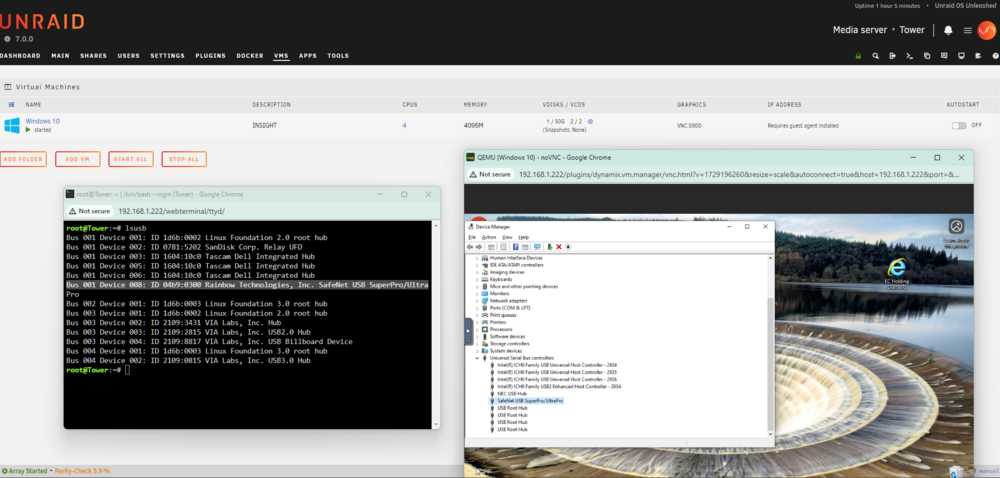
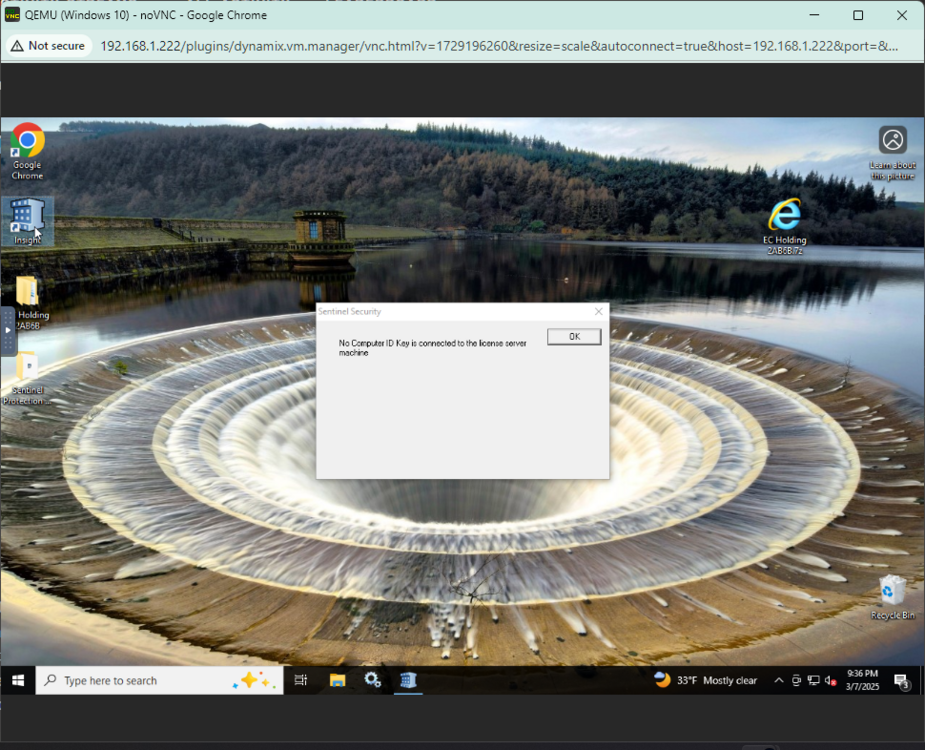
hello im now to the forums and unraid as a whole so if there is something i can add? i have a win 10 vm running i want to install a program that requires a hardware key i have the software installed and configured correctly. the sentinel key is visible in the host machine as well as the guest i can see it in device manager as working and yet when i try to start the software it tells me that it cant be found i have tried different usb ports with a reboot each time i have tried all 3 different usb controllers in the vm edit i know that this software can be ran on a vm but ive never seen it on a unraid vm just windows server hyper-v is there something that im missing ? i even installed the rainbow drivers but they are never needed on a non vm it will just run as long as its plugged in