Skyways016
Members
-
Joined
-
Last visited
-
Finally found a solution, while reinstalling the bios I realized that the stick I used for the new bios file showed me the uefi option. I installed unraid on this usb 3 stick and finally was able to boot it from there. Are USB3 sticks still not recommended? Even when running unraid 7 beta?
-
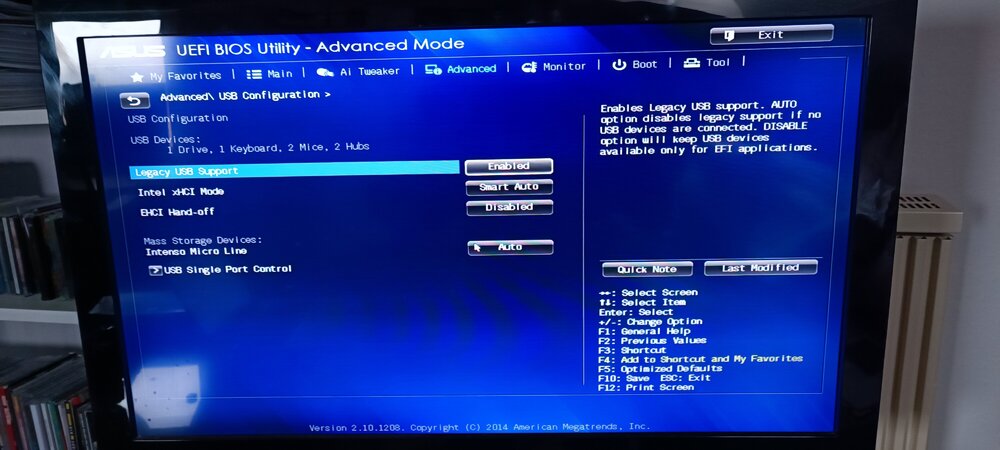
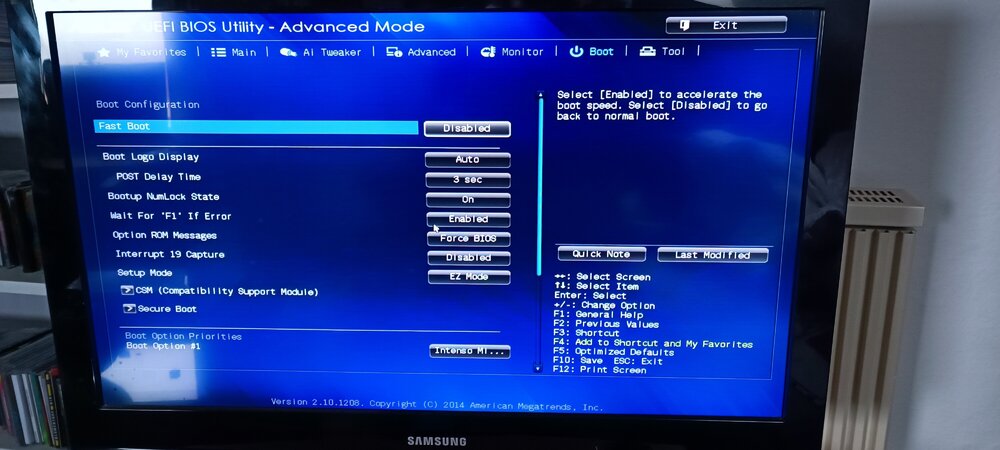
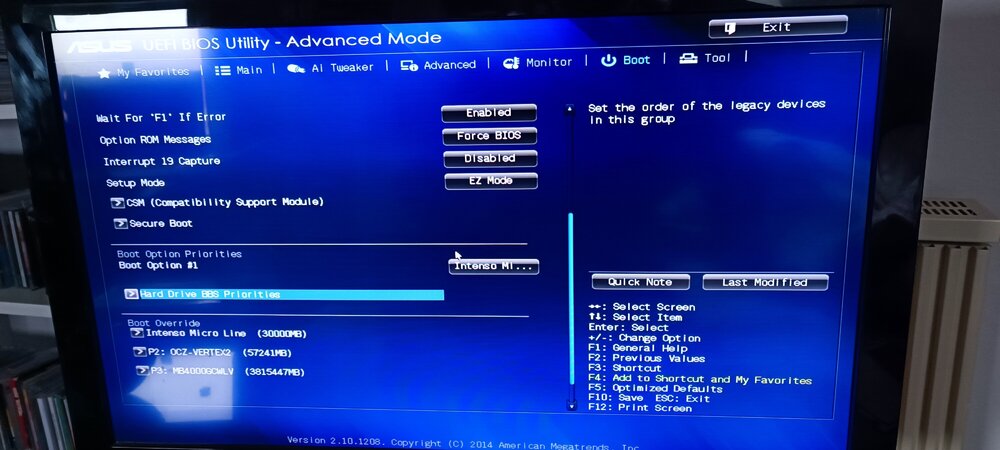
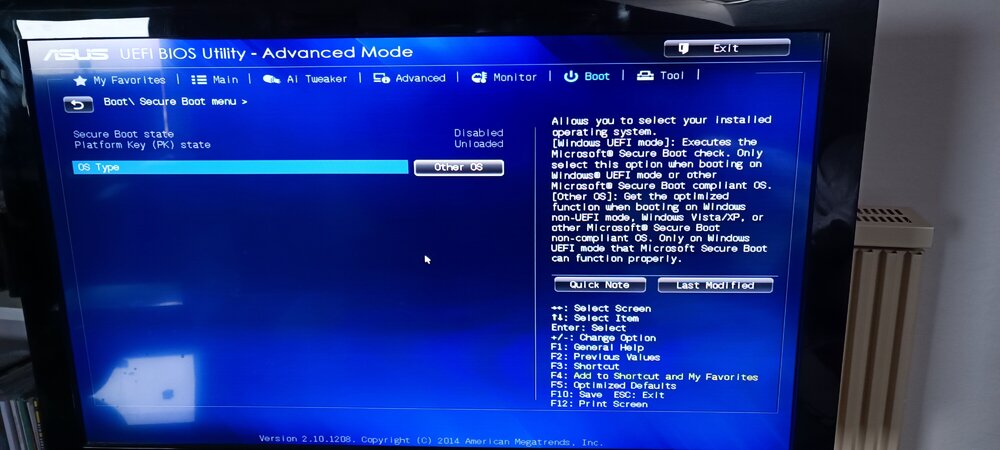
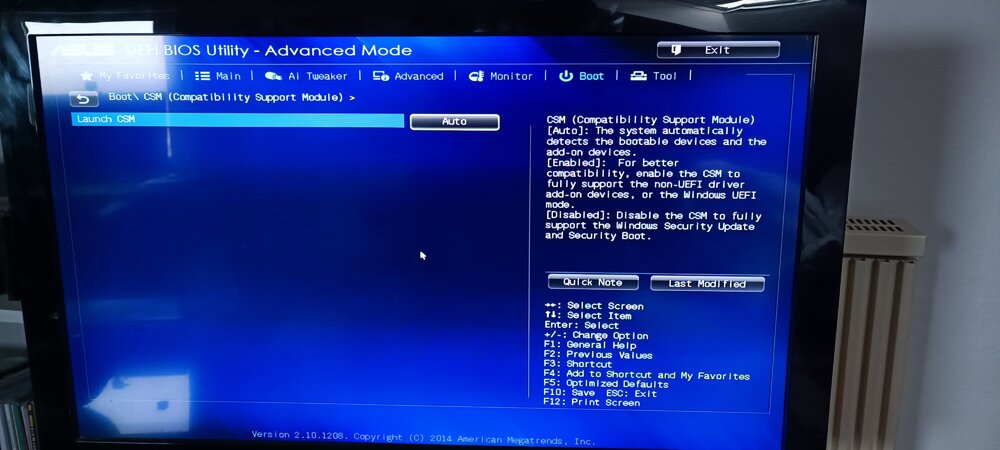
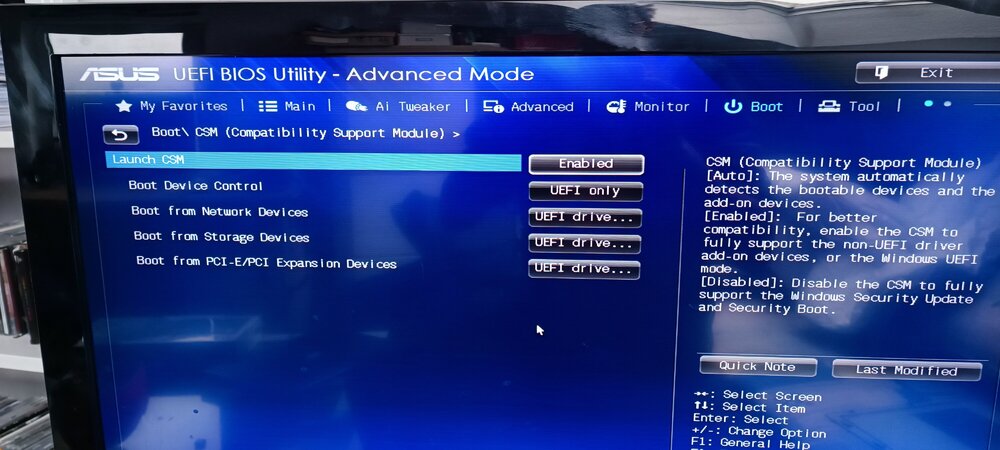
To me it looks like UEFI is enabled, but now I don’t see anything in the boot menu. The EFI folder is present on the stick.
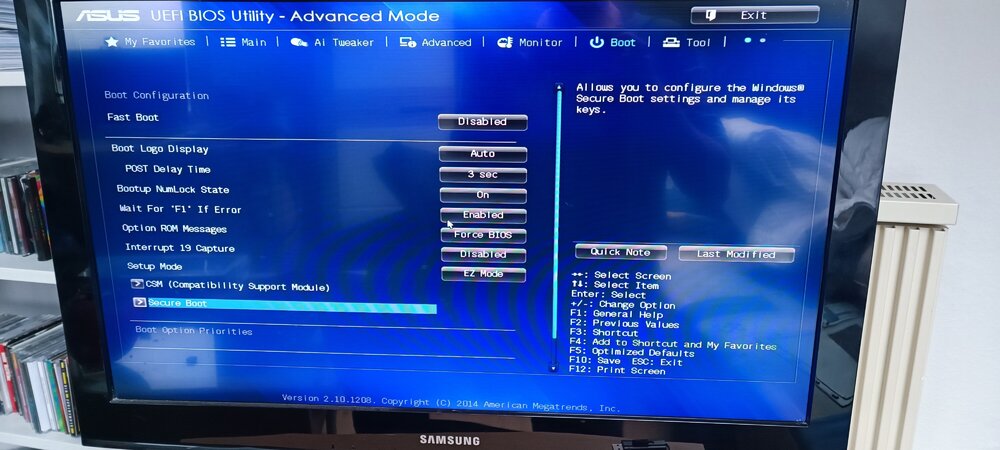
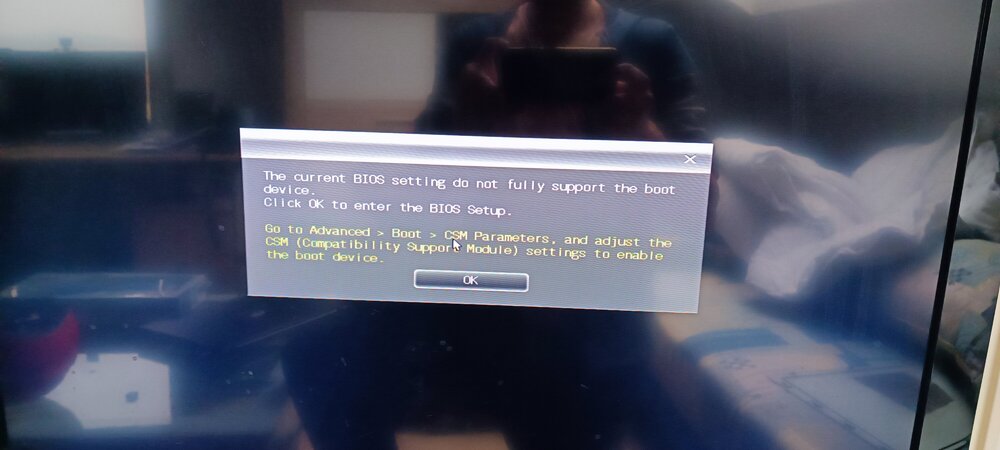
-
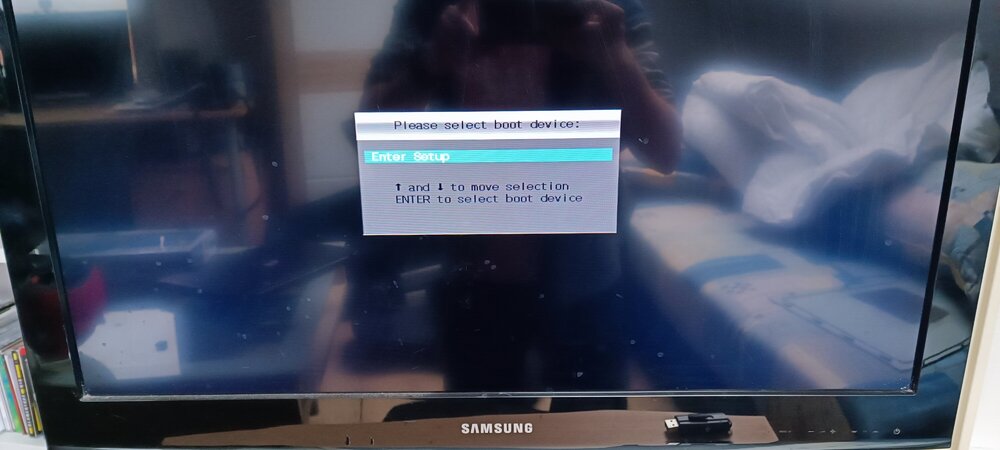
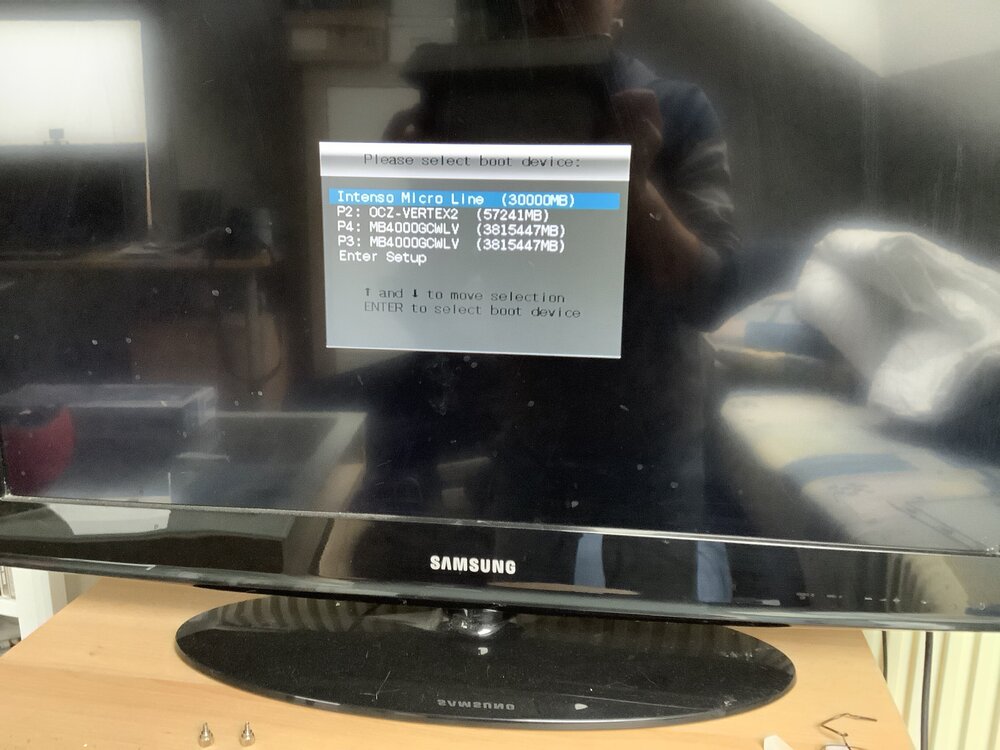
Boot menu looks like this
-
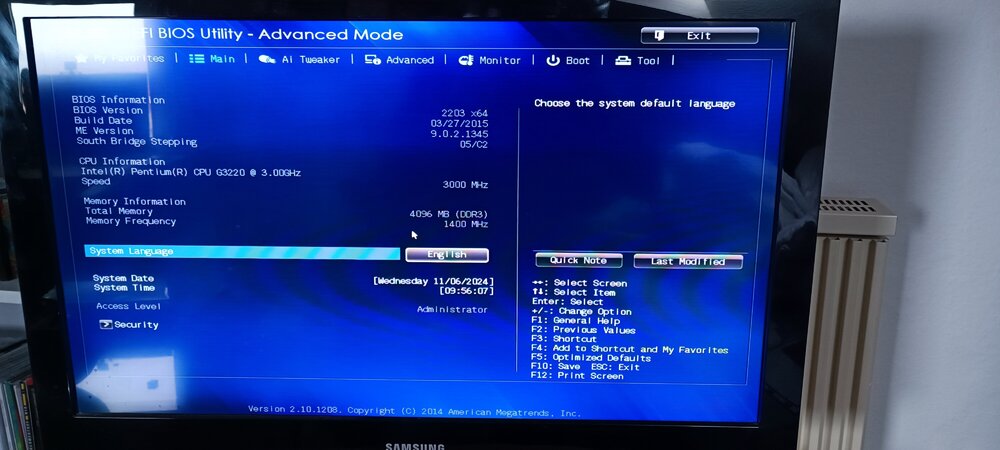
I’m trying to set up my first unraid server on an old system I got from my company for free. Mainboard is an Asus H81M2, unfortunately I can’t get it to boot from the usb stick. I already tried different sticks with unraid always flashed via the official unraid tool. A usb stick with a batocera Linux on it is booting without problems. Any ideas why I can’t boot unraid?