





FollowTheWizard
Members
-
Joined
-
Last visited
-
Does this solution survive an update? Or is this efi file never touched?
-
thanks for your support. need to check about the installation on internal pool. not yet familiar with this new concept.
-
it is booting with BOOTX64.EFI limine binary hurrayyyy. But why??????
-
will give it a try thanks
-
Yes stick was booting before on a self build pc without issues. Wil try other usb sticks updàting bios a.s.o. Cannot be that I do not get that running.. Also removèd windows ssd in case windows booțloader is blocking
-
Tried That with one usb stick. Same behavior. Also tried different unraid versions🙁
-
Also boot file file not helping. This is not my first Linux I am trying to boot. No clue why hp makes it so difficult.
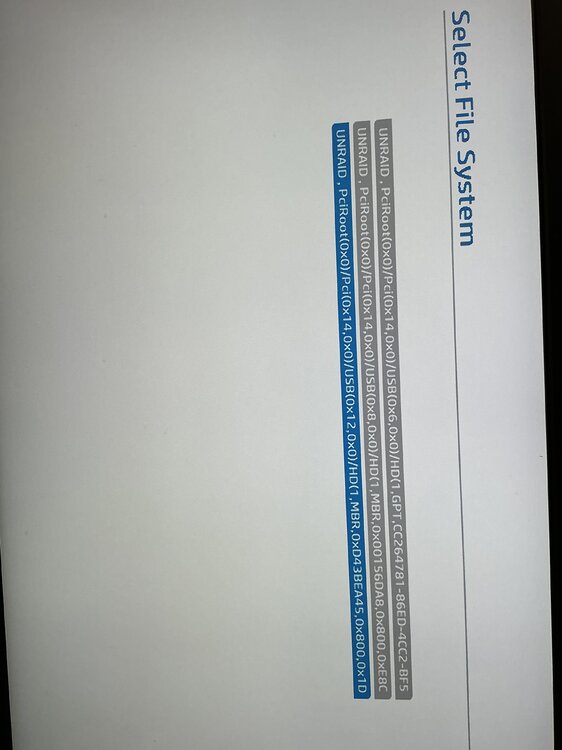
-
I tried three different usb sticks.
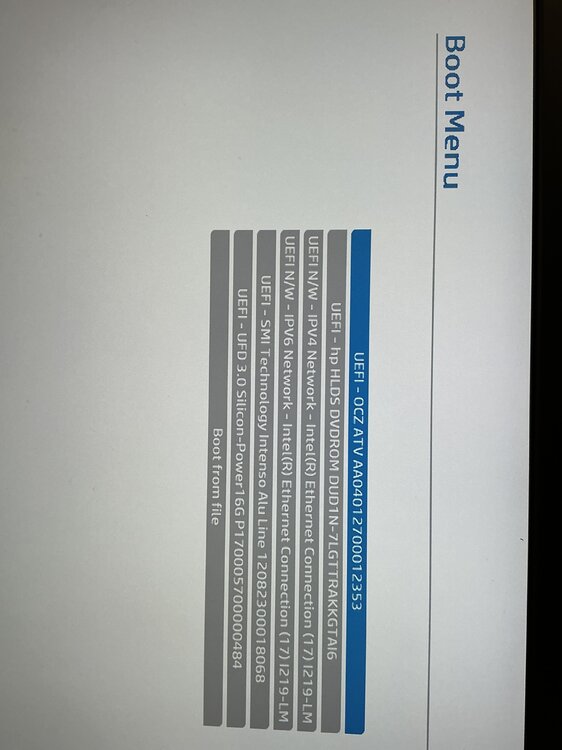
-
No boot menu from unraid. Just a black screen after the post screen from the bios I was able to boot into Ubuntu iso via ventoy
-
I tried already several way to create the usb stick. Usb stick was already running on a different system. I used Linux app to create new stick windows app. I used Rufus I used the windows Media create stick I put a 2024MB partition on the stick. Still only a black screen during boot. Secureboot sure boot pre dma is all disable. I did a bios reset to default. Only disk currently in is windows 11 and Fastfood is disabled. I would highly appreciate a hint what that could be. I also clean the secure boot keys. Thanks in advance. Br
-
Thanks for the suggestion! I came across the "7 watts idle" article on Matt Gadient's blog (mattgadient.com) and took some of the advice. I ended up removing both NVMe drives—one connected to the CPU and the other to the chipset. I also disconnected the monitor and closed the GUI, then waited for about 5 minutes. No change, still C8. SATA drives were still connected. It's actually a good sign 🤪, as this means I don't need to replace the motherboard, which is a relief. The motherboard only has one x16 (CPU) and two x1 (chipset) slots. I'm planning to pass through an ASM1166 port expander to TrueNAS, as it's quite handy when the VM shuts down, the hard drives enter spindown mode. The only downside is that the ASM card is x4 and now occupies the x16 slot, causing it to go into C2/C3 state. Looks like I'll need to pick up a new x1 card to resolve this.
-
ASUS Pro B660M-C D4 12th Gen Intel® Core™ i3-12100 1x KINGSTON_SA2000M 1x SK Hynix Gold 2x Samsung SATA 1x Crucial MX500 1x Patriot external USB case with WD disk Without SSDs in C10, but not really helping in that config
-
Had the same issue and came across this forum. So ASPM was working in Ubuntu but not in Unraid. Tried pcie_aspm=force with no impact. Now i updated to the current beta "Unraid 7.0.0-beta.4" and powertop is working out of the box and i reach C8! It is just a bummer that nerdtools is going to be deprecated in v7.



