





BooM141
Members
-
Joined
-
Last visited
Everything posted by BooM141
-
Solved, use manual method. Created a bootable USB using rufus. PSA below for the options used
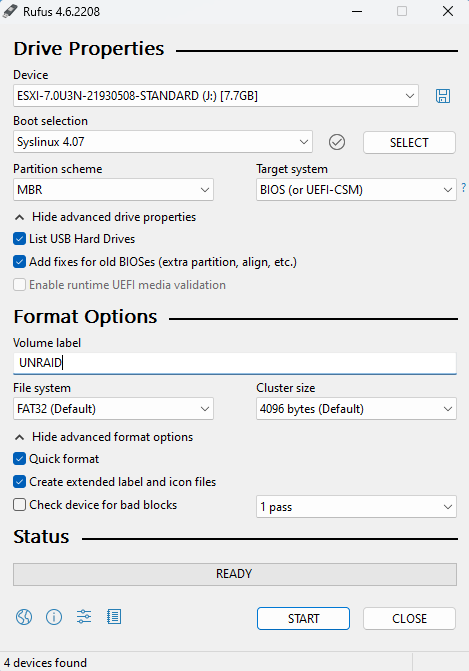
-
I attempted to boot from the USB on my main rig and this is the error I get. I re ran make bootable.bat and the issue persists
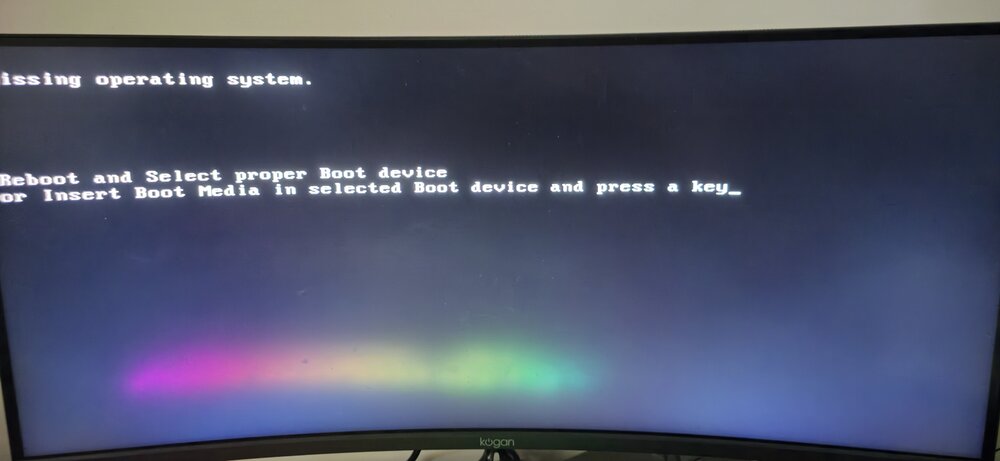
-
just to make sure, booting legacy is adding the Tilda (EFI~). I have attempted and still no good unfortunately
-
PSA below. It all looks right to me, I'm really not sure. I have seen secure boot needs to be off however I cannot find that option.
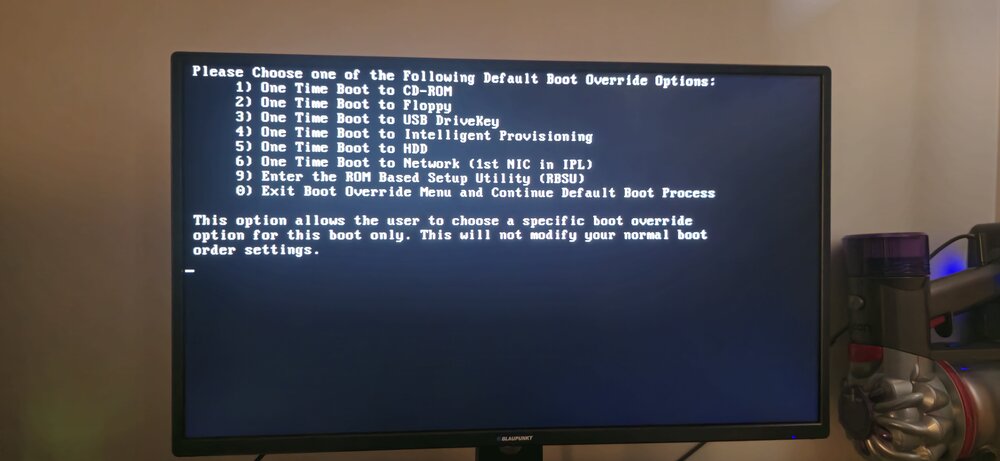
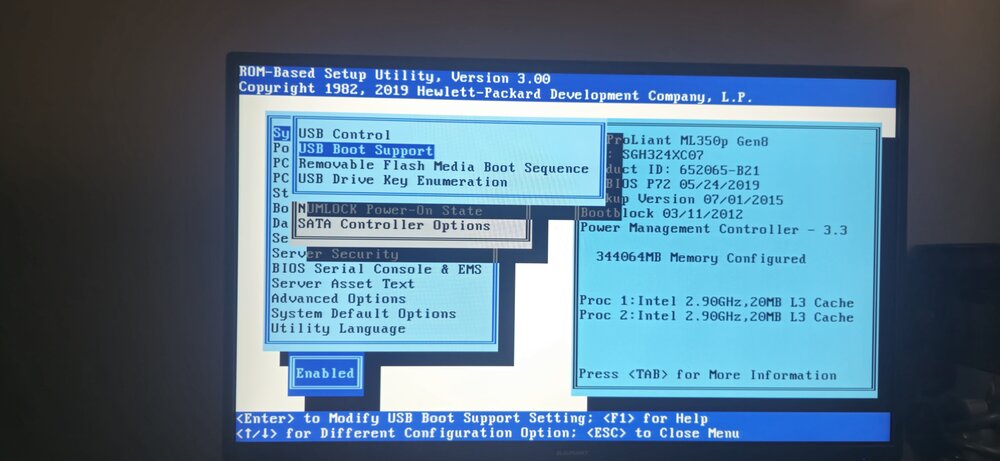
-
Doesn't RAID 0 disable that?
-
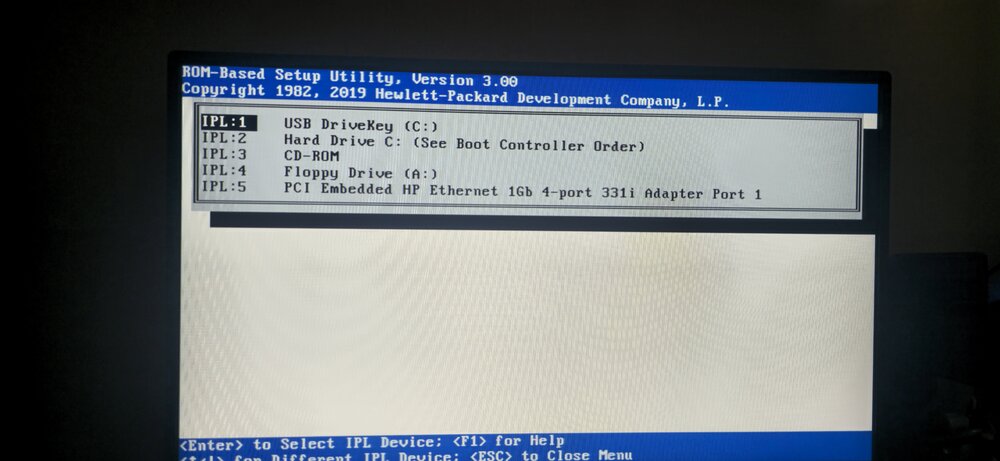
Im very new to servers, previously ESXI 7 was on my server it was working fine and i installed the software onto the USB. but now using the UNRAID tool the server skips over boot from USB and doesn't seem to recognize it at all. I have wiped my drives and set them to RAID 0 I have looked online as much as possible but cannot find an answer.


