





K_Allen78
Members
-
Joined
-
Last visited
-
I appreciate it. Yup, I have a static IP assigned to the server, and I can navigate to it. It just bothers me because I can't make sense of it.
-
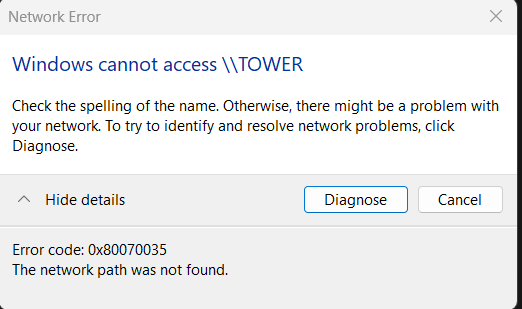
So I can't access the SMB share by navigating to \\TOWER. and my PC returns an error of 0x80070035, Network path was not found. Typing my server's IP in the explorer address bar (\\192.168.1.129) navigates to it quickly, and without issues. My first thought was that it was a DNS issue. It's weird though, because pi-hole is my DNS, and it's running on the tower. It shouldn't be network discovery with my PC, because I can directly access the SMB share via IP. I've seen similar situations to this in the forums, but I couldn't find a fix. Suggestions?
-
I can't find the upgrade to lifetime license, whether it's on sale or not..
-
K_Allen78 joined the community
-
I'm sorry if it's obvious, but I can't seem to find the Unleashed to Lifetime upgrade. Is it on sale too?
