crazyfrog
Members
-
Joined
-
Last visited
-
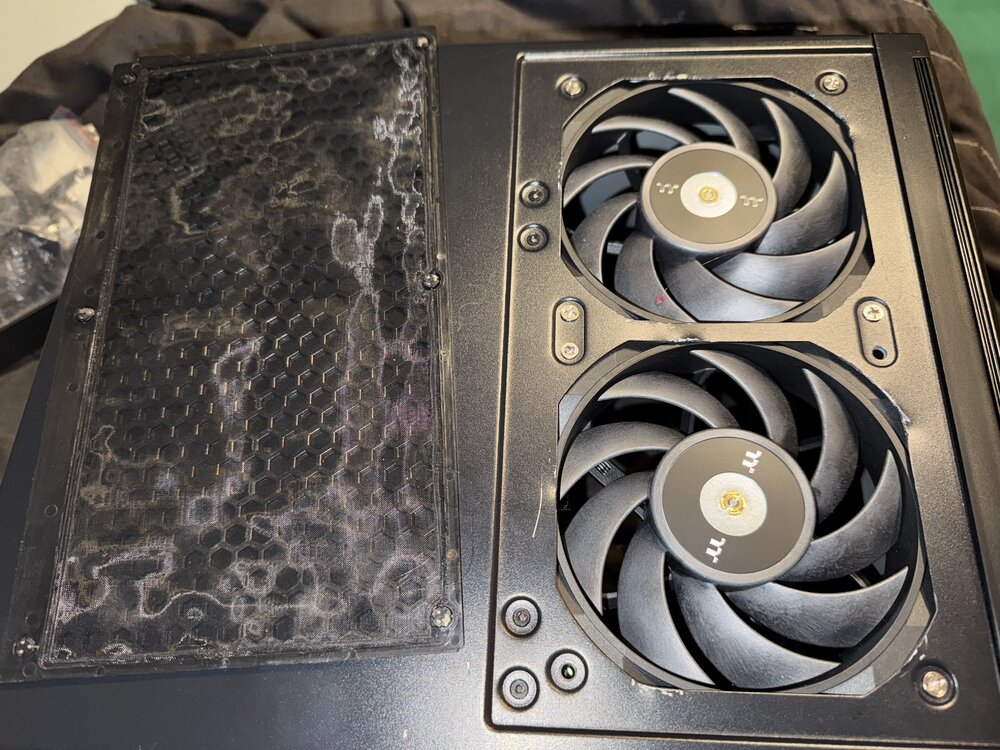
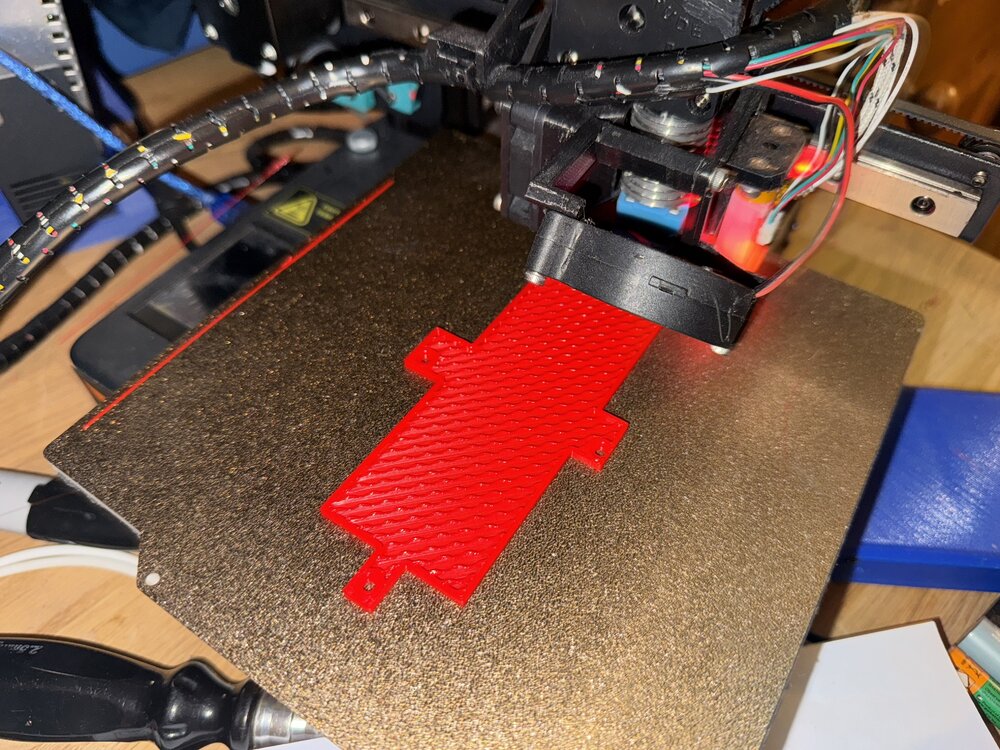
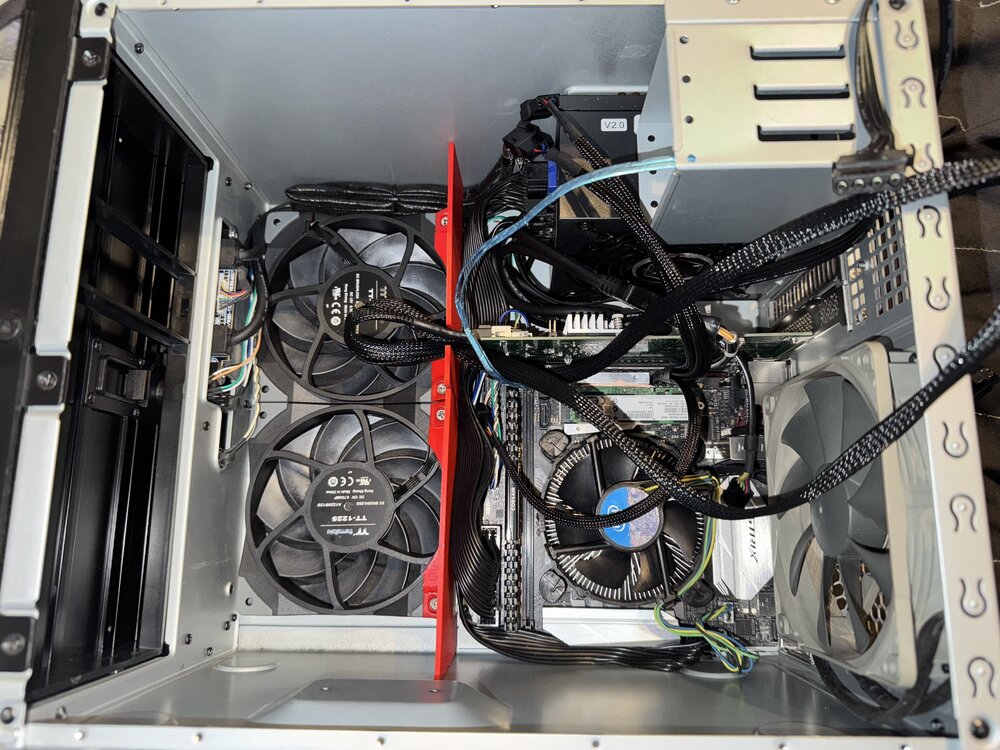
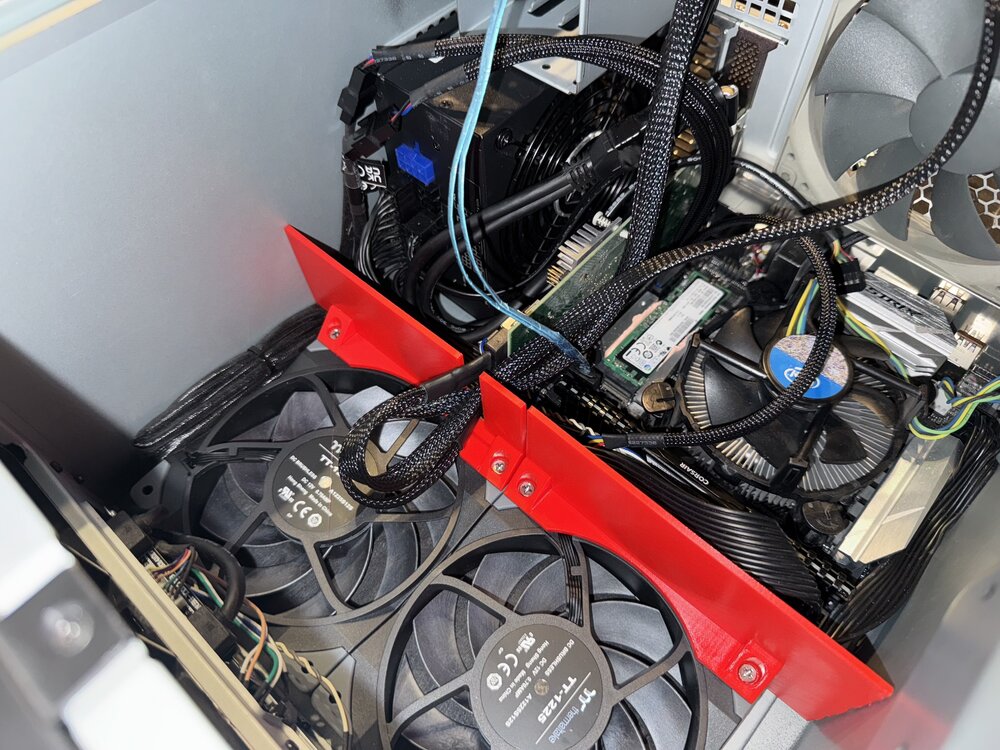
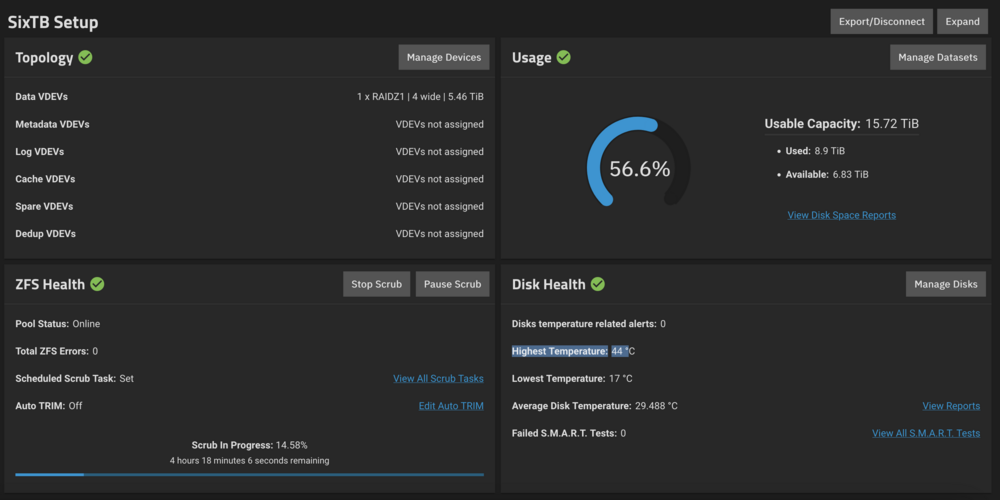
Sorry to revive a dead thread. I only use my truenas nas occasionally and after a scrubbing realised the drives are hitting 68c its down to lack of airflow but more so bad case design. The community has already created a fix with a cardboard mod and others have created flawed 3d printed cooling ducts that have the wrong spacing dont cover the top and bottom of the case. My fix is three tier Upgraded high static pressure fans with thermaltake tough fans which are Noctua NF-A12x25 clones to replace the stock fans from a time when motherboards didnt manage fan speeds very well. 3d printed correctly sized fan ducting so airflow is pushed through the drive cage. 3d printed cover for drive cage so I can use an LSI card. Cutout the intake fan guard to allow for slightly more airflow. Regrets Buying an LSI card specifically a Fujitsu 9211-8i from ebay it showed up with rusty vias. Instead I wish I'd bought a ASM1166 based card I could have still used the nice mini sas cables and for my occasional use its fine not like I'm running virtual machines or running a business from this system or run multiple days a week. Specs for anyone interested 4x6tb drives 2x8tb drives(not in use) 2x free drive bays Asus Strix ebay 'for parts or not working' mobo with pins bent back 16gb ram pentium dual core thing 128gb samsung PM841 boot drive UPDATE 29/11/24 I finished modelling, printing and reassembling. No I havent published anything yet. After all the fixes theres a 24 celcius drop to 51 celcius. The thermaltake tough fans are at low RPM's.