jaybug624
Members
-
Joined
-
Last visited
-
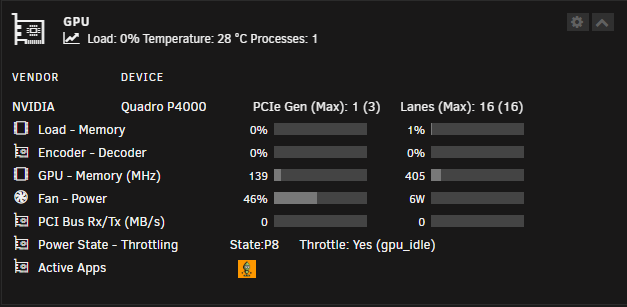
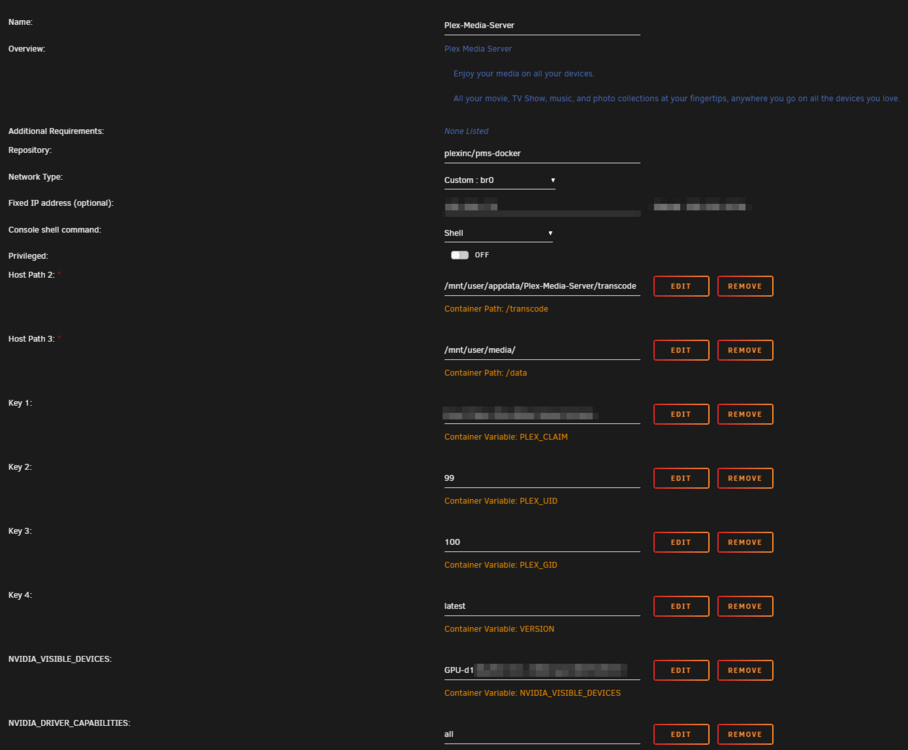
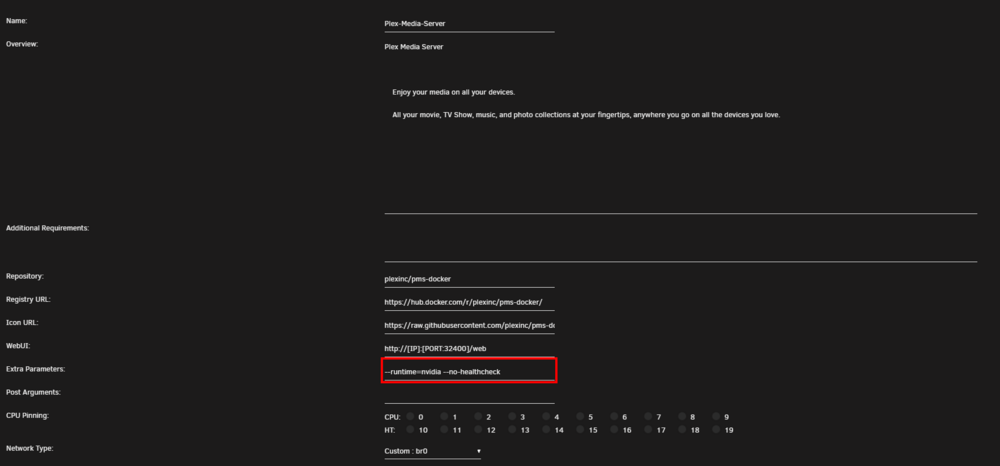
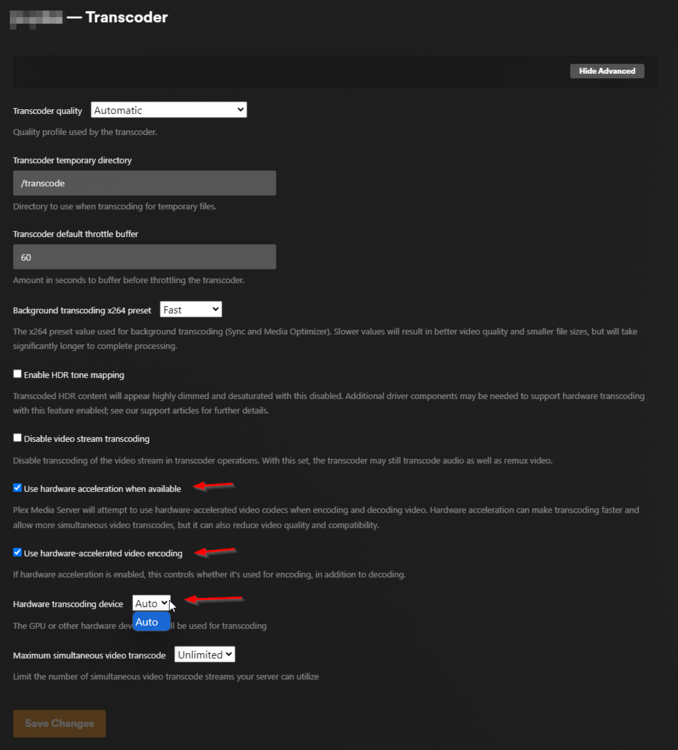
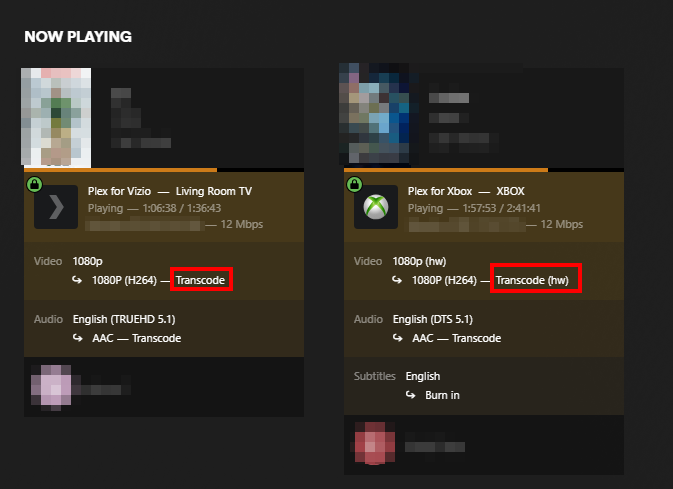
I have looked all over and cant seem to find a solution to this issue and not sure if I am missing something. I am trying to get plex transcoding to work but there are some oddities, the biggest is it does not always use the GPU. In fact last night I had two streams going and one was using hardware transcoding and the other was using CPU at the same time. Other times it will work on hardware others it will use CPU. I think the issue is 'Hardware transcoding device' does not show the GPU it only shows 'Auto' and my guess it round robins. However I can not figure out why the GPU is not showing in the drop down. I think the thing that is driving me crazy is it does work sometimes but not every time. If it never worked I feel like it might be easier. I do have one other docker container that is also using the GPU 'Code Project AI' My setup: Example of what I am seeing: