parrajara
Members
-
Joined
-
Last visited
Everything posted by parrajara
-
Thanks for all your help. The issue was that the USB did not have a GUID, as @trurlkindly pointed out.
-
I thought it did but after some digging around, perhaps it does not. I searched under Device Manager > Disk Drives > USB stick > and selected the property "Hardware Ids". When doing so, it shows the USB model, but not GUID. I went to double check by accessing my Disk Management > Selecting USB > right clicking on "Properties" > and under volumes it shows the partition style as "Master Boot Record" (MBR). A guide online said that if it had a GUID, it would show the partition style as "GUID Partition Table" (GPT). I am just following online resources, but according to this it appears like it does not have a GUID. If it does not have a GUID, I will order another USB reader with GUID. What would be the process to transfer my unRAID key from the current USB card reader to a new one? Are there recommended card readers for unRAID? I went this route with the hopes of creating physical copies/backups of my microSD.
-
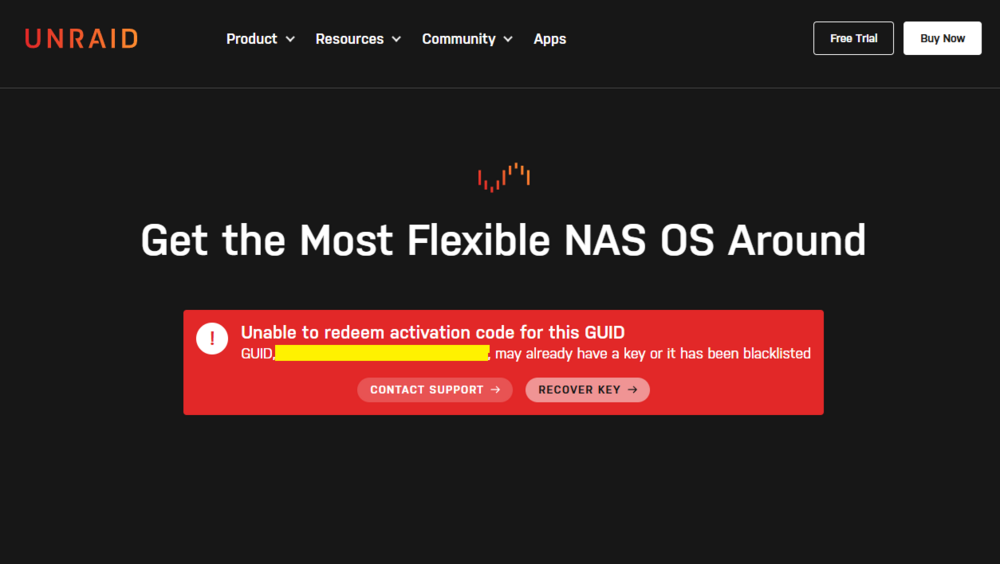
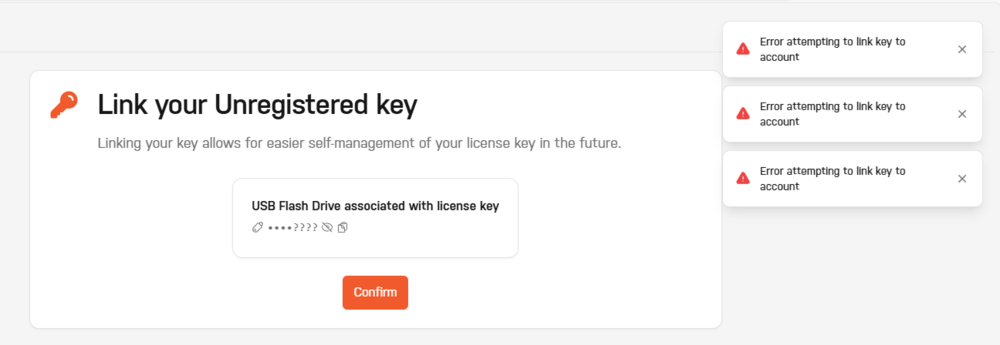
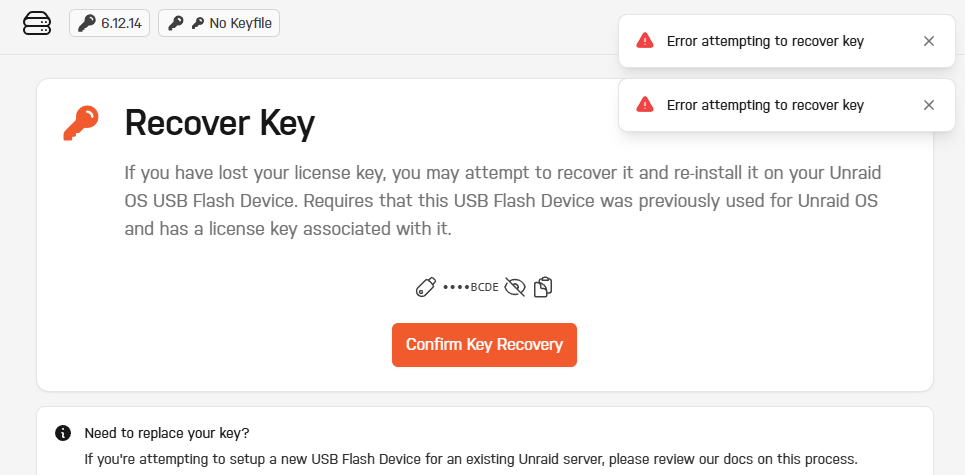
I purchased unRAID (never done a trial, so not upgrading from trial) and I can't link the key from my USB to my unRAID account. I already used the creator to make the USB, created a root login/password, and booted from the unRAID USB stick. However when I am trying to set things up, unRAID recognizes my USB and shows that I have a key but it doesn't link them. Any help would be appreciated. I'm not technically inclined but I have been troubleshooting for a while to no avail. I used an Anker 2-in-1 USB 3.0 Portable Card Reader with SanDisk 32GB Ultra microSDHC UHS-I Memory Card