





m4rkiz
Members
-
Joined
-
Last visited
-
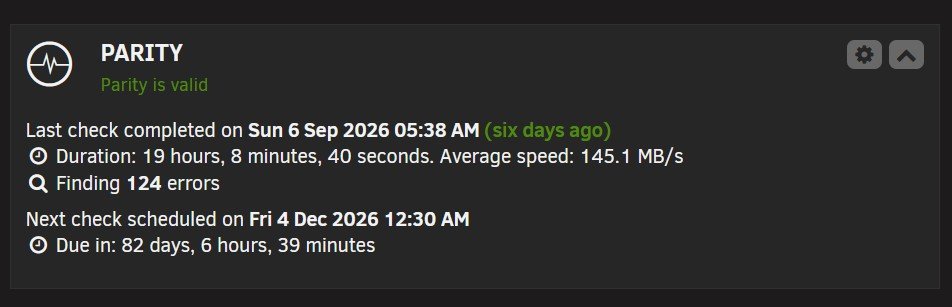
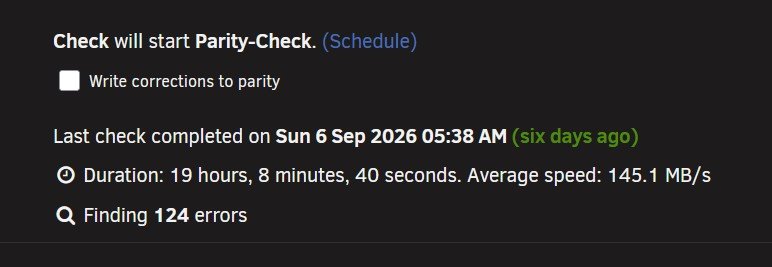
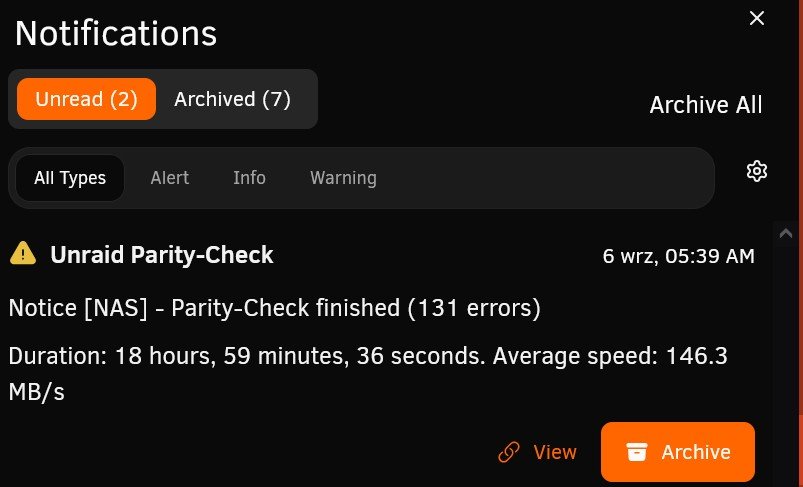
somehow notifications states that parity check took less time and with better speed, but also there is more errors, otherwise it could be explained with notification being fired up early all info is from the very same check performed few days ago
-
Do You have "detailed CPU time" enabled in htop? it is under F2 setup\display options in my case it was due to Disk IO Wait
-
it would be really nice to have more options there i.e.: i have ordinary cache ssd nvme drive with some vm, dockers etc. and files that i work on at the moment (i would prefer to have it moved only during the night) at the same time i have another ssd pool sata device that is used for uploading files and i would prefer that it use some other options (like run mover for that device couple of times during the day, but pause mover temporarily if array is heavily used for more than 2 minutes etc.) i know that i can use larger pool drives, so they last me whole day, but there is problem of them not having redundancy
