





aku_pod
Members
-
Joined
-
Last visited
-
all good, still thanks alot for your help!!! I kinda had a feeling from the begining, that ill have to go for a fresh setup.
-
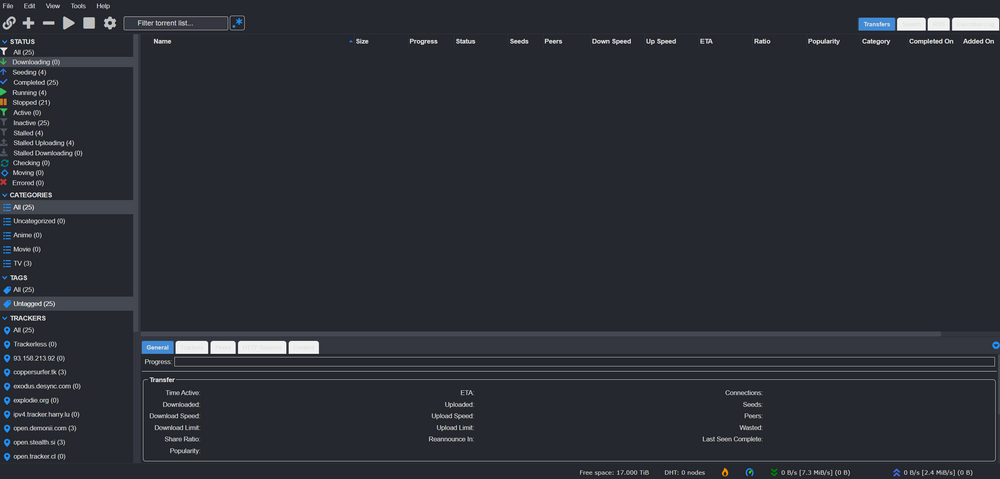
At this point using it is rly slow. Im note getting any nodes and the connection is marked as "firewalled" (flame icon) which confuses me even more.
-
i rly have no idea, i double checked my user/pw and the forwarded ports. I'm rly confused what could suddenly have changed.
-
supervisord 02.logdone
-
Ok, done that. I'm not quite sure if it's because of the change, or if it's because i waited much longer to log in to the webui (more than 10 minutes). I was able to log in now, but I don't have a VPN connection (so no downloads), my torrents are gone and most of the settings seem to be missing.
-
I am quite new to unraid, I hope I have understood you correctly. I have set the DNS from 1.1.1.1 in the ‘wg0.conf’. I hope that's what you meant. Unfortunately this has not brought any improvement.
-
Hello everyone, my system ran without any problems until yesterday evening. Today I logged in and could not see any traffic (I upgraded to 7.0.0. in the meantime, but did not check the torrent function directly afterwards). After restarting the container, it is shown as started in the Unraid interface, but the WebUI is no longer accessible.I have tried to fix the warning ‘Warning: `/config/wireguard/wg0.conf’ is world accessible’, but no matter what I do with restarting the container, the rights for the wg0.conf are set to “-rwxrwxr-x” again, even when deleting the perms.txt. I hope the attached data is not too redacted. I hope you can help me and thank you in advance. Command execution.txtsupervisord.log
