TutaUnraidbox
Members
-
Joined
-
Last visited
Everything posted by TutaUnraidbox
-
I have tried multiple times from various machines, including directly connecting monitor to my NAS. I'm baffled why it will not start.
-
tower-diagnostics-20250218-2151.zip
-
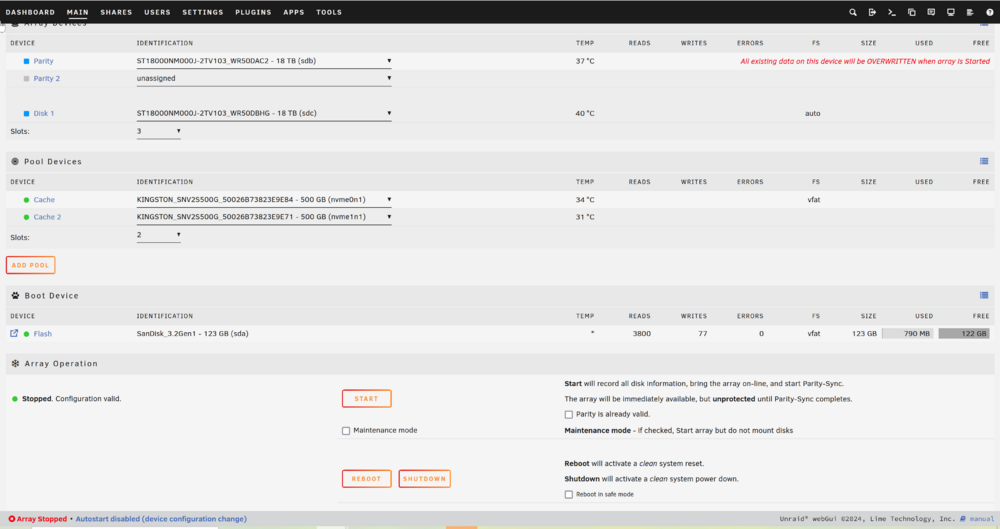
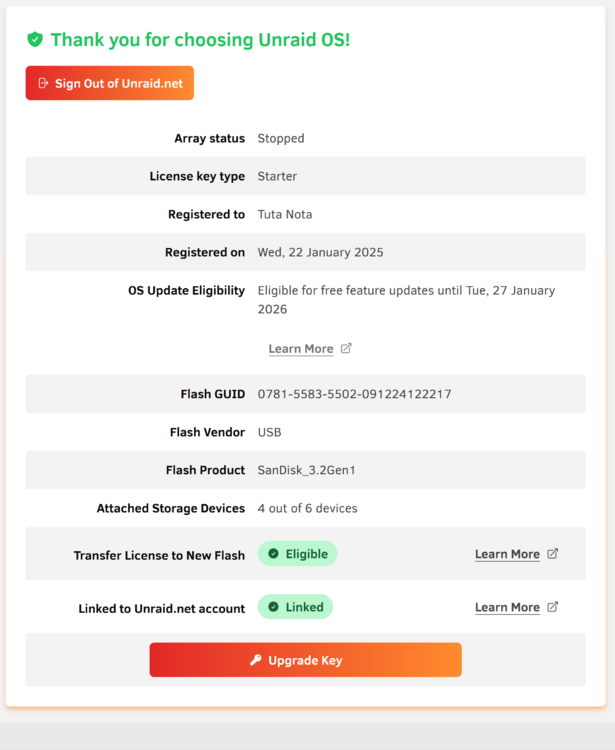
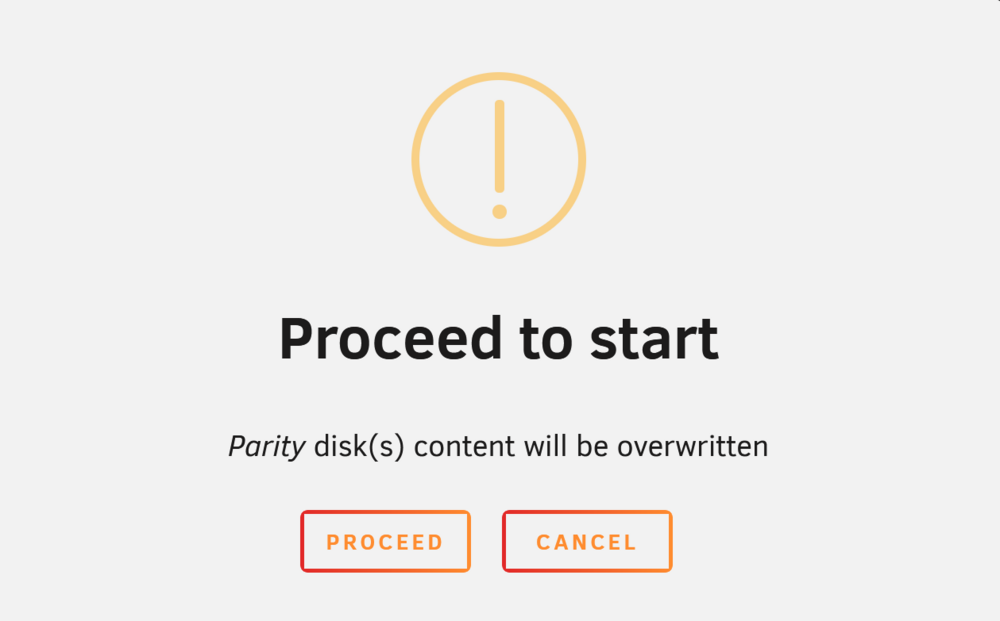
I have added two brand new disks to my "new" Array. When i click on Start, nothing seems to happen. I have tried multiple times, and restarted multiple times, and same issue. I have tried my best to search the docs and google for some help. I get this prompt, and press proceed, and then nothing really happens. Appreciate your help guys.
-
Yes silly me; i had tried this before and saw no change. This time i decided to refresh the browser page after the Array/Disk stopped. And violla ... new menu items appeared. Thanks for your help.
-
pls see Diagnostics file tower-diagnostics-20250131-1609.zip
-
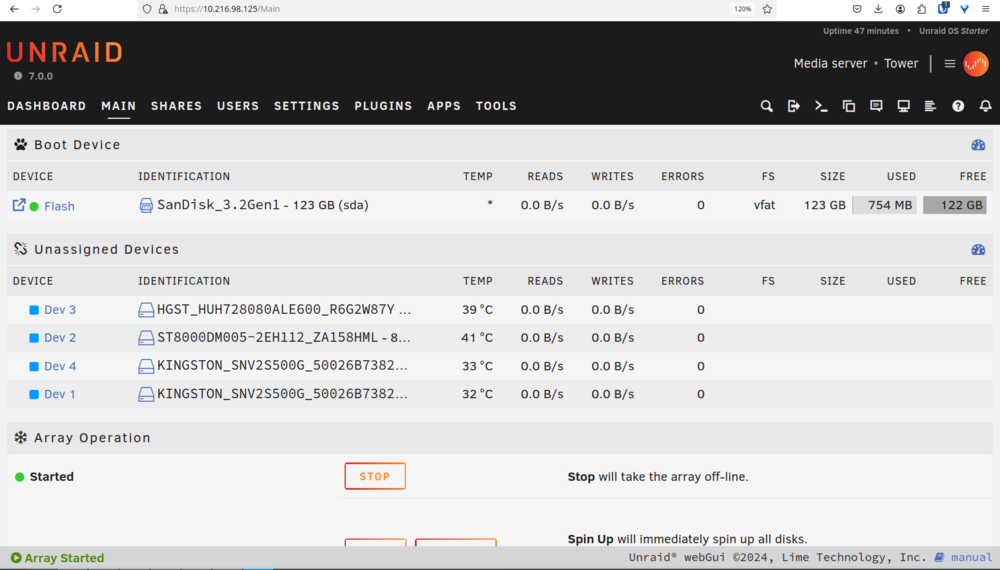
Hello, New to unraid so pls bear with me. Pls see my disks below. There are 2 x 8TB sata drives. For some reason not able to select them and create an array out of them. The option simply does not appear on my screens. I have a Starter license for 6 disks. I have read through various sections of the manual, don't seem to find the right steps to move me forward. Thanks for your help.