





Farlig69
Members
-
Joined
-
Last visited
Everything posted by Farlig69
-
Thanks Jorge!!
-
Perfect thangs again trurl! My noobiness rears its head again, appreciate the prompt reply!!
-
Is this normal to have no file system etc attributes for a cache 2?? Nothing I do seems to bring it back includng doing a new config just now (still wiating for it to finish though an that will take some time...)

-
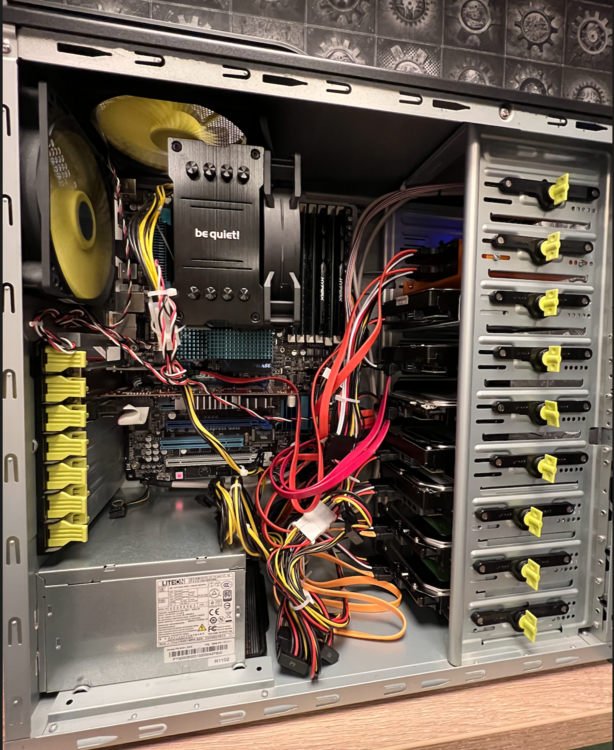
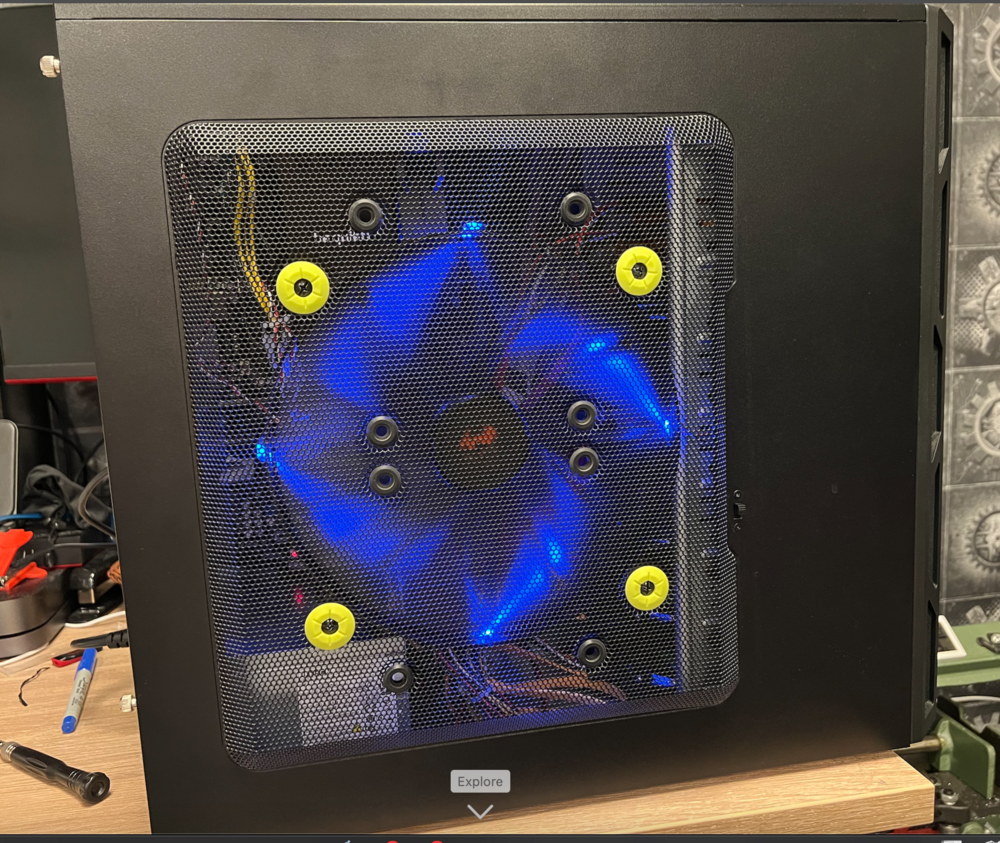
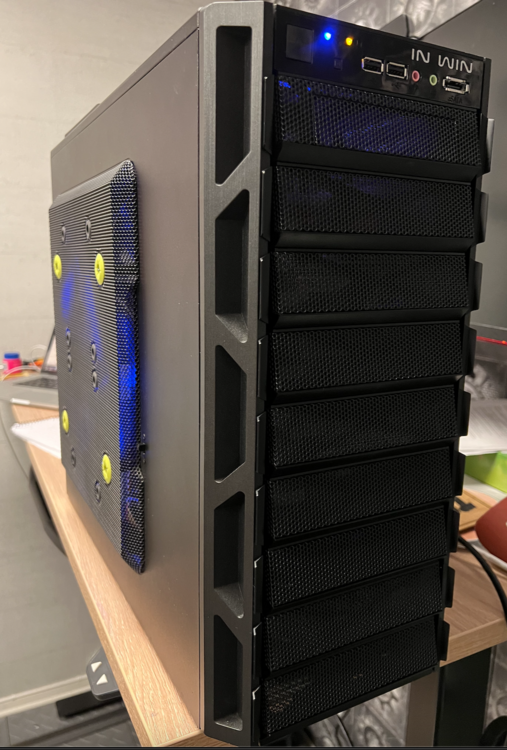
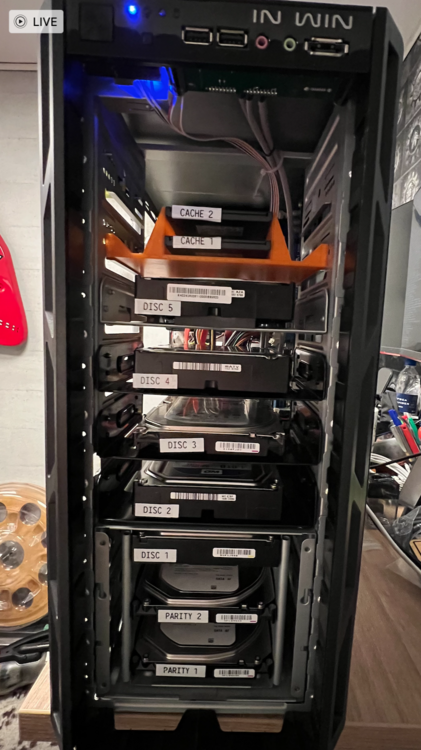
Hmmm... Thankks Hoopster, interesting info, I'll give that a read through, probly not too much of a concern for the LAN port but I did install my two cache SSDs on the Marvel controller 6.0 Gbps ports (set the controller to normal speed). Might explain a little something... Finished my build last night, allocated the array & then let Unraid do its thing overnight Woke up this morning to one of the cache discs not listing anything under file system / size / used / allocated; though the drive is checkmarked green & allegedly healthy. I'll give it another try though as when trying to label all my discs physically, I could not for the life of me find a s/n on the SSD's so the only way to ID them physically for me was to shut down, disconnect one, reboot and see which was missing in the cache pool, before shutting down and reinstalling - of course the one with the missing data labels is the one I disconnected 😳 And pics, everyone loves a pic (don't they?) 😂 Not too enamoured with the blue LEDs - guess this tower was a gaming machine before but not gonna complain as it was free including the really nicely 3D printed orange SSD bay, must confess I was blown away by the quality and accuracy of the print and made me reassess getting one to play with!! But I digress haha
-
Thanks Hoopster, managed to get it working via some help to what I posted when I moved this over to general - here´s the thread Cheers, Neil
-
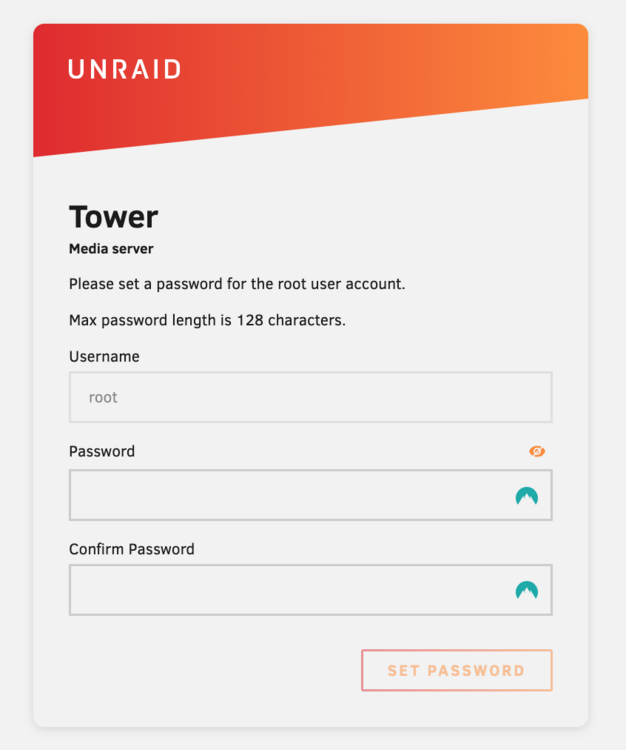
YES!! That was it thank you very much @itimpi and @JorgeB 👍🏼😎 The Marvell LAN1 was set to disabled - I must confess to going through and disabling a heap of stuff earlier in the hopes of eliminating issues, forgot what I did and didn't do 😳 SO a good cmos reset I think is needed when I finish the build But that's enough for now, my brain is mince and I need a break before getting back to the build In any case the main hurdles have been cleared methinks, so a huge thanks again to all who nudged me here and there and helped me get there, you are seriously appreciated!!!
-
Here we go, I think tower-diagnostics-20250224-0735.zip
-
I'm on it, thanks!!!
-
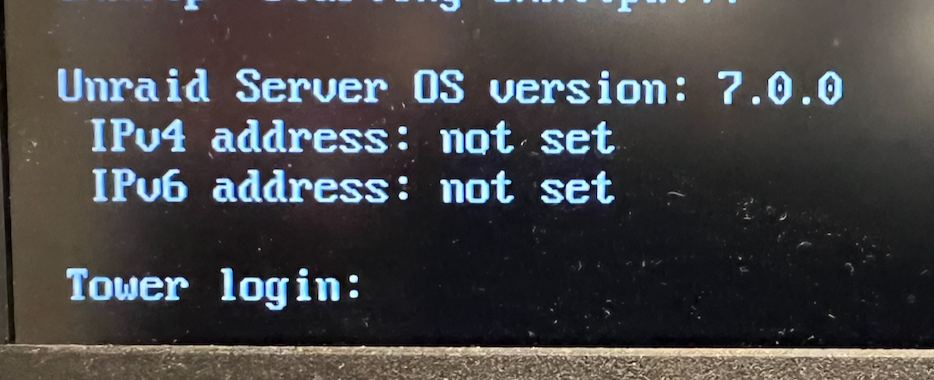
Well we kinda have a winner - I have a boot but no networking, was suddenly very high then I came crashing down again Combination of @JorgeB and @itimpi : I said I had done it before (labelling the EFI folder as EFI-), but I had not done the JorgeB combo of formatting the flash drive with Rufus, then renaming the folder EFI- Tried that as a last resort & result got a boot!!!! Yahoo, buuuuut I have no network, end result is: One giant leap closer though!! Back to the search function, thanks for all the help so far guys!!
-
Thanks, tried a few different usb sticks now and nothing works. I fail to see how it's an issue with the board through when slax and unbuntu USB boots work fine on it...
-
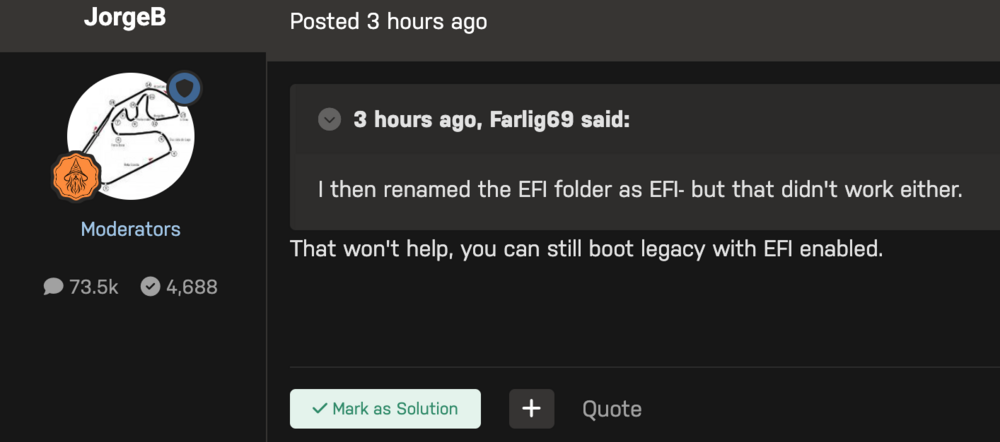
Tried that before then Jorge said this:
-
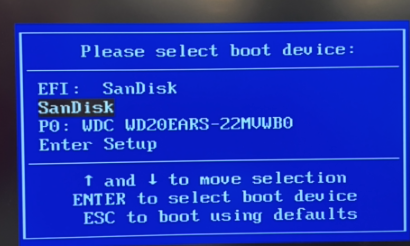
Missed the F12 boot instruction to boot menu and got this: So selected the 2nd option and yep it boots fine...
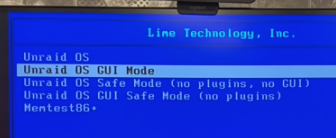
-
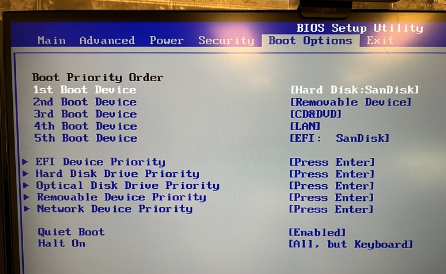
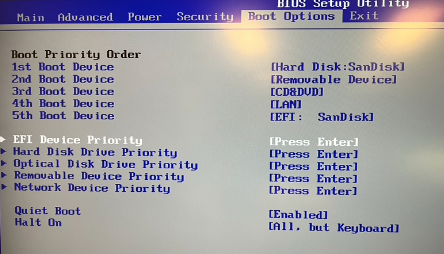
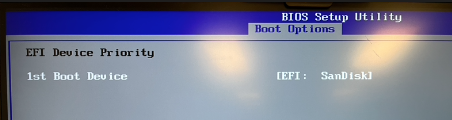
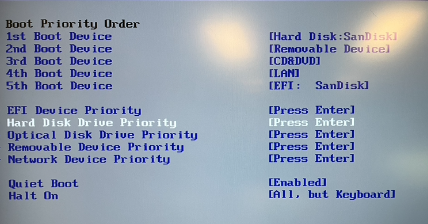
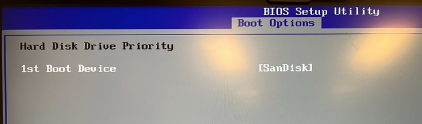
This BIOS is pretty inflexible and not giving me any option to disable boot devices, only to shuffle them around The USB drive is coming up as both an EFI device and an HDD (?) Tried making the 1st boot device the hard disk version of the Sandisk and the EFI the last version & it booted Unraid fine, don't know how effective that is as I cannot disable the EFI device... In the BIOS he devices are listed below the Boot Priority Order but I have no idea what these do as selecting them doesn't not seem to do much but I tried making the HDD priority to see if that maybe "forded" a legacy boot - dunno how to deactivate the EFI... Anyhoo - whatever I do it boots Unraid fine on this motherboard arrangement. Pics tell more than I can describe: SanDisk available as both EFI and "hard Disk" Go into this setting.. And there's nothing to choose from. So went in here: And selected this as priority in conjunction with 1st boot device (above), stabbing in the dark here I know The rest of the devices are not connected so show nothing:

-
OK I will try, I guess I need to force the BIOS in the PB machine then to boot legacy? The whole point of me not building my server on the packard bell architecture was to give me the asus' flexible bios and motherboard to control a "server" and multiple fans etc but at this rate I'm getting ready to throw the asus and xeon out the window, which would be a shame seeing as slax and unbuntu run fine... I'll dismantle & rebuild again and give it a try see what I can do in the PB bios...
-
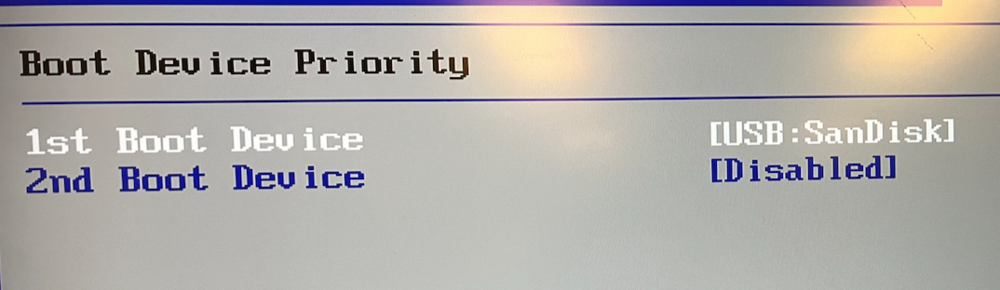
Nope, that didn't work either, BIOS correct boot device, result black screen flashing cursor top left.
-
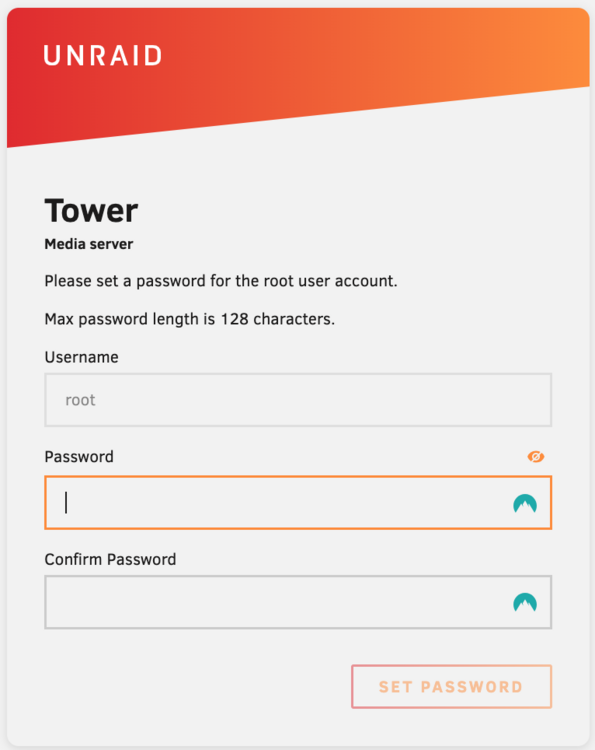
Well the PB boots fine and unraid login is on my home net, but then that was working last night too, let's see if the asus / server arrangement will also play ball now Fingers crossed
-
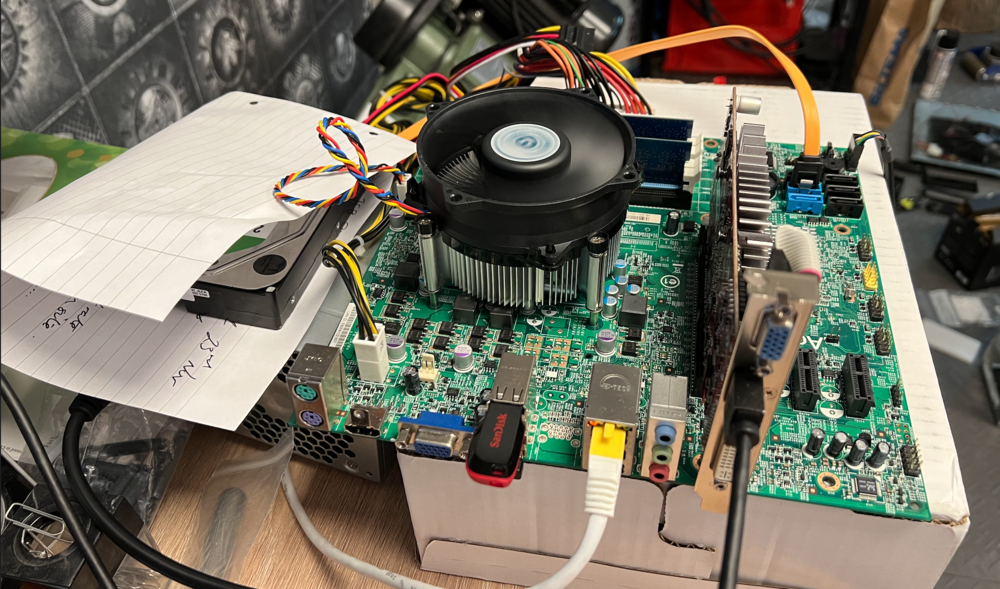
Ok cool, I've rebuilt the PB windows MB, downloaded and installed rufus 3.22 & formatted the flash as per your instructions, I'm away to execute make_bootable.bat as I am pretty convinced now that the Asus MB does not support UEFI... Will report back when I reassemble the server and try it out! Pic for posterity, everyone loves a pic
-
Thanks Jorge! On the Packard Bell arrangement it would appear to be booting EFI - after I got Unraid working I went back into the BIOS to have a really good look and the USB flash had been "relabelled" as an EFI Device see screenshot below. And this very exact USB didn't work on the Asus arrangement. I then renamed the EFI folder as EFI- but that didn't work either. So to make it boot legacy in your description above is exactly what I did - not using Rufus though, I formatted the flash with windows then did the rest exactly as you describe. I can give it a try formatting with rufus but as I have a serious lack of windows machines I'm gonna have to rob the PSU & GPU from the Asus arrangement for the Packard arrangement Can it be something so simple as how Rufus formats a flash drive as a pose to how windows or mac format the device?? I'll give it a try anyway as I'm running out of options.. ETA except I see Rufus requires win8 or later and my old machine is win7, I have a work laptop running win11 but no admin access I'll see if an older Rufus is available that can run on win7

-
Hi Folks, Started this diagnosis in pre-sales but moving it here to general to hopefully capture a wider audience. As there is a fair bit of diagnoses done already I'll not repeat here, and will summarise instead. (For any masochists that want to see the initial diagnoses & frustration, original thread is here: https://forums.unraid.net/topic/187268-whats-the-chances-of-getting-a-refund-until-i-can-get-unraid-to-even-boot/ ) Summary: I'm building a home server from a mishmash of old & new parts, primarily older processing with new or newer storage and cannot get it to boot Unraid. Main System: Asus P6X58D-E BIOS 803 (2012) (last one available from Asus) Xeon X5677 24GB RAM (6 x 4) Asus Radeon HD 6450 I'll not describe the storage as that's moot for getting it to boot from USB and at the moment for diagnostiscs all storage is disconnected. Trying to boot Unraid always ends up in a black screen and blinking cursor and it's not booting headless (caveat, not tried this yet with the GPU pulled). I can get the system to to boot and run Slax and Unbuntu from the USB flash no issues whatsoever. I do manage to boot unraid onto an "off the shelf" Packard Bell (from 2010ish) w/ Acer Inc motherboard, so the USB Flash is fine. Whilst I used to be a little bit geeky from mid to late 90's to 2012, since then I've essentially been running mac and have totally lost touch with building systems and geeking out, and in anycase I think even back then I would have been out of my depth. Does anyone have any tips / tricks / tweaks? What's really throwing me is why I can run slax & unbunto from USB with no issues, so it should be something quite simple should it not? But what?? Cheers, Neil.
-
I'll summarise this thread & move it to general help hopefully to a wider audience, not sure if this is the right place now we have determned the USB actually boots on some systems, just not mine.
-
Yep, updated to the latest available from Asus, 803
-
OK, did a full manual install method (mac), ran the make_bootable_mac and ended up with a brick, again.. Tried running "unraid-usb-creator-1.0.1.exe" on an old laptop running win7 home, installed fine but flashing USB drive with 7.0.0 ended up with "error running make_bootable script. Assembled old PC from bits to get a working windoze environment, same win7 home, same error as laptop... Did the manual version, downloaded unRAIDServer-7.0.0-x86_64-zip, formatted USB drive, unzipped unraid to USB, executed make_bootable.bat BINGO!!! - got the old windoze ramshackled PC to boot Unraid!!! WOW!!! So then as a test, I made another USB flash drive with the mac unraid USB creator, and bingo that too booted Unraid... on the old ramshackled PC...??? WTF? Is this something to do with “EFI” as the acer BIOS says "1st boot [EFI Device" after running Unraid…. Tore apart the acer as I had robbed the PSU & GPU, reinstalled them in my “dedicated” server PC build, and tried again this time using the successful, windoze built USB flash, but again no-go, just the black screen and flashing cursor… Grrrrr...... So now I'm totally and utterly flummoxed... Why on earth does it boot fine on an old Packard Bell / Acer Inc with a BIOS from 2011 but will it not boot on my "dedicated" server Asus PC build with BIOS from 2012; where Slax & Unbuntu have no issues? This is getting beyond my simple abilities now….
-
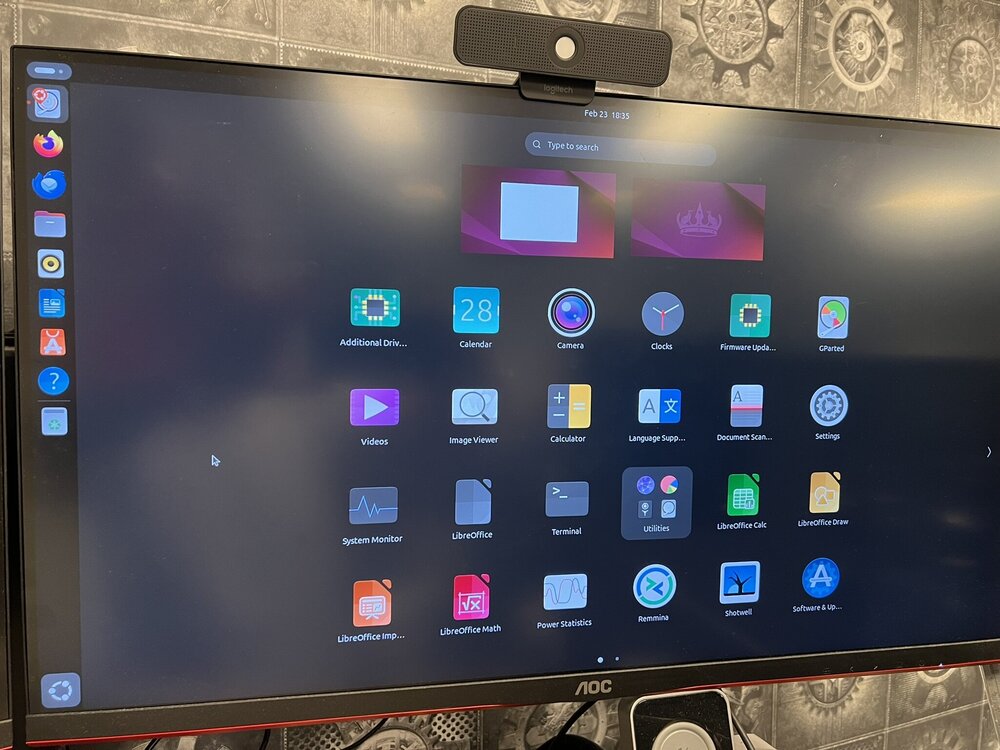
Well flashing my Sandisks with Slax worked & booted no problem, so the USB pens are not the issue. Flashed Unbuntu desktop to one of the Sandisks with balena etcher and booted the machine, again NO problem. So, why is Unraid being so difficult? There's a reason I moved to macs in 2012; I used to be a little bit geeky from late 90's through to 2010/11 but I grew out of it, now I remember why, sometimes getting things to work became an exercise in futility and Unraid, as of now is very much that. It's a long way away from plug and play, so back to the subject question, can I get a refund until either I get the trial version to work or until it is indeed plug and play bootable?
-
Thanks Trurl, I don't have another machine ready but I do have enough bits and pieces lying around to build sort of another, however it's from an old off the shelf store bought Packard Bell with a microATX acer (I think) board. Will be a lesser calibre and I think even older variant than the Asus and I'd have to use the same GPU, the original I managed to kill carelessly dropping it 😳 Maybe I should give it a go anyway? Good call on the USB stick, I can install slax on one of the sandiscs and eliminate them from being the issue - I'll try that first 👍🏼
-
Thanks, It says USB: name of the drive (Sandisk) - I have been considering this is an EFI issue hence I tried getting it to boot legacy, but neither option is workimg From what I gather, the P6X58D-E does not support EFI, hence I have been focusing on trying to get it to boot lagacy, perhaps this is where I need more focus? Either way, removing the EFI folder might not be the right way, and when running the “make_bootable_mac” to make it eith EFI or legacy bootable I end up with a brick that needs unraid installed again...





