Cyclical Jester
Members
-
Joined
-
Last visited
Everything posted by Cyclical Jester
-
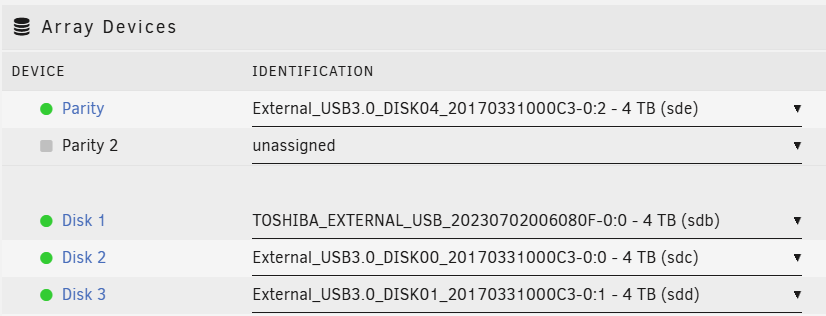
How? This is driving me nuts. I've installed a new drive, I have this message showing, and I cannot work out a way to fix it. I have no ability to do anything on this drive whether it is plugged in or not plugged in (yes, destructive mode is available). I was able to pre-clear with no issues (but that is literally the only thing I can do with it). Edited to provide a little more context: I have a brand new IronWolf drive, sitting an external HDD enclosure The slot in the enclosure was previously used for a drive that was in the array (it's not the same physical HDD) The new drive can be seen, but I'm seeing the "not" and "array" (first screenshot) I want to add the drive to the array. The array has a spare slot available, and all I'm trying to do is to assign this drive to that slot and rebuild the parity. I have tried uninstalling and reinstalling all the UD apps. I have tried moving the drive around, shutting down, removing, booting up etc. in many combinations to no avail. The only thing I have not yet tried is simply adding a new config to the array. I've never done that and I'm slightly nervous, but if this is what I need to do then I will. zeus-diagnostics-20250303-0842.zip