domrego
Members
-
Joined
-
Last visited
-
I'm dumb, I'm seeing now that this is like a skin, and the alternate UI has the ability to create a torrent
-
Essentially, use a different torrent client if I want to do this? Just want to make sure i'm not misunderstanding lol
-
Is there a way to create a torrent from within this container? It seems to be missing some options that the "normal" version has on my personal computer.
-
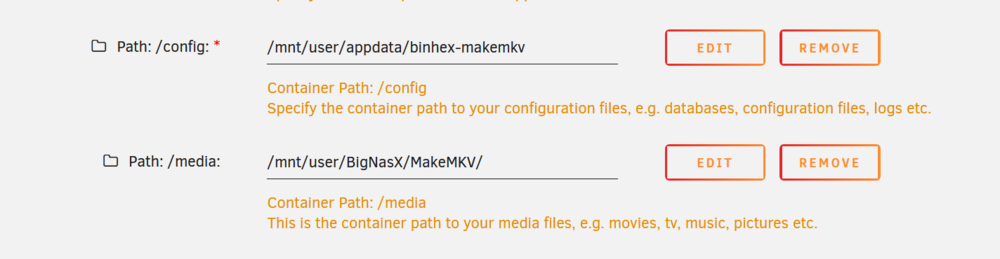
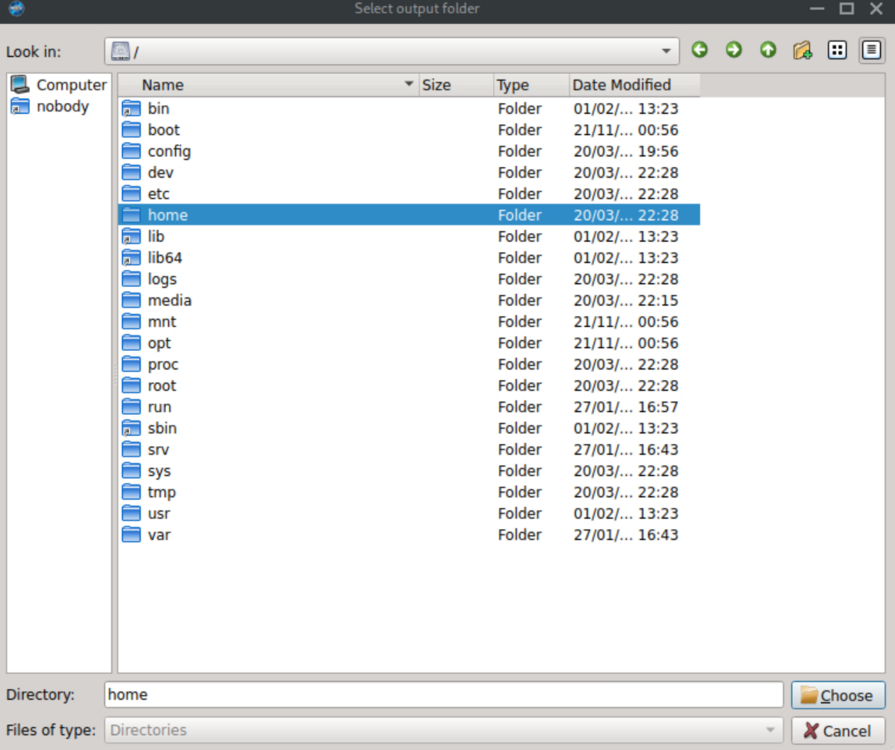
Ahhhhh. The media folder links to the folder I set it to. I was looking for the file path that I had set it to (ending in MakeMKV) I feel like a buffoon, thank you very much!
-
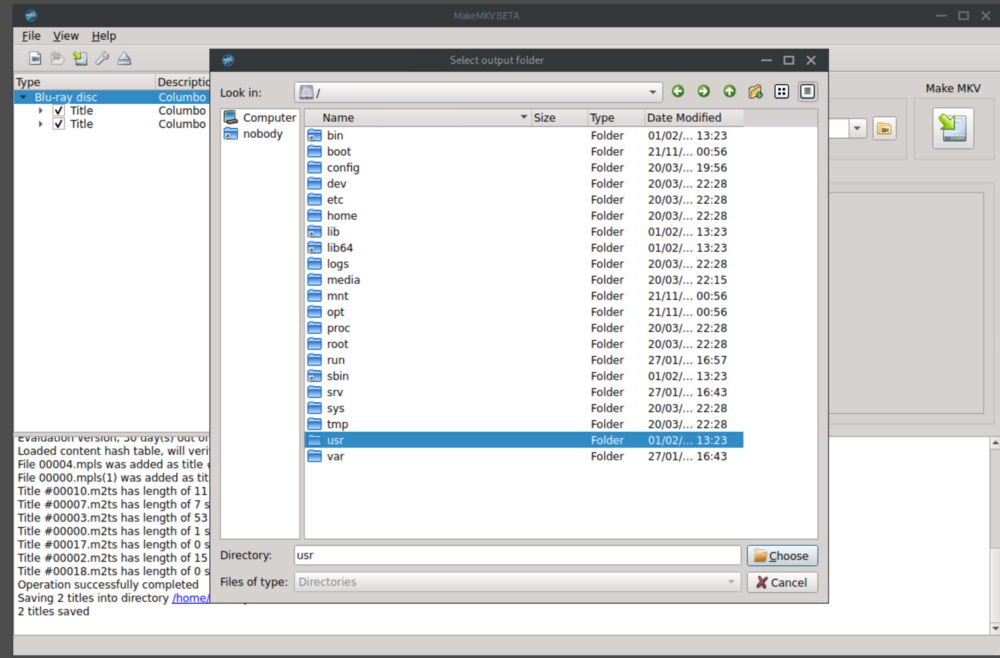
Hey! Sorry if I wasn't clear, when trying to change the directory I don't see the share that i've set it to for the media. I only see the share that is where my appdata is. That is my issue. I can't change it to the folder I want because I can't see it in MakeMKV
-
Hey all, got this container set up, got my physical drives set up, ripped my first disc and everything, but the folder that makemkv sees seems to be what is set up as the config path and not the media path. Any ideas?