Richamillion
Members
-
Joined
-
Last visited
-
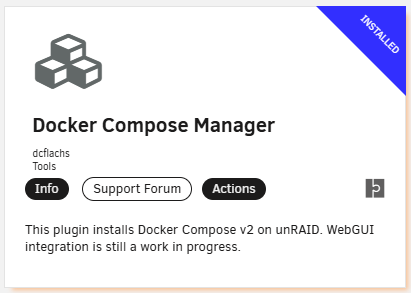
I got this working by doing the following: Installed Docker Compose Manager from the CA Store by dcflachs, it installs docker compose and gives you a fancy gui for later projects. Open Unraid's terminal and run Wazuh's git command git clone https://github.com/wazuh/wazuh-docker.git -b v4.12.0 Make a new directory for Wazuh mkdir /mnt/user/appdata/wazuh Copy the single-node contents from the repo to my new folder cp -r wazuh-docker/single-node/* /mnt/user/appdata/wazuh/ Deleted the original git repo we downloaded rm -r wazuh-docker/ Changed into the new wazuh directory cd /mnt/user/appdata/wazuh Ran the certs generator command from within that folder docker-compose -f generate-indexer-certs.yml run --rm generator That worked for me to generate the certs on unraid. To get Wazuh working all fancy in Unraid's GUI, I then went into the Docker tab in Unraid and scrolled down to the bottom to create a new stack using the Compose Manager Plugin we installed in step 1. NOTE: Be sure to click the Advanced Dropdown and change the path to /mnt/user/appdata/wazuh to pull in all your directories and files. Click the Compose Up button and you should be able to connect using https://insertwazuhdashboardaddresshere:5601. Hope that helps!