Jeroen030
Members
-
Joined
-
Last visited
-
It's a 4 bay system and I should have the list of which drive is in which bay, so should be easy enough to restore. In case I mapped it wrong/can't find my overview, what ways are there to find the parity drive? (Total Unraid beginner here)
-
I do not, but as I barely started, I think there isn't much that is lost. My array and cache pool were created and a few plugins installed, so nothing major
-
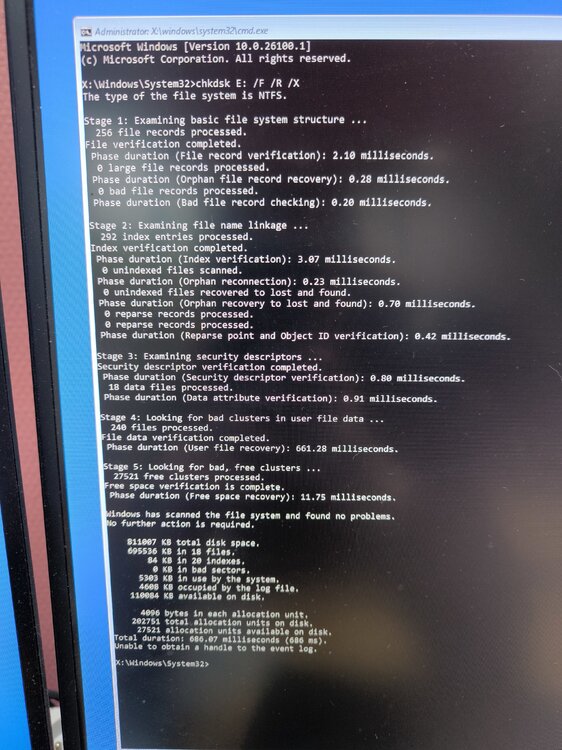
In windows it was impossible to get dskchk to work on the USB. In the end I managed to do it in recovery mode (see image) but after rebooting, the drive still wasn't accessible, disk management still failed to properly load and checkdisk in cmd didn't do anything. Also noticed that my computer didn't want to shutdown or reboot if the drive was inserted. Diskpart only ran without the device plugged in. I fear this drive is a lost cause and I'll need to buy a new, better one
-
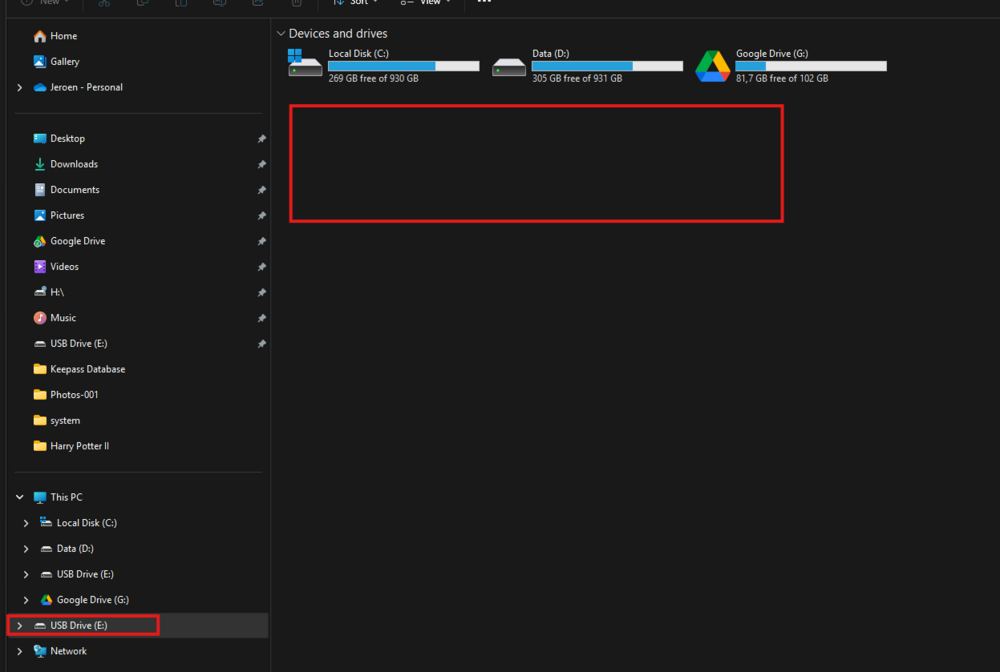
I ran the "diagnostics" command, but I'm unable to retrieve the zip, as the USB is not even showing up in Windows properly.
-
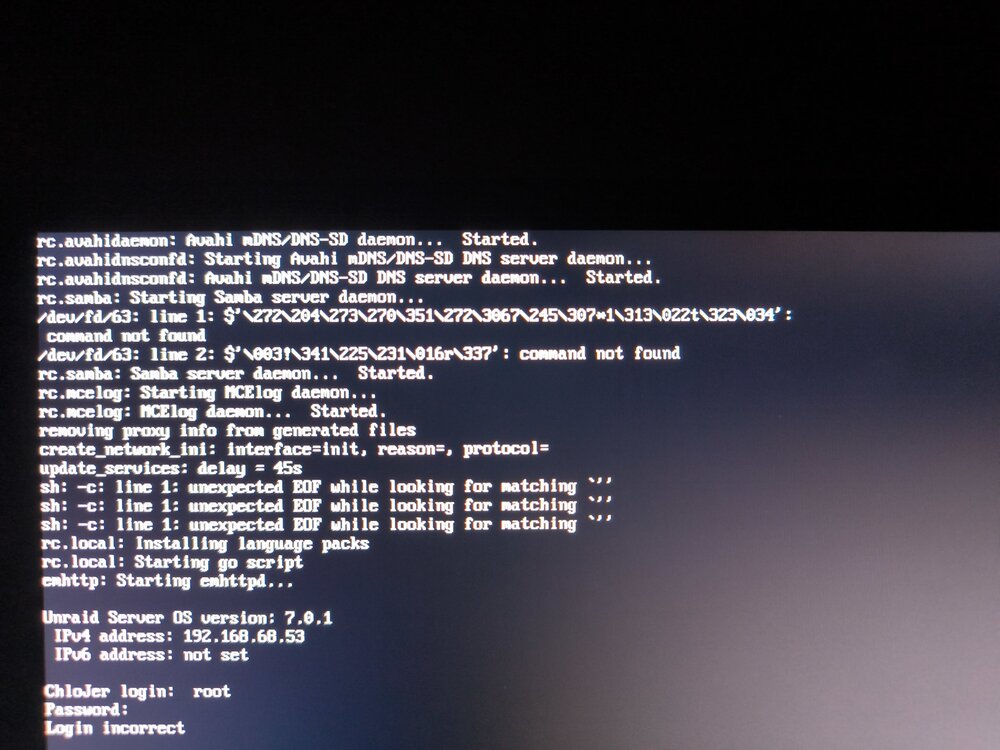
Hello all, I'm still on a trial version of unraid, playing around, got my array & cache pool up and running, installed CA and 1 or 2 plugins, but I noticed every action I took came with a big delay, and often wouldn't result in anything being changed: - plugins wouldn't install - display settings were not saved - shares or users created disappeared -... Last night, I tried installing plugins and noticed I was unable to create parent directory on my boot drive. After checking it on the main tab, I noticed that Unraid reported no space left on the drive, which I know can't be correct, the drive is 16GB. I shut down the server to check the USB on a different pc. I wasn't getting recognize by Windows 11 so I feared the worst, but nevertheless plugged it back in to my NAS and rebooted, going on about my day, knowing booting takes a little while. I tried accessing my server through both local address & ip throughout the day, not being able to connect, but I thought the reboot just took way longer, or the drive had already died on me. It wasn't until now that I found a quite moment to plug in a monitor & keyboard, and to my surprise, I was met with the indication that the server is up and running (see picture attached/below) yet, through the new IP nor the local address, I was able to connect, getting http 500 errors. Any idea as to what is happening, how to solve it and how to prevent it for the future? Additional info: I wasn't able to install unraid connect, or backup my flash, gather diagnostics,... Luckily I didn't have any important info stored yet.