





zobber
Members
-
Joined
-
Last visited
-
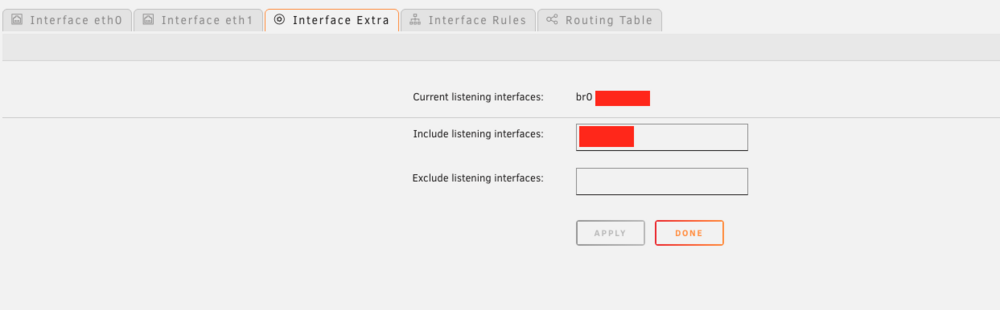
Hi, I have found a much easier way and that already brings the tool (check first the docs :p) in which you declare the name of the zerotier interface in this way will be linked locally and so you can have access to ssh, nginx and others. Go to: Setting -> Network Setting -> Interface Extra netstat -tunlp o ss -tunlp to check:

-
Hi @tomwhi , I came to this topic for the same reason you generated (zerotier) , searching and testing I have added in the go file (etc/config/go) the following: /boot/config/go cp /boot/sshd_config /etc/sshd/sshd_config chmod 600 /etc/ssh/sshd_config /usr/sbin/sshd The above allows you to override permissions and start the daemon manually, since directly as it would be (rc.local) would not work. I hope it helps you NOTE: I disabled the ssh service from unraid config

