





emanuele.bordon
Members
-
Joined
-
Last visited
-
@PanicMechanic007 For your information, with last release 2026.07.09, my problem is resolved... ;) Thanks for your support
-
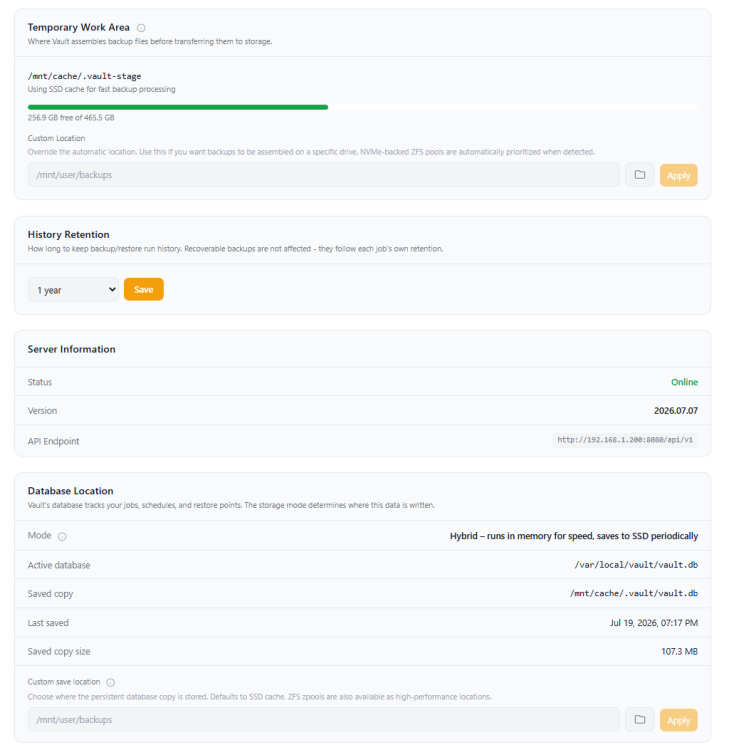
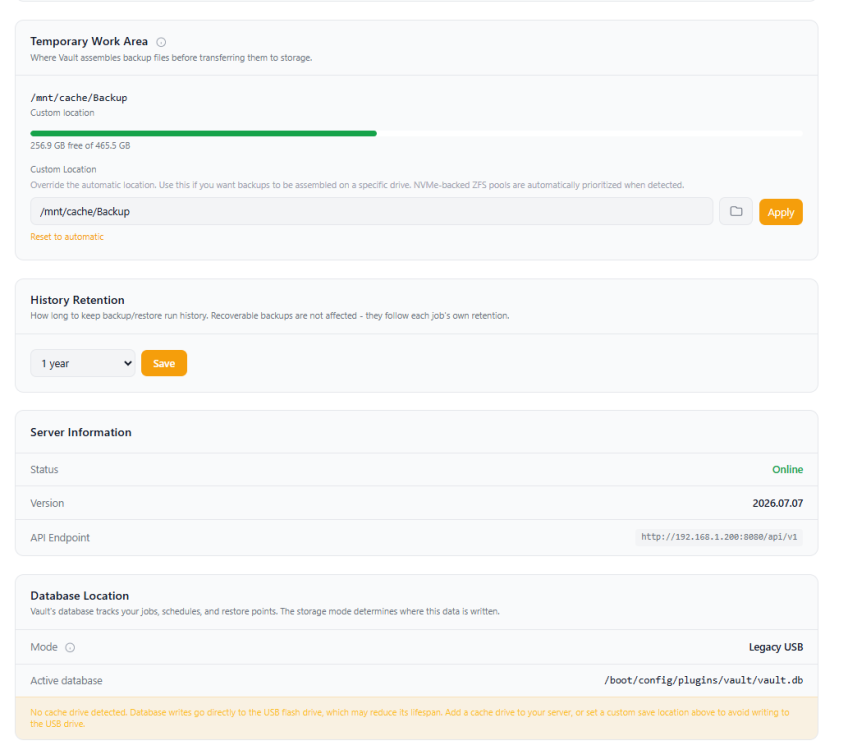
Update: I've attempted to map the "Temporary Work Area" to a dedicated User Share to ensure persistence, but the setting is not maintained across reboots. Every time I restart the server, the configuration reverts to default. If I manually reconfigure the path and restart the Vault service, the plugin works perfectly again. It seems the plugin fails to save this specific custom path configuration. Is there a known limitation, my bad, or is there a way to force these settings to persist? Thanks
-
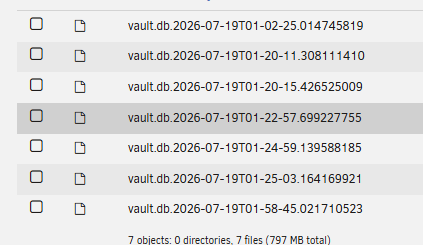
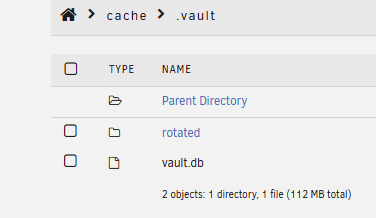
Hi everyone, First of all, I want to say a huge thank you to @PanicMechanic007 for this plugin and the Home Assistant integration. I’m currently running into a frustrating issue where the plugin configuration doesn’t seem to persist properly after a server reboot. The issue: I have configured multiple backup jobs, but every time I restart the server, the WebUI reverts to an old state. It’s as if the settings and jobs I configured are lost or reset to a previous version. What I’ve noticed: I’ve found a folder named .vault on my cache drive ("cache" is the name of my SSD pool). Inside this folder, I see a vault.db file along with several vault.db.[timestamp] files (I have attached screenshots for reference). It feels like the plugin is trying to create these database backups, but for some reason, upon reboot, it fails to load the correct/latest vault.db and instead reverts to an old configuration. Has anyone else experienced this behavior? Or is there a specific way the plugin expects the database to be handled to ensure state persistence? Any help or advice on how to fix this would be greatly appreciated. Thanks! vault-diagnostics-2026-07-19.zip


