daoffroadnut
Members
-
Joined
-
Last visited
-
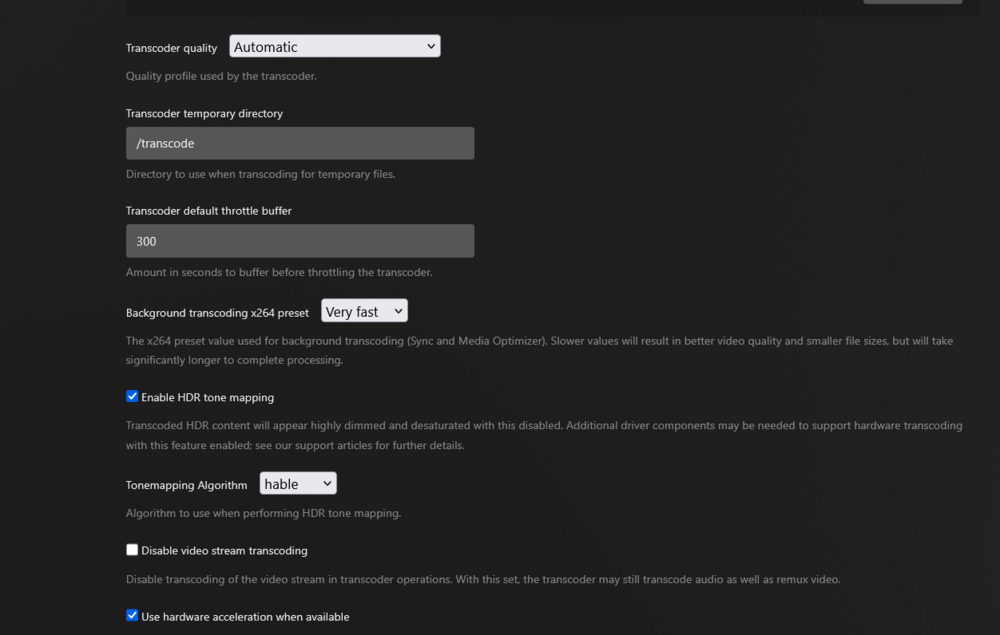
Thank you for the info, i did the changes you mentioned in Q1. Do I need to change the Plex transcoder temporary directory or leave it as /transcode? was that all I needed to correct? greatly appreciate the assistance, still learning the ends and outs of linux and dockers.
-
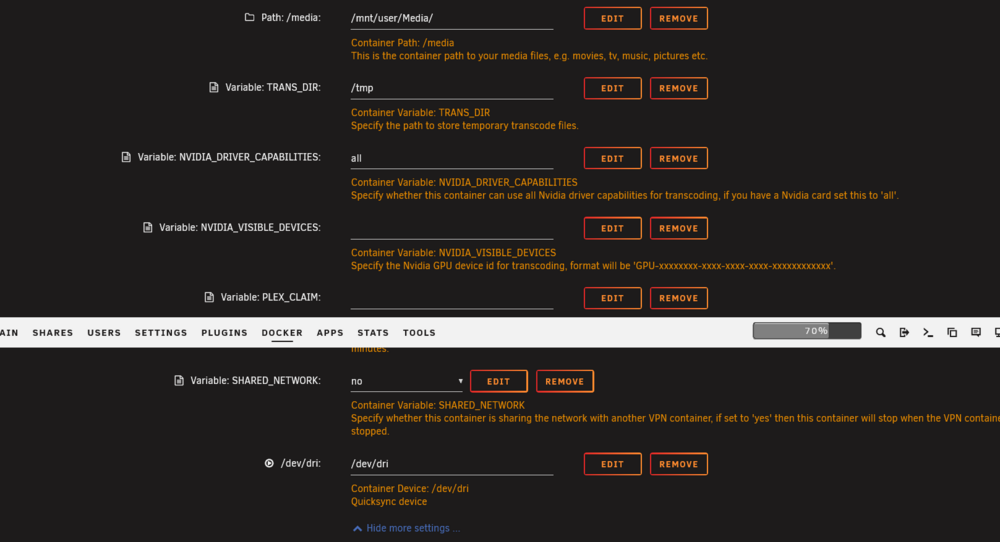
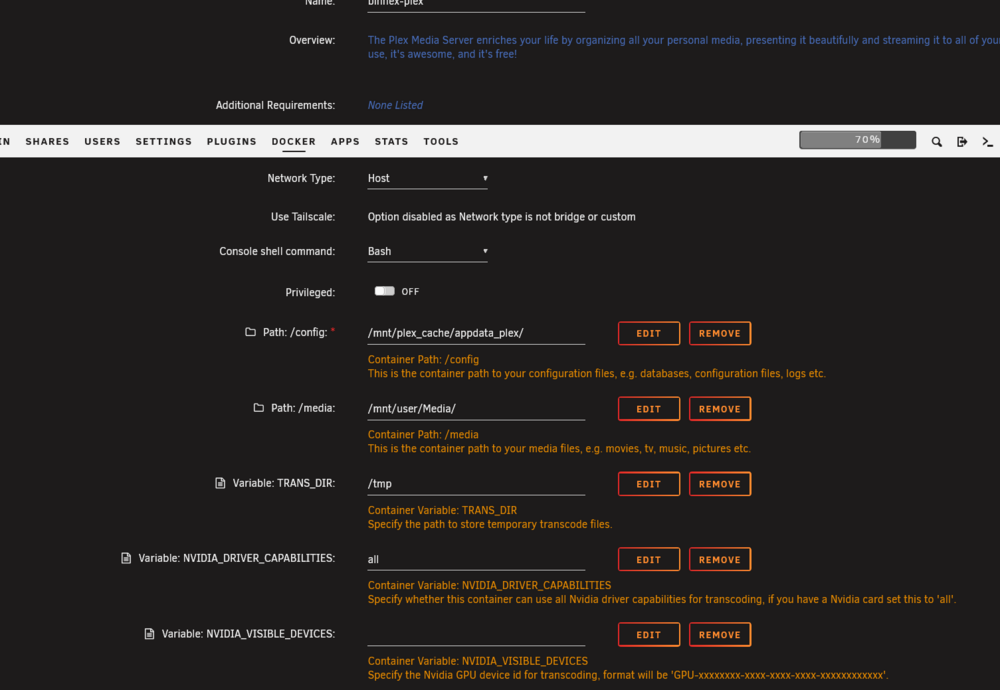
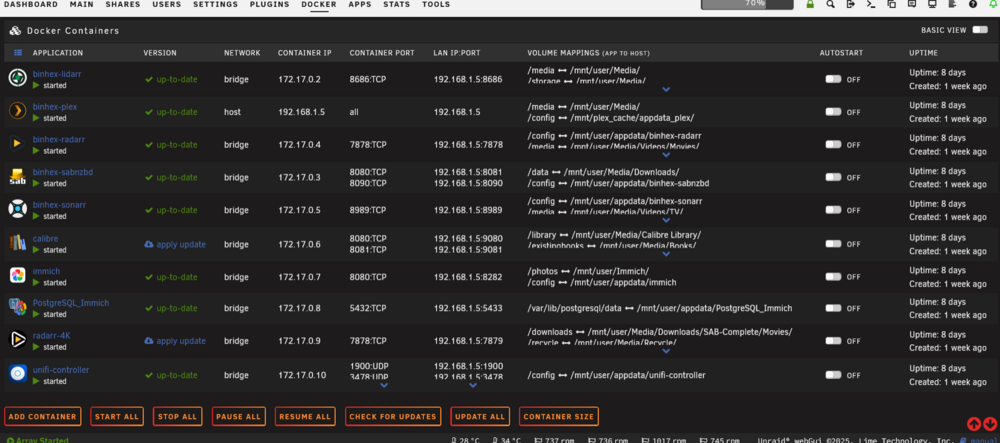
Having a problem with plex constantly filling up my docker VDISK with cause my server to go unresponsive, i know it's probably a mapping in the container but for the life of me i can not figure it out. -Currently on unraid 7.1.4, worked fine for years on 6.12 till i upgraded, then started having issues and reinstalled plex multiple times and different containners after deleting the vdisk. -Did memtest multiple times, shows pass. - When you look at container size, plex has grown to 23gb, my docker image is now 50gb, all other dockers do not grow. any assistance greatly appreciated. R, Trevor offroadnut-diagnostics-20250708-1953.zip