oromis
Members
-
Joined
-
Last visited
-
A future date and time were set on the NAS in Unraid. Check if it's set correctly on your system or if you're having the same issue. You can find it in the Settings menu under the Date and Time section. My only problem was this.
-
Yes, I found the problem yesterday. It was the date, year 2107. Thanks!
-
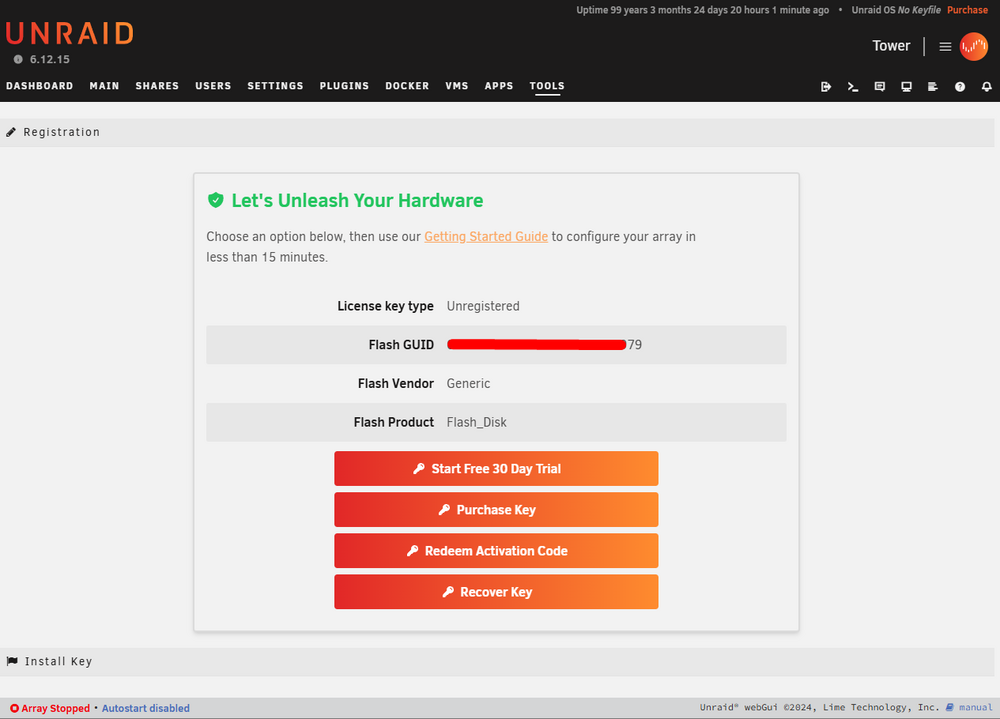
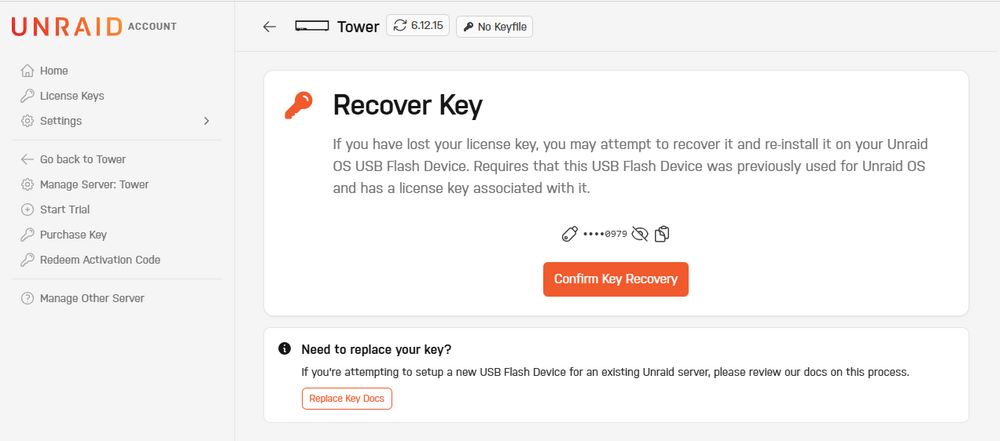
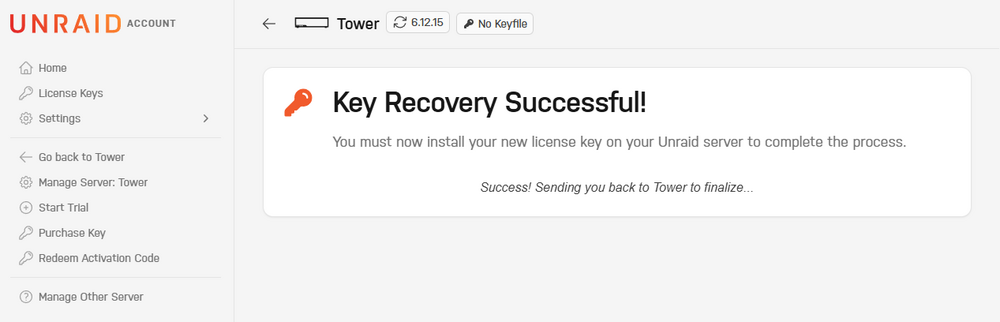
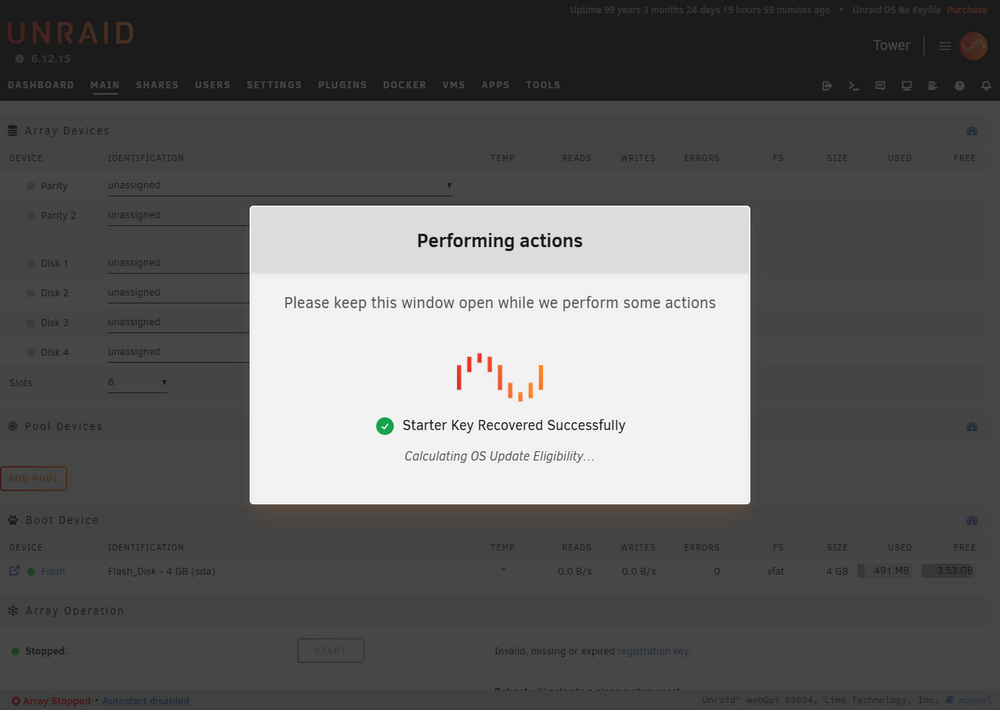
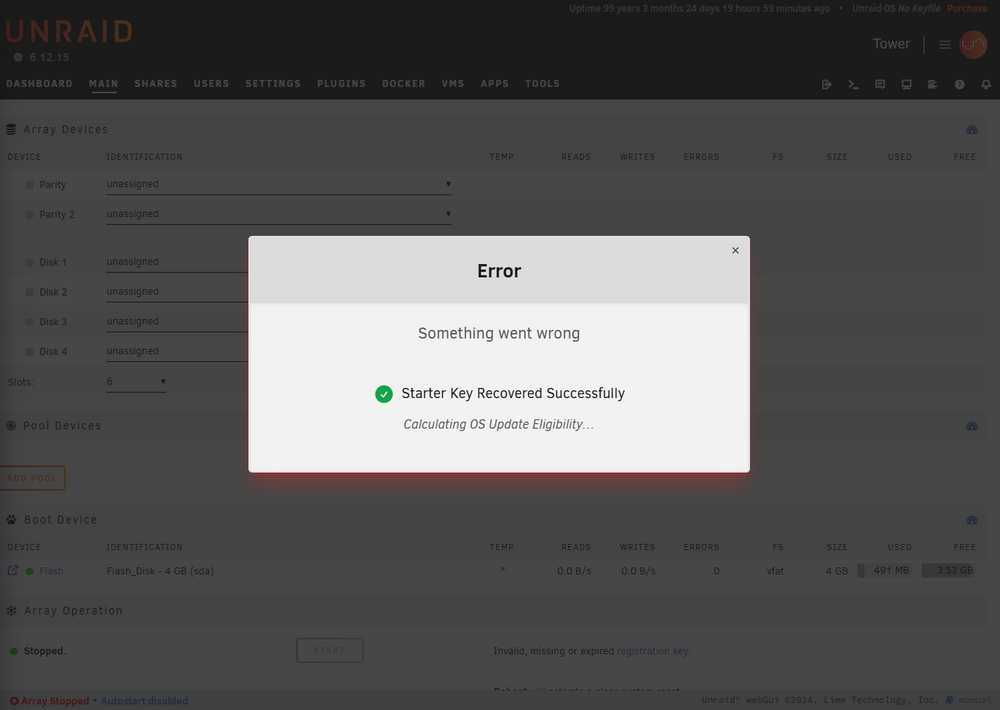
I am currently trying to set up my LincPlus LincStation N2 NAS, which has a single 2TB Western Digital Red SN700 NVMe SSD installed. Here’s a summary of what I’ve done and the problem I’m facing: Steps TakenInitial Setup: Installed the NVMe SSD and powered on the NAS. Trial Activation Failed: Tried to activate the 30-day Unraid trial, but it failed with an error. Activated 1-Year License: Used the 1-year Unraid license that came with the NAS, but the same error appeared. Reset and Reboot: I have already reset and rebooted the NAS multiple times, but the issue persists. What Happens in the Web InterfaceI log in to the web interface at tower.local. Since I already used the Redeem Activation Code step, I now use the Recover Key option. I click the Confirm Key Recovery button. The system shows Key Recovery Successful. Then, during the "Performing Actions" window (which says not to close the window), it suddenly displays: Error Something Went Wrong Starter Key Recovery Successfully Calculating OS Update Eligibility After this, nothing else happens. If I close the window, the Array Operation section still shows: "Stopped." The START button is inactive. "Invalid, missing or expired registration key" is displayed. Log OutputThe log repeatedly shows these two lines: Nov 7 11:13:34 Tower emhttpd: error: get_key_info, 600: Invalid argument (22): stat: /boot/config/Trial.key Nov 7 11:13:34 Tower emhttpd: error: get_key_info, 600: Invalid argument (22): stat: /boot/config/Starter.key