




-
Ok, I will give that a try. Thank you for all the help, I really appreciate it!
-
Here is the output

-
The server was working fine - had a power outage a few days ago but the server came back all okay and has been working fine daily since. I restarted last night to add another drive and got a "bzmodules checksum error" message. I replaced the bz* files on the USB drive and it booted right now, but now the cache is missing. Here is the output from sfdisk

-
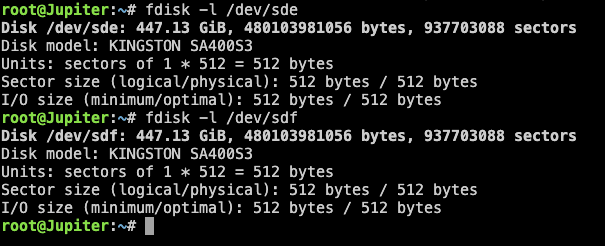
Here is the output for both disks. Since there is no filesystem detected, will it even be possible to recover the data from my VM and Dockers?
-
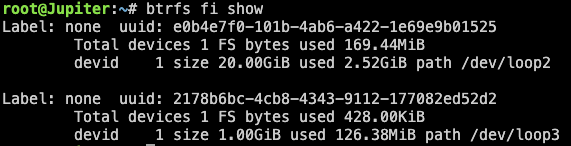
Thanks for the reply. Attached is the output.
-
After rebooting, my cache drives (formatted btrfs) are showing Cache: Unmountable: Unsupported or no file system. My diagnostics file is attached. Any help would be greatly appreciated! jupiter-diagnostics-20250713-2237.zip

View in the app
A better way to browse. Learn more.

