mentisix
Members
-
Joined
-
Last visited
-
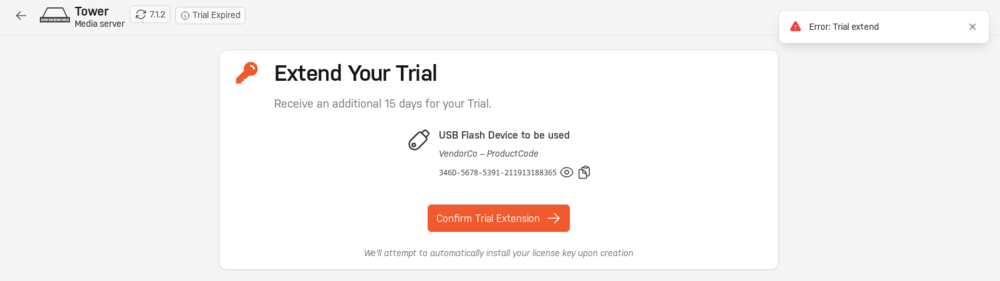
Hi everyone, I'm having trouble extending my Unraid trial and was hoping someone could help. I initially started a 30-day trial in May 2025, but I wasn't able to use it because my hardware was not suitable. The trial period has since expired. I now have new hardware and I'm trying to extend the trial to get Unraid running again. When I follow the steps below, I get an error: Go to Tools > Registration > Extend Trial Sign in with my current Unraid account (I'm not 100% sure if this is the original account I used) Click Confirm Trial Extension After clicking Submitting, I receive the Error: 'Trial extend' I understand that the trial can be extended up to two times for 15 days each, and I have not extended my trial previously. Could someone please advise on what might be causing this error, or direct me to the correct support section? Any help is greatly appreciated!