





Blue_Knight
Members
-
Joined
-
Last visited
-
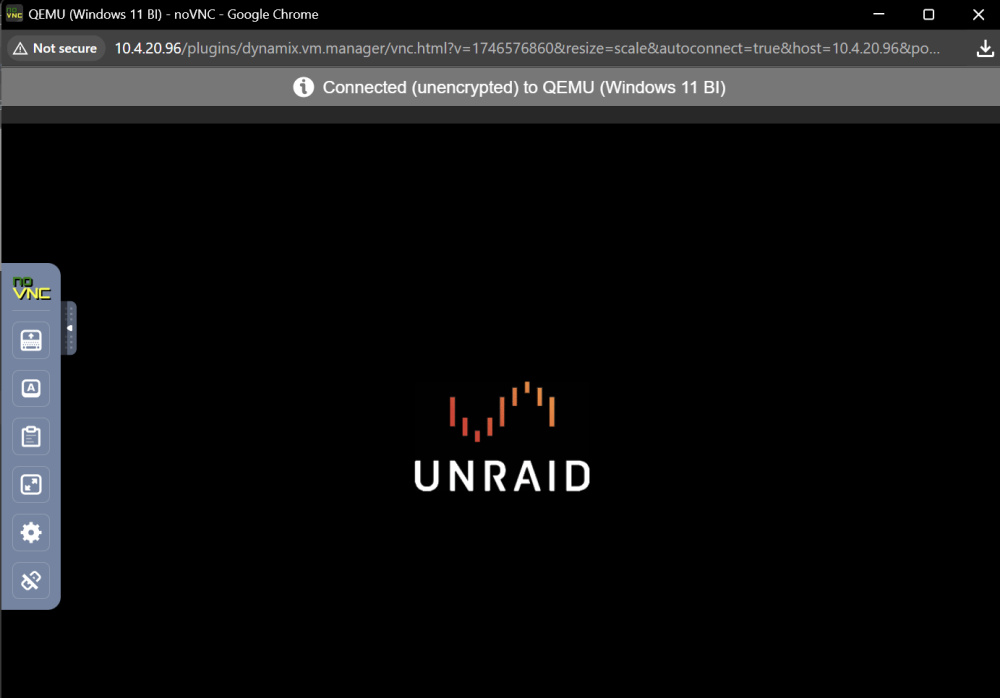
Last night I was notified that the WIN 11 VM running on my backup unraid server had a windows up waiting (which has happened many times before last night) so I logged in and ran the update like always. But this time after the windows updated I can no longer VNC into the VM. When I do I see this: I have not been able to get past this screen. I have tried multiple time stopping / starting the VM and even so far as to stop/start the severs and still get nowhere past this screen. I know the service is running because I can go to the GUI for the video recorder which is running in the VM and everything this is still recording, but I just cant VNC in the VM. Any suggestions?
-
I too have the same issue, but mine is Disk 3 and none of my dockers are listed.
-
Has this error been seen before? And if so how can I resolve it so I can download the update?

-
How did you add a second vdisk? I cant find any documentation or otherwise outlining the procedure. Can you spare a newbi some advise?

