





TylerDurden182730
Members
-
Joined
-
Last visited
Everything posted by TylerDurden182730
-
That is because you are running in a docker and not natively. You can use node dist/index.js gateway status --token "YOUR TOKEN"to see the status
-
So now I also run into the gateway issue. Normal commands work fine, but when I tell OC to create a task that needs a CRON job I get the following error [tools] cron failed: gateway closed (1008): unauthorized: device token mismatch (rotate/reissue device token) Gateway target: ws://192.168.86.45:18789 Source: local lan 192.168.86.45 Config: /root/.openclaw/openclaw.json Bind: lan My gateway config looks like this, I have a feeling that the issue comes from OC talking to itself via the IP address and not using a token. "gateway": { "port": 18789, "mode": "local", "bind": "lan", "controlUi": { "allowInsecureAuth": true }, "auth": { "mode": "token", "token": "MY TOKEN" }, "tailscale": { "mode": "off", "resetOnExit": false }My pending.js was empty, so I added { "silent": true } but that did not change anything.
-
I am not sure if that is related, but have you tried network type "host"?
-
Did you get this working? I tried this trough open claw directly, but it adds parameters like credentialsPath to the config, which are no longer supported. I tried gog auth add [email protected] --services gmail,calendar,drive,contacts,sheets,docs but that generates a link that points back to local host and a port that is not accessible when running in a docker. I was able to get around the redirect by adding --manual at the end and it seems that it saves the credentials in the keyring now. But openclaw still refuses to send emails. There must be some additional configuration in openclaw to get this working.
-
Openclaw stores the persistent data into the appdata folder. That way, the data is not only persistent during restart but also after updates.
-
Did you find a solution for this? I also try to use searnxg because Brave API is not free anymore or at least not without credit card information.
-
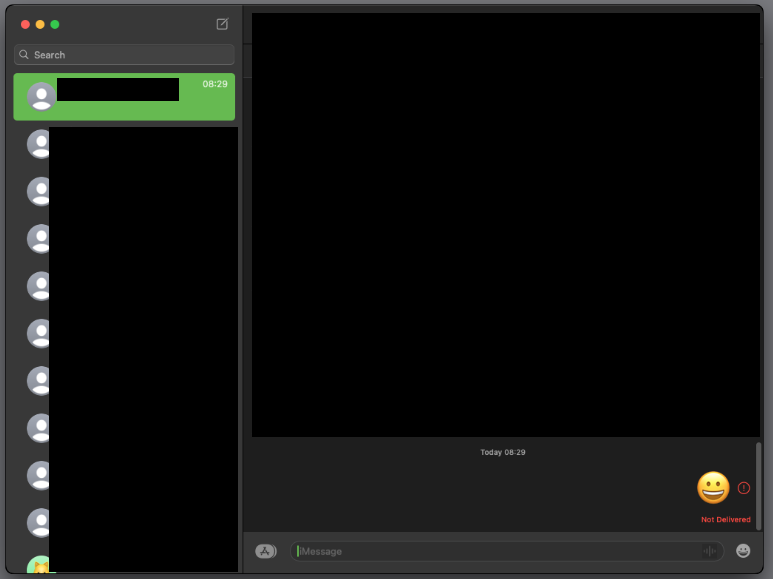
So, was anybody able to get iMessage to work? My goal is to run BlueBubbles. I am logged into iCloud and it seems that my iMessages from other devices are synchronized but I can not send anything from the VM. I read through this post and some people suggested to use e1000-82545em as network device but when I try to do that I loose the network connection entirely. This is how it looks in the VM
-
Hi, first of all many thanks for all your efforts and great videos. I think I found an issue with the script by trying to get iMessage to work, some people suggested switching to e1000-82545em instead of virtio-net. However, I found when I try to do this, it breaks my network connection in the VM. There is also a difference in the parameters between the docker container and the VM edit. In the docker you can select e1000-82545em, but in the VM edit there is only e1000. Looking at the XML file in the VM, I found that my network connections breaks if I change anything on that page. I believe there is some issue when it recreates the network settings. When you first run the container, the network address type is this <address type='pci' domain='0x0000' bus='0x00' slot='0x03' function='0x0'/>But when I change anything on that VM page it changes into <address type='pci' domain='0x0000' bus='0x01' slot='0x00' function='0x0'/>Even if I don't touch the network settings it changes the slot from 0x03 to 0x00 which breaks the network connection. When I edit the file in XML mode, I can change it back and it starts working again. Stephan
