kurtosterhage
Members
-
Joined
-
Last visited
Everything posted by kurtosterhage
-
Parity sync has completed and everything is still working properly. I will mark this as solved and start a new thread if it happens again. Thank for the help @JorgeB !
-
I checked the monitor I have attached to my server and the output was full of "exit status 135 from user root /use/local/emhttp/plugins/dynamix/scripts/monitor &> /dev/null". I shutdown the server and when powering it back on, it would no longer boot from the USB drive. I moved it from the USB 3.0 port to a USB 2.0 port, and it booted right up with no issues. I'm wondering if maybe my USB drive is dying or the USB 3.0 port was causing issues. I turned on the syslog server to catch any errors, in case this happens again.
-
Okay, so I tried to set a root password again, and now I am getting a blank screen after clicking "Set Password". I guess I will try restoring a backup when I get home and seeing how that goes. I will post an update with the results.
-
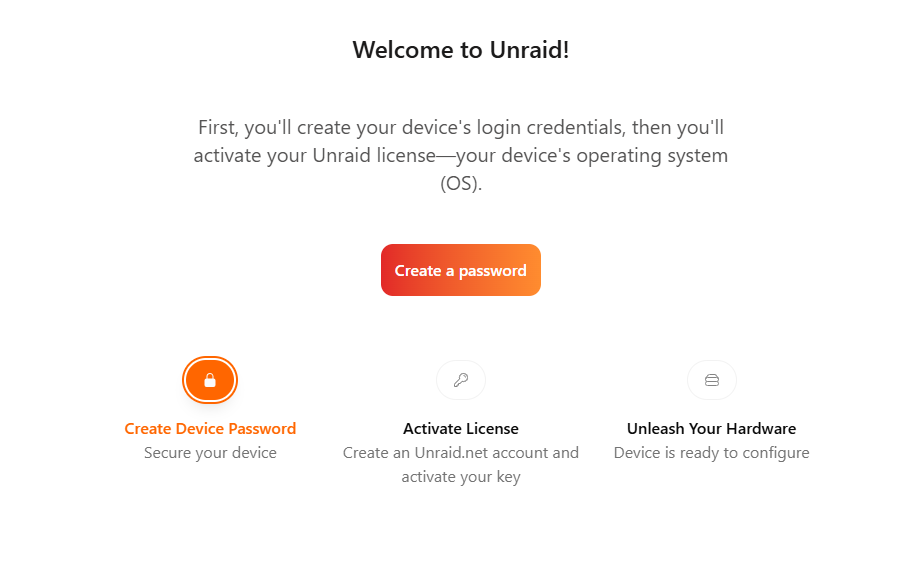
Hello, I have been running Unraid without many issues for about a year now, but ran into an interesting issue this morning. I updated the Unraid Connect plugin, while logged in using Unraid Connect, and when it refreshed, the web UI was failing to load with a "connection refused" error. I connected to my VPN to access it by IP and I was greeted with the "Welcome to Unraid!" window shown below. I cannot connect to the server using SSH to view any logs. Is it safe to go through this process and keep my configuration, or should I restore from a flash back up? Thanks for the help!