sirblizz
Members
-
Joined
-
Last visited
-
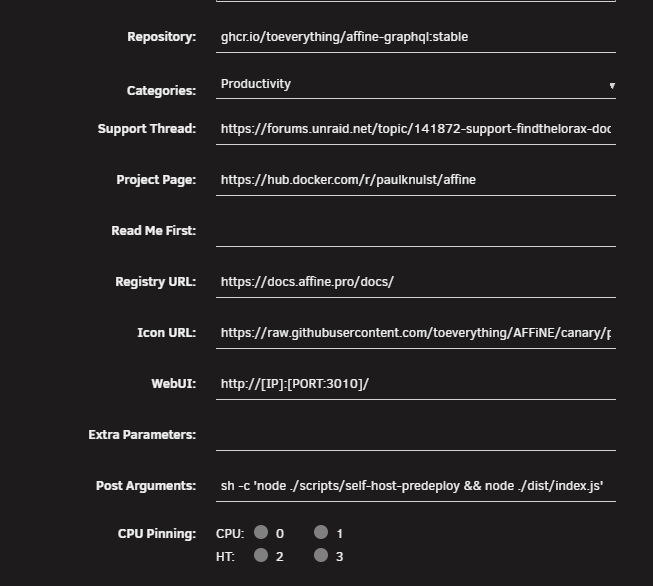
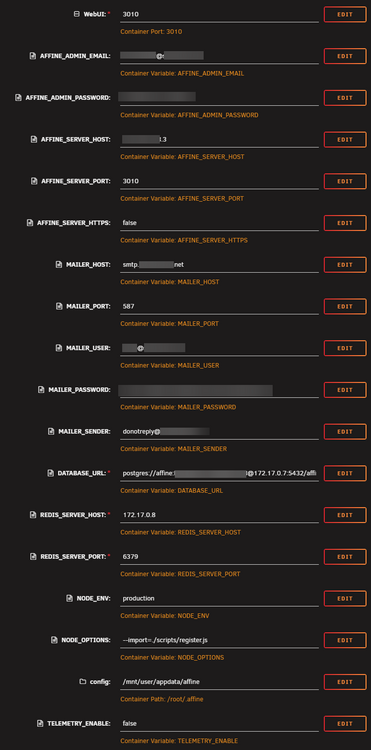
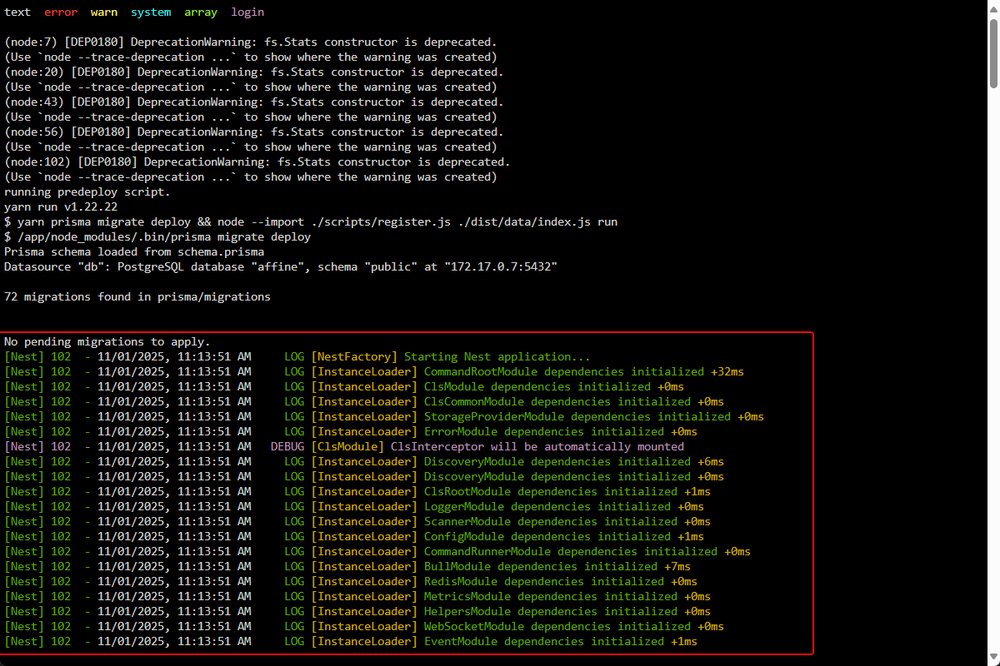
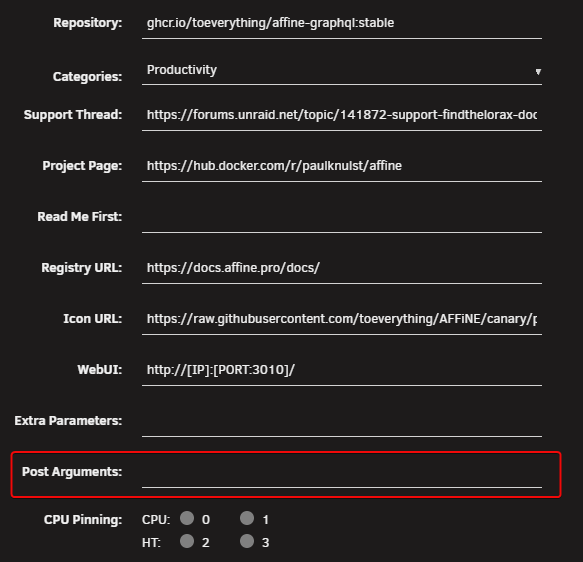
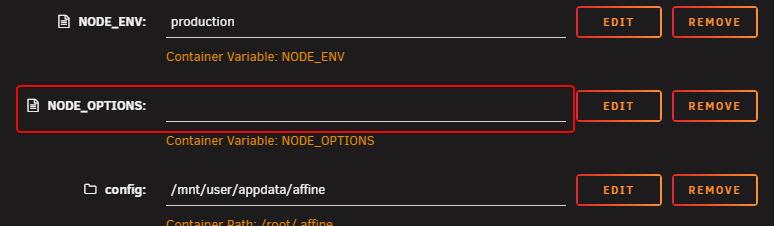
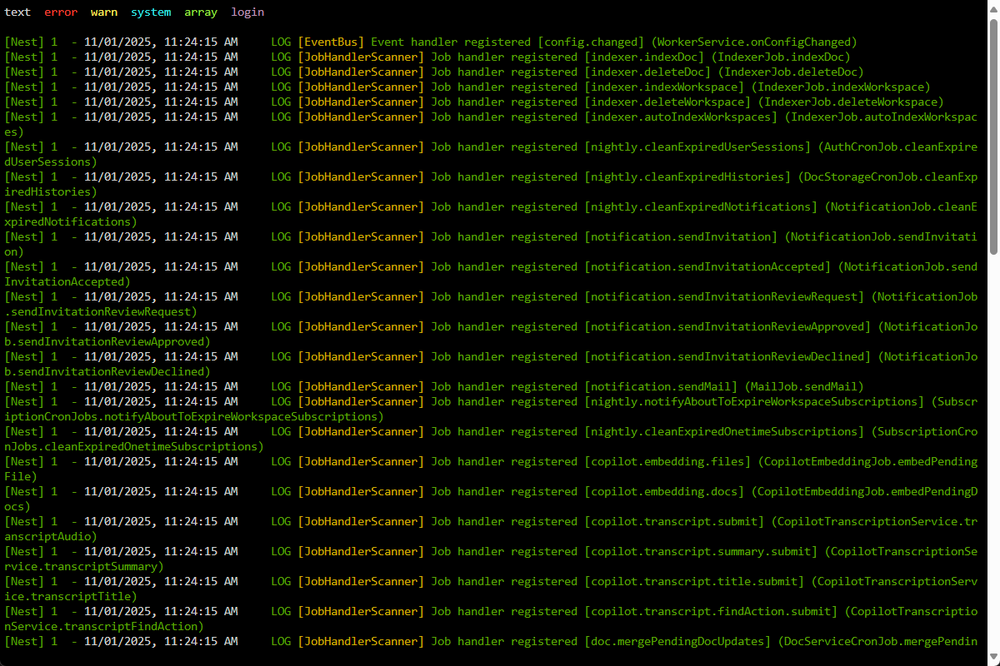
After you have testet it, can you adjust the Affine yaml file and remove these two values? Troubleshooting Part 3: When I remove the following variables from the config. The container spins up and i get the WebUI with the new version: Green container: Troubleshooting Part 2: When you change the Affine container to an older one: ghcr.io/toeverything/affine-graphql:stable-e043ecf Then the container spins up with the settings on my below config. The register.js is recognized and executed here. Issue Part 1: Hello, sorry to disturb you. I am testing the Affine template currently. I get following issue with the Affine docker container: node:internal/modules/esm/resolve:275 throw new ERR_MODULE_NOT_FOUND( ^ Error [ERR_MODULE_NOT_FOUND]: Cannot find module '/app/scripts/register.js' imported from /app/ at finalizeResolution (node:internal/modules/esm/resolve:275:11) at moduleResolve (node:internal/modules/esm/resolve:860:10) at defaultResolve (node:internal/modules/esm/resolve:984:11) at ModuleLoader.defaultResolve (node:internal/modules/esm/loader:780:12) at #cachedDefaultResolve (node:internal/modules/esm/loader:704:25) at ModuleLoader.resolve (node:internal/modules/esm/loader:687:38) at ModuleLoader.getModuleJobForImport (node:internal/modules/esm/loader:305:38) at onImport.tracePromise.__proto__ (node:internal/modules/esm/loader:643:36) at TracingChannel.tracePromise (node:diagnostics_channel:344:14) at ModuleLoader.import (node:internal/modules/esm/loader:642:21) { code: 'ERR_MODULE_NOT_FOUND', url: 'file:///app/scripts/register.js' } Node.js v22.16.0 Standard Settings in the Affine Config: I doesn´t matter currently which IPs I put into postgresql or redis. The above error comes always, when the container launches. postgres://affine:[email protected]:5432/affine Thank you for help