Skip to content
View in the app

A better way to browse. Learn more.

Unraid

A full-screen app on your home screen with push notifications, badges and more.

To install this app on iOS and iPadOS
  1. Tap the Share icon in Safari
  2. Scroll the menu and tap Add to Home Screen.
  3. Tap Add in the top-right corner.
To install this app on Android
  1. Tap the 3-dot menu (⋮) in the top-right corner of the browser.
  2. Tap Add to Home screen or Install app.
  3. Confirm by tapping Install.

eggplant

Members
  • Joined

  • Last visited

Everything posted by eggplant

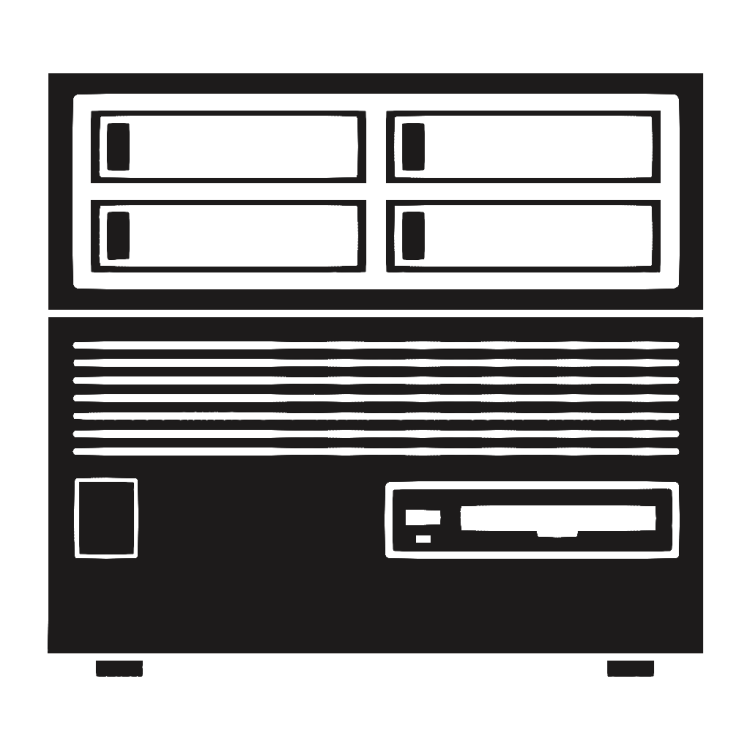
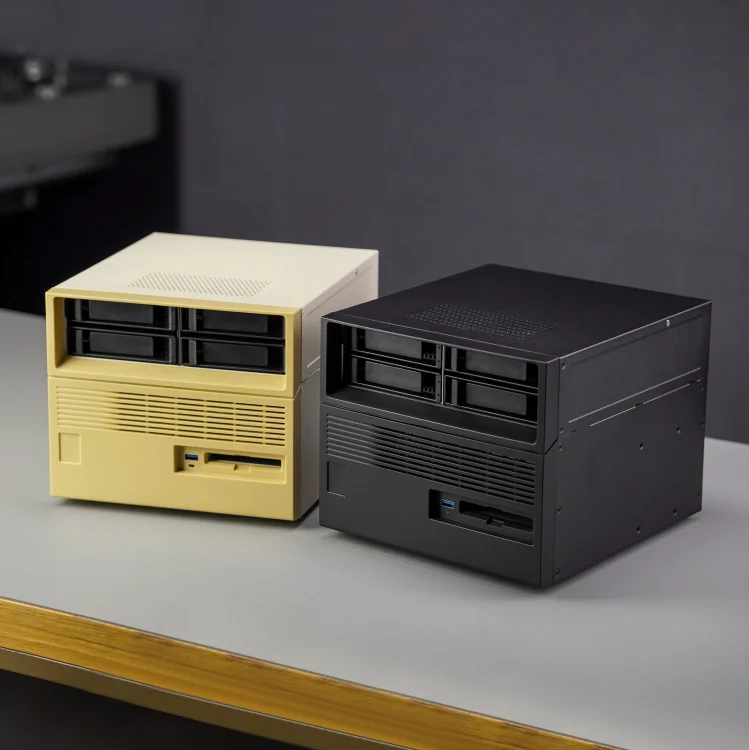
  1. Made this icon for the Beverly Precious Treasure case.
  2. To anyone struggling to run Phoronix Test Suite - it's not your fault. Documentation on using the tool is lacking from the maintainer. In the container CLI, run cd /phoronix-test-suite then ./phoronix-test-suite <command>
  3. Missing Path for Persistent Data This app requires /app/data to be mapped to a directory outside of the docker vdisk. Otherwise app configuration is lost on rebuild. Please add this path to the template and map it to somewhere in /mnt/user/appdata/termix/*

Account

Navigation

Search

Search

Configure browser push notifications

Chrome (Android)
  1. Tap the lock icon next to the address bar.
  2. Tap Permissions → Notifications.
  3. Adjust your preference.
Chrome (Desktop)
  1. Click the padlock icon in the address bar.
  2. Select Site settings.
  3. Find Notifications and adjust your preference.