Dqtreats
Members
-
Joined
-
Last visited
-
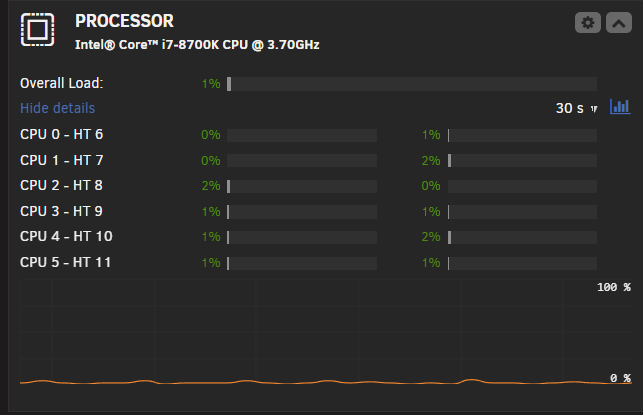
TLD: Anyone else experiencing WebUI Error 500 crashes due to the new update from 11/23? I'm not sure what is exactly going on but I'm running multiple tests. Seems like my server WebUI throws a Error 500. I randomly started experiencing these issues after I switched to Unraid version 7.2.2. However I also updated all my other plugins and docker apps. My processor was randomly spiking to 100%, I disabled my docker crashed my WebUI within 15 minutes. Deleted all my plugins and redownloaded them. Still spiking to 100% on random cores, however I forgot to actually set my GPU up with GPU Statistics. After 20 hours up uptime, I selected my 3060ti in GPU Statistics and within an hour my WebUI had crashed. Deleted GPU Statistics as a plugin and no longer getting CPU spikes and watching for the next 24 hours to see if it does it again.