nilsersens
Members
-
Joined
-
Last visited
-
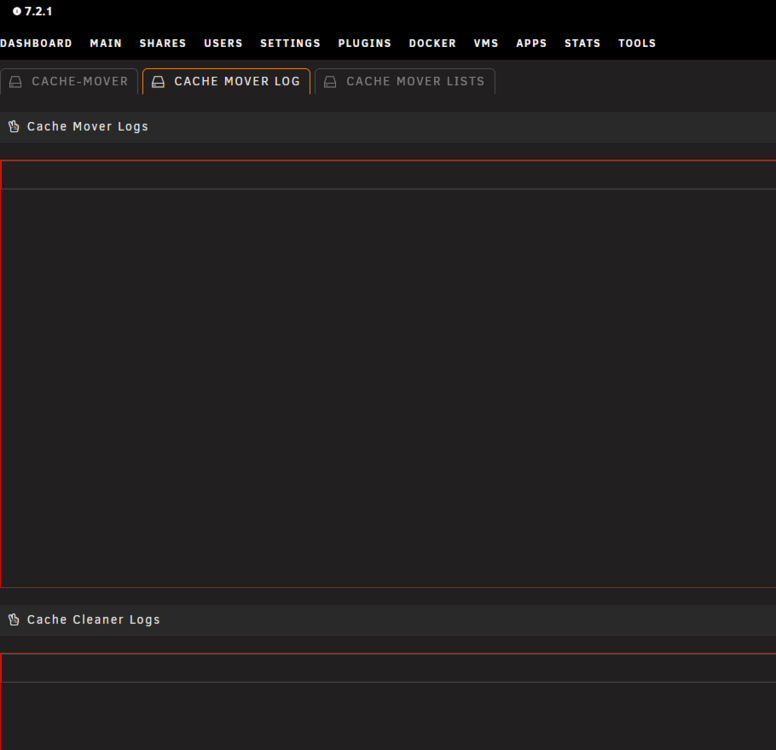
I have the following issue: Plugin is installed and configured. On first install i had the issue where gdb did not exist. I reinstalled the plugin (and python as well), gdb works now. The plugin seems to work - at least the files show up on cache, and as far as i can see also stream from there. (I have not come so far as to see if they are removed eventually) The issue is: I see no logs on the cache-mover settings page. nothing in the cache mover log tab and nothing in the cache mover lists tab either. On my first install i saw the gdb issue there. Restarting the whole server did not help. Would be nice to see which files are cached and logs in general... disks="" pool="cache" subfolders="Movies Shows" filetypes=".mkv .mp4" wait_todo="120" move_excl="" move_excl_list="/mnt/user/system/mover/mover_excl.txt" move_tune_list="/mnt/user/system/mover/mover_ignore.txt" rsync_mode="copy" rsync_move="" rsync_copy="rsync --stats -azht --mkpath" switch_mode="switch" time_keephours="25" time_keephours_sub="720" subfolder_keep_sub="/Shows" target_keephours="user0" use_recycle="no" recycle_folder=".Recycle.Bin" unraid_note="" unraid_syslog="" script_cron="*/10 * * * *" clean_cron="5 7 * * *" mediaserver_type="plex" mediaserver_url="http" mediaserver_host="192.168.1.57" mediaserver_port="32400" mediaserver_key="SECRET" mediaserver_only="only" exclusions="" rewrite_source="/mnt:/mnt/user" script_cron_state="started" clean_cron_state="started"