Fluxion
Members
-
Joined
-
Last visited
-
so what new file system would best support all the operating systems and allows me to expand my array in different sizes
-
what could i do if i have 2 4tb ssds on my array right now that are using exfat and i have 2 spare 2tb hdd how would i copy it because the 2 4tb ssds are not mirrored its both on my share
-
if one share is on 2 disks would one file's data be split into the 2 disks or every file is completely on that disk if so i could delete enough data to put everything on one disk and format the other disk
-
yeah because i had 2 4tb ssds and both has data for one share already so I cant copy the data off. Is there any other way?
-
without deleteing all the data
-
is there a way to change the file system because the data from the share is on 2 ssds but it let's me move exe files
-
I had to move all of truenas to a external SSD using exfat and I found that I could just put the SSD into unraid so I did
-
I still have the error and its exfat beause I moved from truenas to unraid so it used exfat
-
yes I have
-
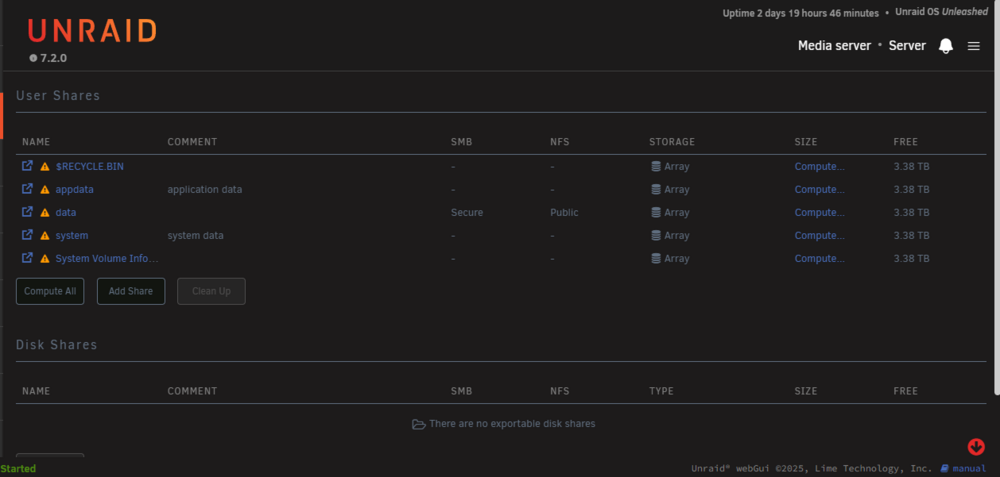
The share is called data
-
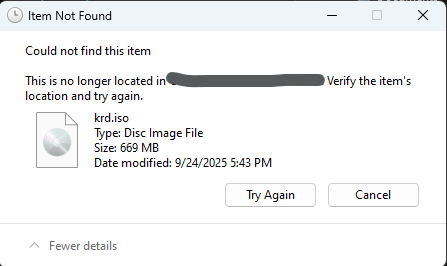
I can't copy any files on my downloads to my smb share even if i try copying from a windows vm the only platform i can copy files over is linux using fstab server-diagnostics-20251215-1904.zip