





Tyrus
Members
-
Joined
-
Last visited
Everything posted by Tyrus
-
I see, thanks :) Does it help us in any way, that I could identify the corrupted files on the drive with this command? ls -la /mnt/disk2/NAS/jellyfin/movies/
-
What about "xfs_repair -L /dev/sdb" that was suggested by AI? Is it a viable solution without high riscs?
-
The problems surfaced after the last system update, so I am a bit hesitant to do an other one. I was hoping to fix the problem before modifying the system, if not absolutely necessary.
-
Phase 1 - find and verify superblock... couldn't verify primary superblock - not enough secondary superblocks with matching geometry !!! attempting to find secondary superblock... ......................................................................................... could not find valid secondary superblock Exiting now.
-
Here it is :) unraidnas-diagnostics-20260202-2223.zip
-
So, when I try to do this, I get following error: chown: cannot read directory '/mnt/user/NAS/jellyfin/movies': Structure needs cleaning With further help from AI I could identify some files, that are corrupt on drive2 in the movies folder. I tried an other fix fileysystem via the UI on disk 2 but I don't think it did anything again. It was running for a long time, I pressed fix, it ran again for a long time and then turned to fix again. I tried it 3 consecutive times. AI suggested "xfs_repair -L /dev/md2" but with a warning of file loss on the corrupted files. It would be ok for me, I can redo them, it's just time. But is it a viable solution? Don't trust the AI with something so important. Since I have also stuff on the drive like old photos that can't be recovered.
-
Just tried but it didn't change anything root@UnRaidNAS:~# getfacl /mnt/user/NAS/jellyfin/movies getfacl: Removing leading '/' from absolute path names # file: mnt/user/NAS/jellyfin/movies # owner: dimi # group: users user::rwx group::rwx other::rwx root@UnRaidNAS:~# getfacl /mnt/user/NAS/jellyfin/tvshows getfacl: Removing leading '/' from absolute path names # file: mnt/user/NAS/jellyfin/tvshows # owner: nobody # group: users user::rwx group::rwx other::rwx
-
Hi, no it is a private share and only for one user (and a test user I created, but the test user had the same empty "movies" folder problem).
-
root@UnRaidNAS:~# ls -la /mnt/user/NAS/jellyfin total 20 drwxrwxrwx 1 nobody users 47 Aug 3 17:12 ./ drwxrwxrwx 1 nobody users 4096 Jan 17 20:59 ../ drwxrwxrwx 1 dimi users 8192 Dec 12 23:24 movies/ drwxrwxrwx 1 nobody users 4096 Nov 29 21:36 tvshows/
-
Sorry, I messed up the hierarchy a bit. So it is : - NAS (the share) - jellyfin, which child folder is the problematic one but there are many other folders here too - movies and tvshows (2 folders only, children of jellyfin) - movies is shown empty, tvshows is normal So do I have to do ls -la /mnt/user/NAS/jellyfin/movies instead?
-
The structure is a following: Share(called NAS) This share has two folders. Both of the folders have files but only the files of one of the folders are visible in the share. But the files are visible in the unraid file manager and are accessible. It is one of the problems that appeared after the initial problem that started this thread was fixed by rebuilding from parity. It used to work before and I haven't changed anything about this folders. I fixed the permissions on the problematic "empty" folder with the help of @trurl but unfortunately it didn't help :( We also checked naming conflicts but everything is fine there too.
-
Sorry for the late reply. So there is still this problem, that no files are shown in one particular folder, when I access it over the network. The Unraid file manager can see the files though. All other folders and files work without any problems. unraidnas-diagnostics-20260126-1635.zip
-
Hmmm, I am not sure what else I could do, to fix the file problem...😞
-
I understand what you mean. SMB doesn't care about uppercase letters so "Folder" and "folder" would be the same folder for it and depending on how it is accessed, it could happen that it would access the wrong folder and that's why my problematic folder could appear empty. I checked in the file browser. The folder hierarchy is NAS/parent/child(our empty folder) So for this problem to be true the parent folder would need to have an other folder inside that would have same name, but written with different upper/lower cases, right? But there is only one other folder in the "parent" folder and it has a completely different name. So I am not sure it is this problem :/
-
Nope, we didn't talk about SMB before. I checked but I can't see any folders with same names but different cases. I also didn't create much on the NAS, since the file system error happened and it was working fine before. First I want to know it's back to normal.
-
Yes, I did reboot before that. Ok, I did this on both drives on this folder and the permissions look right now. -rw-rw-rw- on files and drwxrwxrwx on folders. But I still can't see anything in the folder when I access it over network...
-
It still looks the same :/ And the duration wasn't much longer with 1:20min.
-
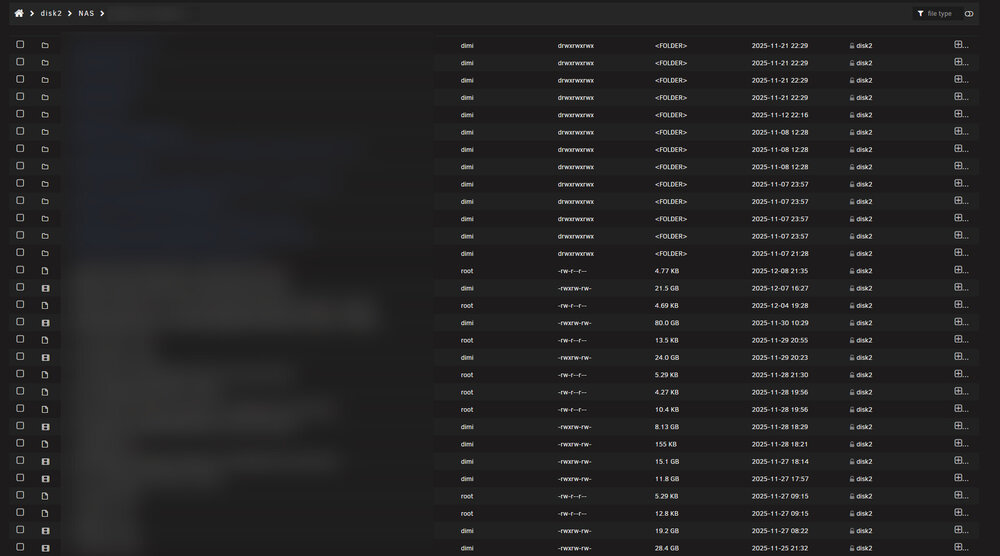
Here is the new screenshot but it looks the same for me... :/ BTW: Tried an other new test-user, same problem.
-
Yep, it's the new screenshot. Just double checked it. Hmmm, should I try the "new permissions" tool again? I am surprised it finishes quite fast, even though it says in the description that it can take a long time. Just did it again and it took only 49 seconds. Target was "shares" and Items "NAS".
-
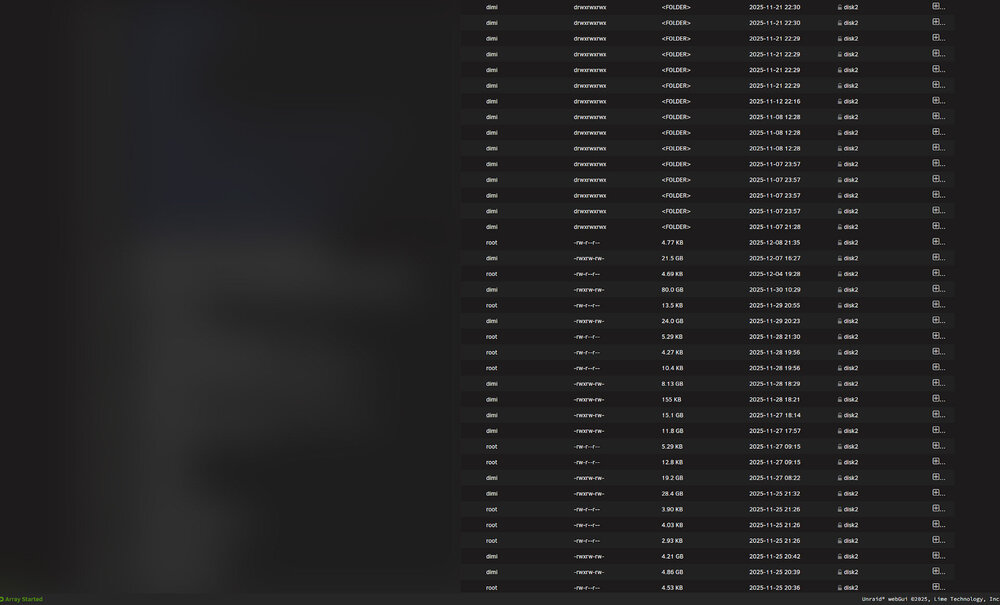
Here it is. If there is an easier way by creating a new user or something similar, let me know of the alternatives please.
-
Are we looking for something particular? A subfolder in "NAS" is having the problem. root@UnRaidNAS:~# ls -lah /mnt total 16K drwxr-xr-x 11 root root 220 Jan 13 20:33 ./ drwxr-xr-x 20 root root 420 Jan 13 20:34 ../ drwxrwxrwt 2 nobody users 40 Jan 13 07:58 addons/ drwxrwxrwx 1 nobody users 48 Jan 10 14:29 cache/ drwxrwxrwx 8 nobody users 86 Jan 10 14:29 disk1/ drwxrwxrwx 3 nobody users 17 Jan 10 14:29 disk2/ drwxrwxrwt 2 nobody users 40 Jan 13 07:58 disks/ drwxrwxrwt 2 nobody users 40 Jan 13 07:58 remotes/ drwxrwxrwt 2 nobody users 40 Jan 13 07:58 rootshare/ drwxrwxrwx 1 nobody users 86 Jan 10 14:29 user/ drwxrwxrwx 1 nobody users 86 Jan 10 14:29 user0/ root@UnRaidNAS:~# ls -lah /mnt/user total 4.0K drwxrwxrwx 1 nobody users 86 Jan 10 14:29 ./ drwxr-xr-x 11 root root 220 Jan 13 20:33 ../ drwxrwxrwx 1 nobody users 72 Aug 20 21:15 DEV/ drwxrwxrwx 1 nobody users 21 May 17 2025 Danis/ drwxrwxrwx 1 nobody users 4.0K Jan 7 20:12 NAS/ drwxrwxrwx 1 nobody users 114 Aug 3 17:12 appdata/ drwxrwxrwx 1 nobody users 0 Oct 20 2024 domains/ drwxrwxrwx 1 nobody users 6 Jan 7 2025 gemeinsam/ drwxrwxrwx 1 nobody users 38 Oct 24 2024 isos/ drwxrwxrwx 1 nobody users 6 Jan 19 2025 pictures/ drwxrwxrwx 1 nobody users 26 Oct 20 2024 system/
-
Unfortunately it didn't change anything and finished surprisingly fast. In about 2 Minutes.
-
I noticed the tool, but wasn't sure if it was the correct use case. Does it make a difference that the folder I am having problems with is a subfolder of a share?
-
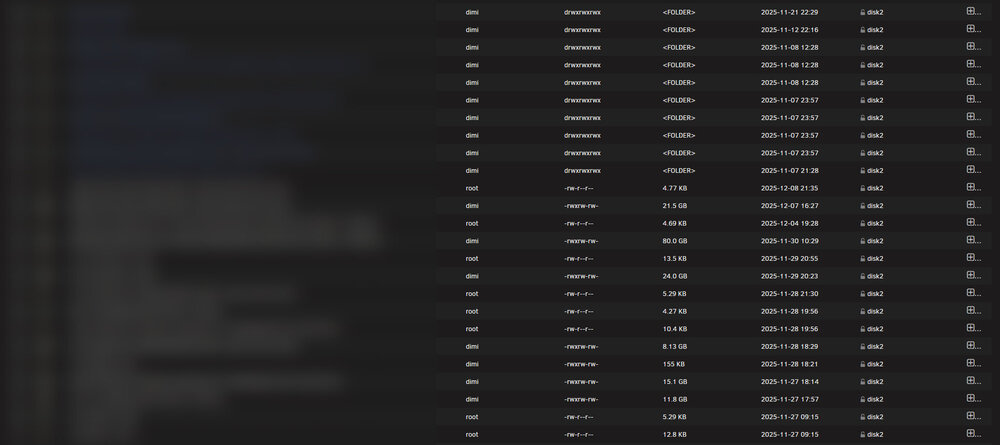
The Memtest ran for over 9 hours and there were no errors. Here is the screenshot from the folder I am having problems with: Does this help? The folder contains files from disc 1 and 2 but neither are showing when I access the folder over the network.
-
I fear the XFS check won't work, like it didn't last time. So the check finished. Tried the fix. Fix said: Phase 1 - find and verify superblock... couldn't verify primary superblock - not enough secondary superblocks with matching geometry !!! attempting to find secondary superblock... And now it will probably run again for another 4-5 hours. As soon as it finishes I will also do a memtest and report back.


