Codierknecht
Members
-
Joined
-
Last visited
-
Perfectly balanced now :-D
-
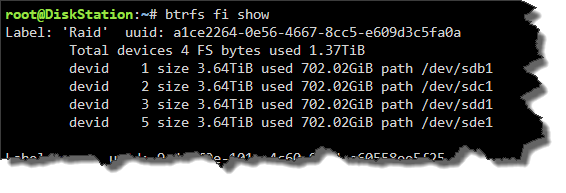
Already started balancing ...
-
I've canceled the ongoing operations. root@DiskStation:~# btrfs fi usage -T /mnt/raid Overall: Device size: 14.55TiB Device allocated: 2.75TiB Device unallocated: 11.81TiB Device missing: 0.00B Device slack: 14.00KiB Used: 2.73TiB Free (estimated): 5.91TiB (min: 5.91TiB) Free (statfs, df): 5.74TiB Data ratio: 2.00 Metadata ratio: 2.00 Global reserve: 512.00MiB (used: 0.00B) Multiple profiles: no Data Metadata System Id Path RAID10 RAID10 RAID10 Unallocated Total Slack -- --------- --------- -------- --------- ----------- -------- -------- 1 /dev/sdb1 789.00GiB - 16.00MiB 2.87TiB 3.64TiB 3.50KiB 2 /dev/sdc1 788.00GiB 2.00GiB 16.00MiB 2.87TiB 3.64TiB 3.50KiB 3 /dev/sdd1 788.00GiB 2.00GiB 16.00MiB 2.87TiB 3.64TiB 3.50KiB 5 /dev/sde1 445.00GiB - 16.00MiB 3.20TiB 3.64TiB 3.50KiB -- --------- --------- -------- --------- ----------- -------- -------- Total 1.37TiB 2.00GiB 32.00MiB 11.81TiB 14.55TiB 14.00KiB Used 1.36TiB 1.65GiB 192.00KiB
-
I was able to mount it 'degraded'. After a reboot the pool is up and running again. My inner Monk would prefer ID's without gaps. But that's some kind of luxury problem ;-) Thanks so far and have a happy christmas time.
-
Hmmmm, now it's no longer mountable ☹️ diskstation-diagnostics-20251222-1113.zip
-
Currently removing the missing drive. This will take an amount of hours ...
-
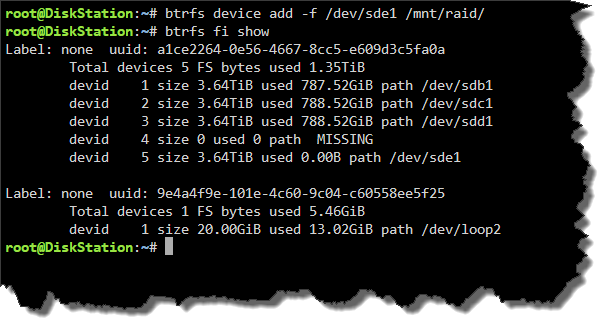
I can add the drive to btrfs with no problem.
-
Done exactly as recommended ... same result ☹️ diskstation-diagnostics-20251221-1110.zip
-
Here's the diag. I'm currently trying to remove the drive from btrfs and then add it again. diskstation-diagnostics-20251221-1012.zip
-
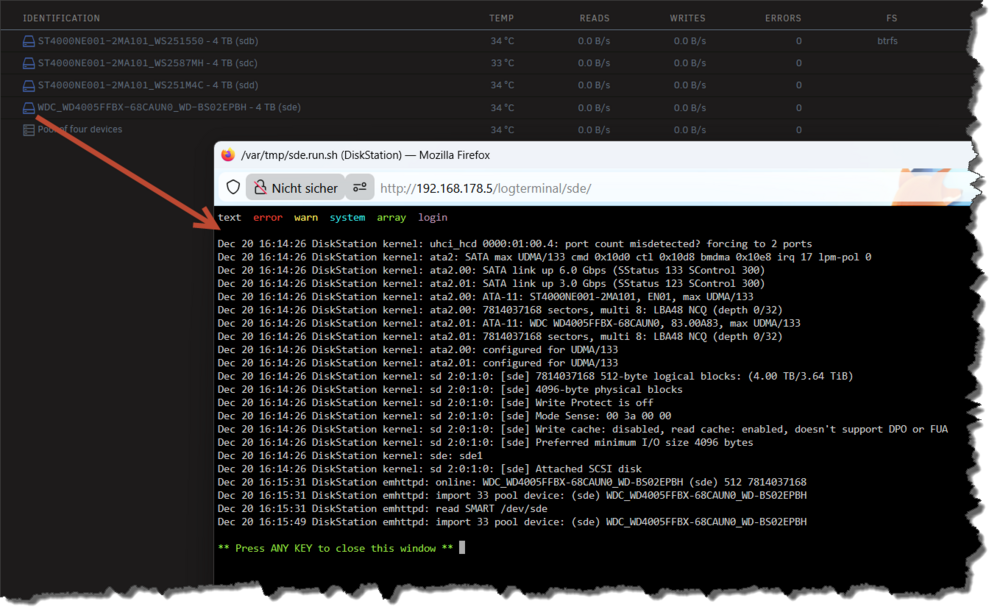
Disk Log Information
-
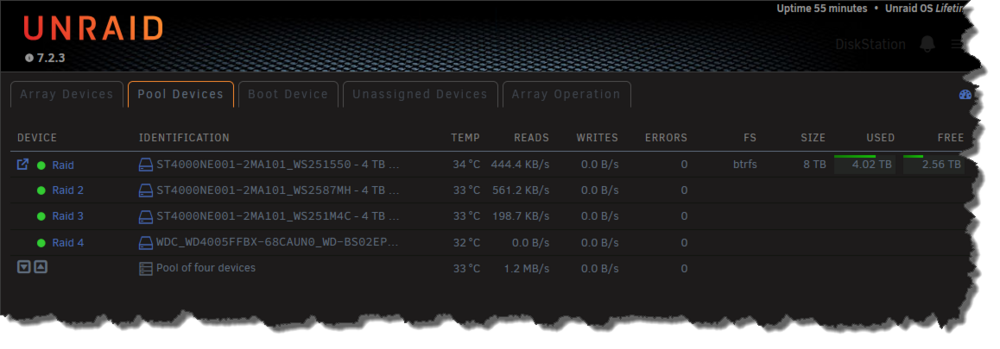
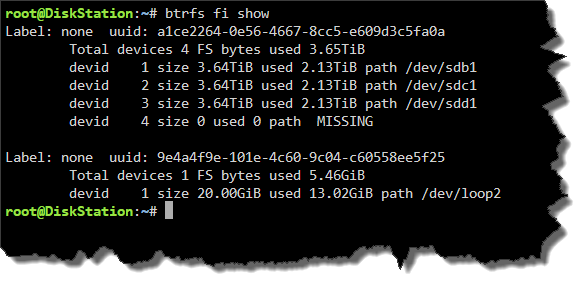
I've replaced a crashed disk by a new one with same capacity. Made a 'New Config', started the array and rebooted. In 'Main' view, everything looks correct. But I was wondering why there's never any activity on that disk. Looks like the disk is not mounted correctly. Edit: S.M.A.R.T runs with no problems and does not show any errors. What can I do?