





Erik Hansen
Members
-
Joined
-
Last visited
-
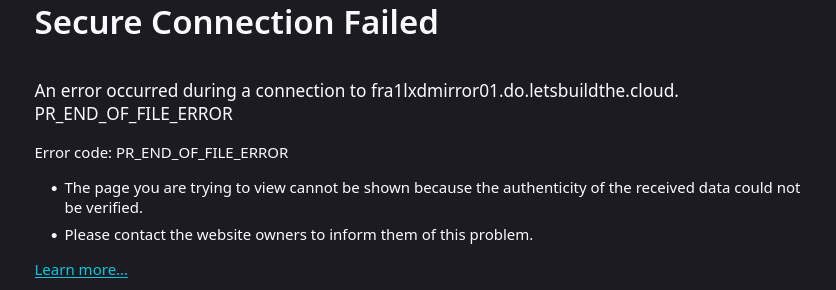
You're right. It IS a mirror problem. More specifically my OPNsense firewall (ZenArmor) was blocking the domain. Once I unblocked the domain, the LXC installed correctly. Thanks!

-
Erik Hansen joined the community
-
I've installed/uninstalled this plugin twice now and can't create any LXC, the downloads always fail because there's a few double forward-slashes in the URL. The actual URL to the download has a single forward slash before rootfs.tar.xz: https://images.linuxcontainers.org//images/debian/trixie/amd64/default/20251230_05%3A24/rootfs.tar.xz Here's the result from a direct terminal entry. lxc-create --name DebianLXC --template download -- --dist debian --release trixie --arch amd64 Downloading the image index Downloading the rootfs ERROR: Failed to download https://images.linuxcontainers.org//images/debian/trixie/amd64/default/20251230_05:24//rootfs.tar.xz lxc-create: DebianLXC: ../src/lxc/lxccontainer.c: create_run_template: 1596 Failed to create container from template lxc-create: DebianLXC: ../src/lxc/tools/lxc_create.c: lxc_create_main: 318 Failed to create container DebianLXC
