Tim F
Members
-
Joined
-
Last visited
-
So I built a new almalinux vm and it worked out of the box so I have a VM specific issue. Thank you Frank for all your help! Issue resolved.
-
Great catch! I'm still getting use to the nuances of the platform. I did run the cleanup task (button) and pulled diagnostics again to ensure it was cleaned up. The display did say 1 share was cleaned up. It would have been a great story if it worked after cleaning up, but I got the same results. I was able to successfully netcat to the server on port 445 so I know its not a layer 2 problem. I appreciate the help. I'm deploying a second almalinux box incase there is something specific about my daily driver that might be messed up. Thanks again!
-
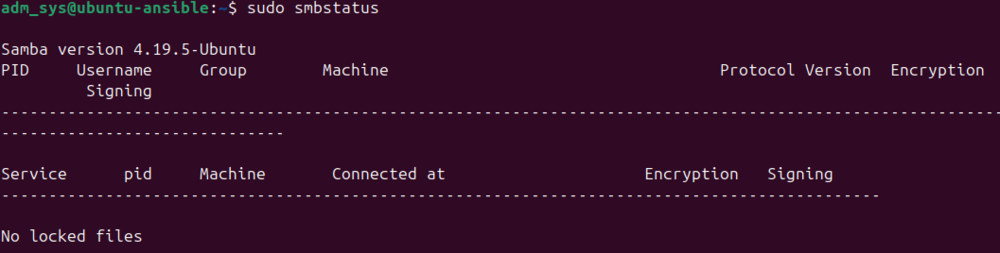
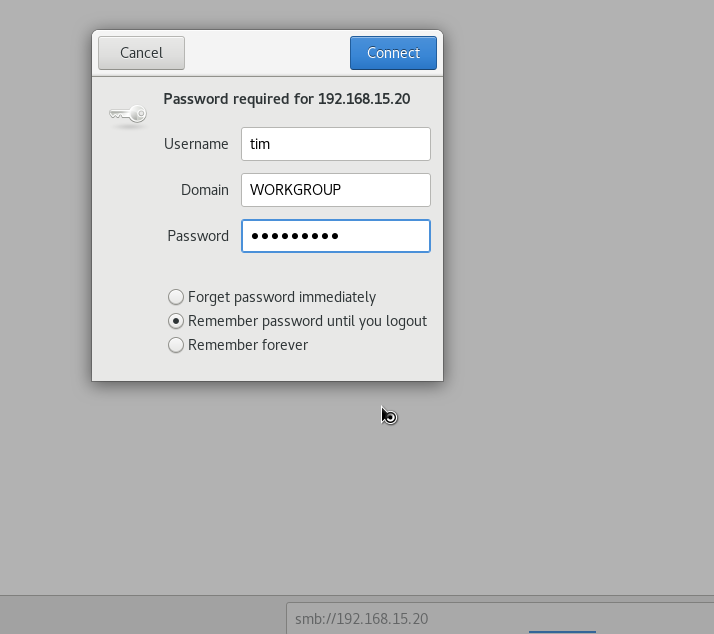
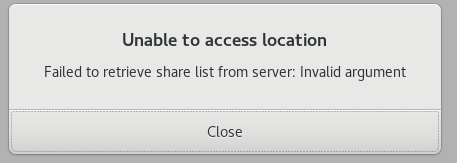
Thank you Frank for all of that feedback! I have attached my Diagnostics file. On the Fedora box, I noticed that it needed to be updated and SMB started working after the update. But I pulled the smbstatus in case there was a trend. On Fedora, Samba versions is 4.23.5 On Almalinux, Samba version is 4.19.4 On Ubuntu (which always worked) smbstatus was not installed, but after installing it, it was 4.19.5 I did try to see if a newer version of anything needed to be installed on Almalinux and it was up-to-date. I also tried to just browse to the file share in Almalinux and was prompted for a username/domain and password but still recieved and error: I'm continuing to research this a a almalinux specific thing at this point. I tried installing Dolphin file manager and that produced different errors but did not work none the less. Thank you for looking at this. unraid01-diagnostics-20260206-1009.zip


-
So really new to unraid and have a pretty basic setup with regard to file sharing (smb). I have several shares setup, exported, with users setup with R, R/W, permissions. Works great with windows (10/11). On the Linux side of the house, not so much. I have an Almalinux 8 VM that connects to the share in the GUI, I provide user name and password (and domain) and after completing that window, I get an error: From the command line I get: I also tried this from a Fedora VM and got the same results. On chance, I tried this on a Ubuntu VM that I built for a test and just hadn't deleted and it just worked.... Is there different syntax or required packages that I should be using to connect from a Red-hat like distribution vs a Debian distribution? Google Gemini didn't have any new advice I had not already tried to offer.... Anyone else have this issue?