





harrymay
Members
-
Joined
-
Last visited
-
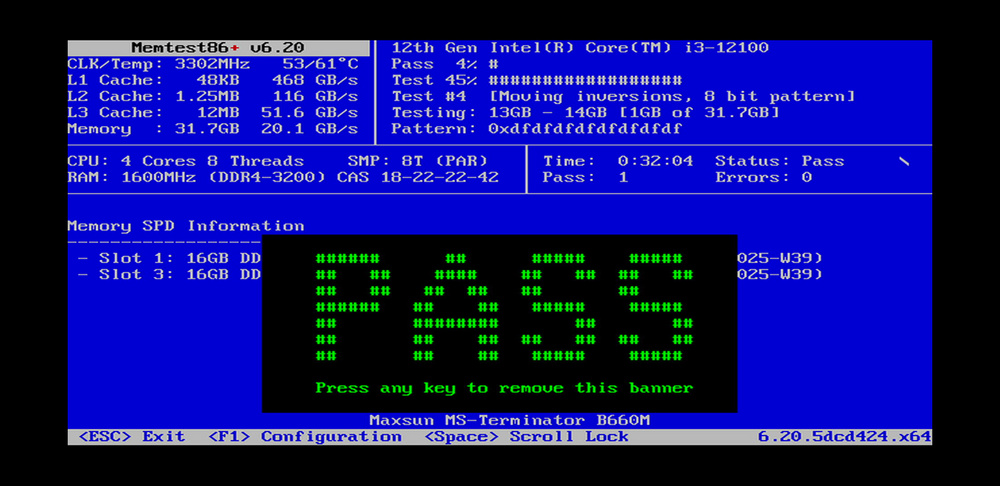
The new 32GB RAM kit arrived and is installed. I ran Memtest86+ and it successfully completed a full pass with absolutely zero errors. Seeing that big green "PASS" was a huge relief (screenshot attached). Now that the hardware foundation is finally stable and trustworthy, I have booted up Unraid and grabbed a fresh diagnostics file (attached) before attempting any repairs. tower-diagnostics-20260325-2144.zip
-
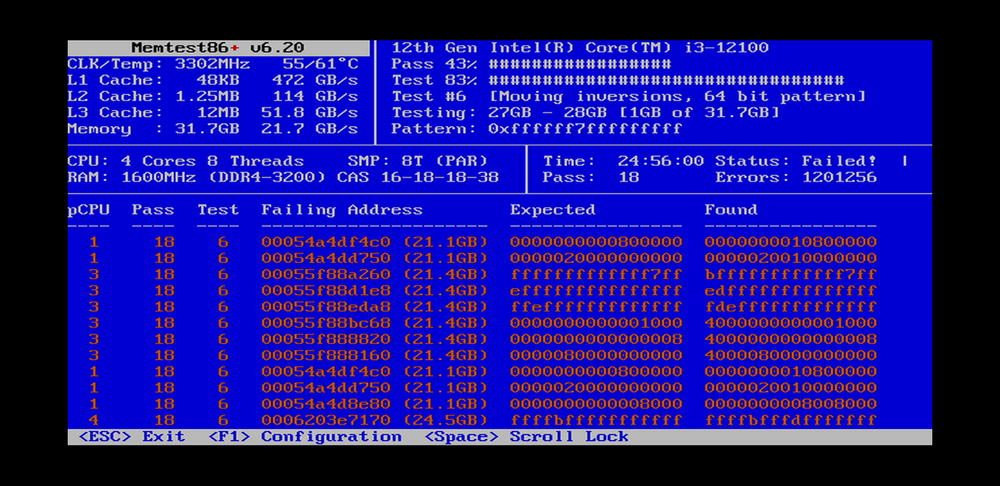
I went ahead and let Memtest86+ run for a full 24 hours with both sticks installed just to see the extent of the damage, and it threw over 1.2 million errors After that, I tested the sticks individually to isolate the issue. It turns out both sticks have physically failed and threw massive errors when tested alone
-
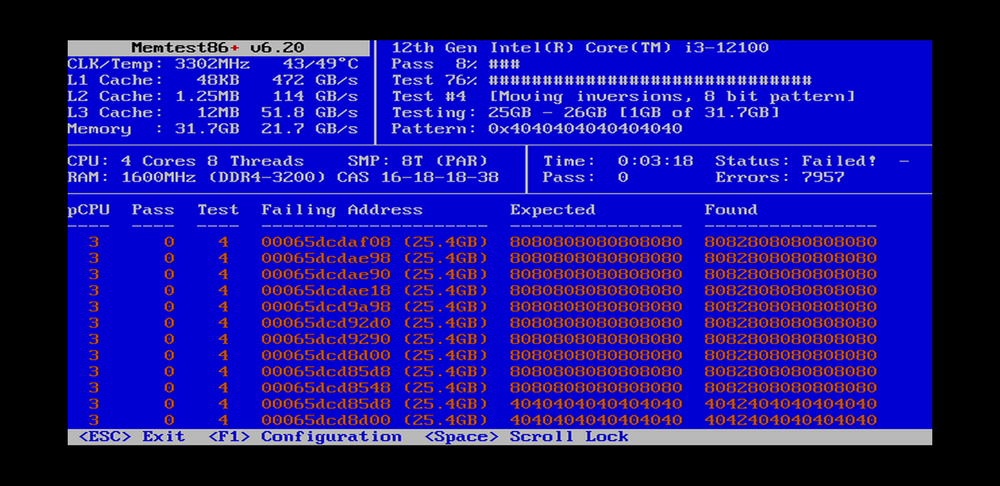
Thank you so much for pointing me in the right direction I ran Memtest86+ from the boot menu as suggested. It didn't even need 24 hours—within just 3 minutes, the screen lit up with red errors.
-
Hi everyone, I'm running into a critical issue with my Unraid server. The array starts up fine, but after running normally for a while, the user share system seems to crash. When this happens, the "Shares" tab in the WebGUI goes completely blank, and all of my network shares become inaccessible. If I try to check the directory via the terminal, I get the following FUSE error: root@Tower:/mnt# ls ls: cannot access 'user': Transport endpoint is not connectedSymptoms: The array remains started, but user shares drop out unexpectedly after some uptime. Terminal confirms /mnt/user is inaccessible with the "Transport endpoint is not connected" error. The "Shares" page in the WebGUI is completely empty. tower-diagnostics-20260316-2339.zip


