





Skaface81
Members
-
Joined
-
Last visited
-
So Disk 1 has now completed rebuild. What should I be looking for now? Or do we think reseating cables was the solution? server-diagnostics-20260613-1509.zip
-
See you all in 20 hours 😜
-
ok thank you. I have repaired the emulated disk and everything looks ok. I have played a selection of random files that were 'missing' before repair in Plex (I know is not a scientistic test). Am I ok to reassign disk 1 and repair? server-diagnostics-20260612-1230.zip
-
Drive 2, fixed (hopefully) Started array, cancelled rebuild for drive 1. Ran diagnostics. server-diagnostics-20260612-0932.zip
-
Check filesystem for Disk 1.disk 1.txt Check filesystem for Disk 2disk 2.txt.
-
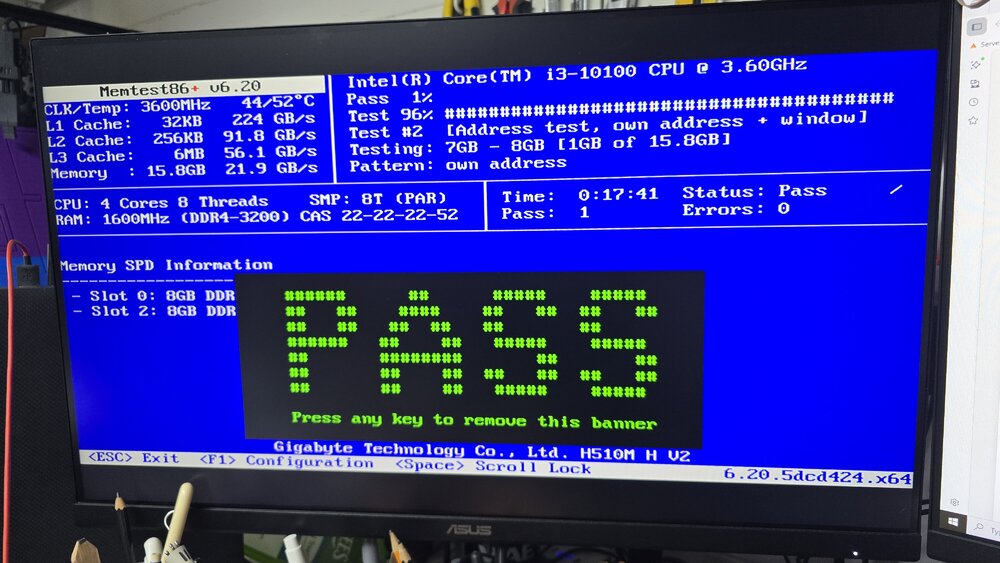
Memtest for 1 cycle has passed
-
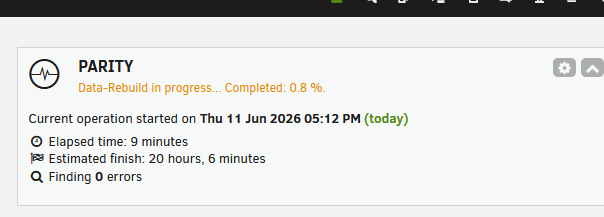
Yeah, understood and noted. Rebuild stopped and here is new diagnostics server-diagnostics-20260611-1731.zip
-
Hang on, how have I done that?
-
Thanks for the reply, I think things have gotten worse! 🤣Both 12TB drives are now unmoutable! server-diagnostics-20260611-1712.zip

-
Hello All, Hoping for some help, please - I am getting the status shown below. I have read through previous posts on this subject but not sure where to turn. I have ordered some new sata cables just in case. Logs attached. server-diagnostics-20260611-1252.zip



