





Stef79
Members
-
Joined
-
Last visited
Everything posted by Stef79
-
This worked like a charm. Thanks!
-
it is definitely the cache pool
-
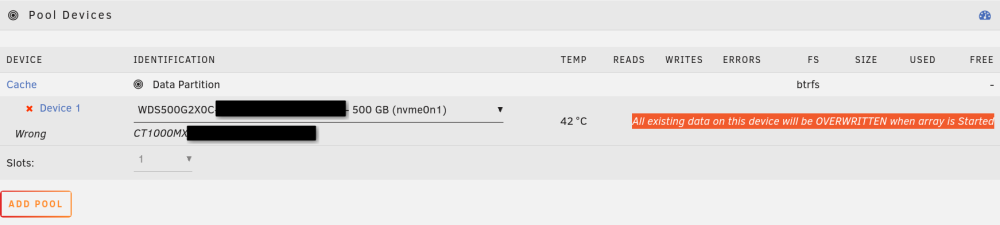
Hello, Due to hardware issues i replaced my unraid board, cpu, ram. The array disks stayed the same. Only after assembling the new hardware i realized that my old single cache SSD was a m.2 SATA drive. The new board does not support m.2 SATA. I had a spare nvme drive and prepared it by copying all data from the old m.2 sata to the m.2 nvme using rsync. i did this on a different pc which could read both. Now when i try to select the nvme drive in unraid the gui says "All existing data on this device will be OVERWRITTEN when array is Started". Is it possible to include the prepared nvme drive into my cache pool and replace the old one without the data being erased at array start? edit: Unraid is 7.3.2 the FS is btrfs
