Robinnnnnnn
Members
-
Joined
-
Last visited
Everything posted by Robinnnnnnn
-
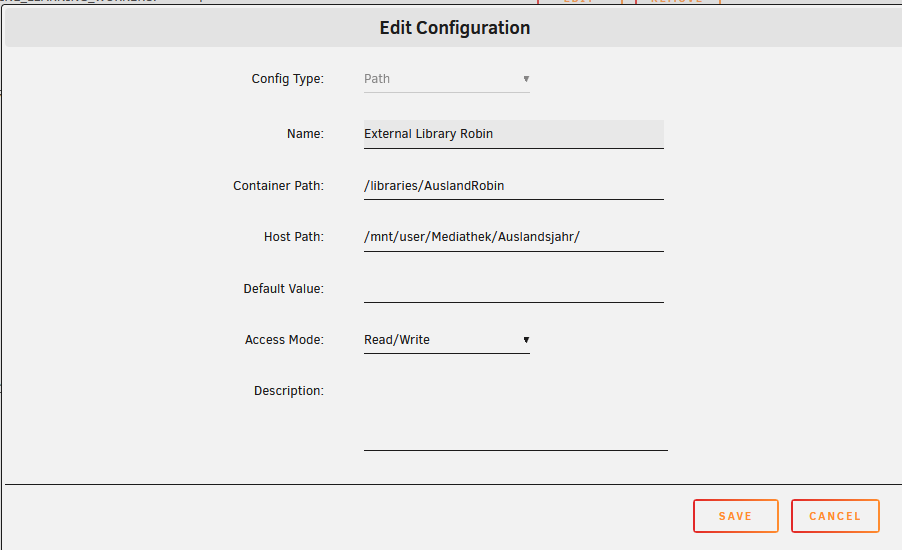
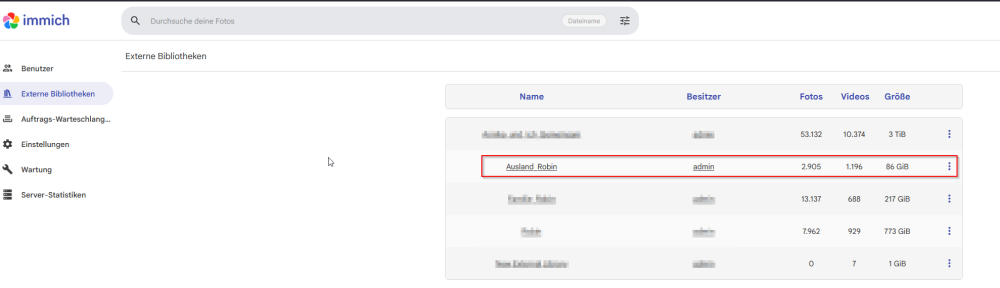
This is the excerpt from the immich template with the path to the share where the data went missing The external library seems to function normally within immich
-
Disk2 has not been formatted by me in forever, escpecially not within the last 5 days. Which is the time frame of the supposed data loss. Can you tell me when the formatting took place and how you found this out? btw thx for the replys. I will go to sleep in a few minutes and answer tomorrow
-
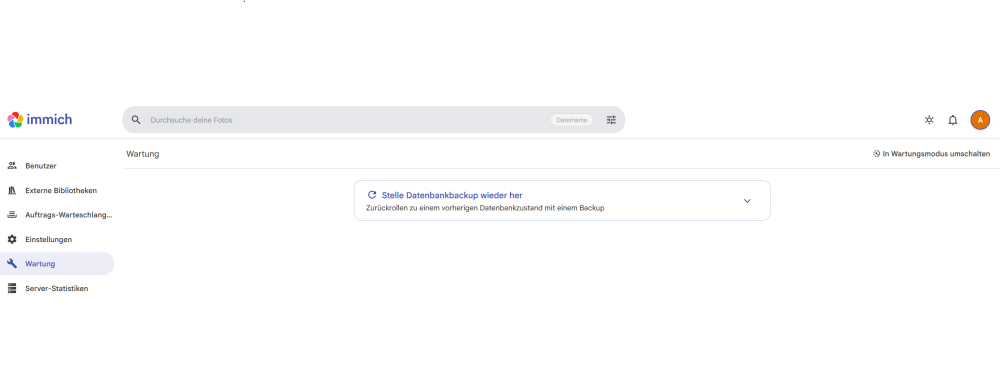
Since which immich Version is the "Find missing files" available? I am missing that feature in Version 2.7.5 . Does anyone know how to find out, what deleted the files, if they are deleted. We are talking about hundreds of GB of files. I just dont understand how they can just disappear especially because other file types remain in the Share at the same place as the missing files.
-
I do not know if this is an Immich or an Unraid problem but I do not think, that updating immich would help, because the files are not in the Share anymore. They may be gone or just moved somewhere. But I have not found them yet. But an update of Immich will not bring back the files on my share I think
-
I am really sorry for not reading properly. Here is the Diagnostics ZIP nas-01-diagnostics-20260809-2306.zip
-
Diagnostics ZIP, Same as in Headline Post nas-01-syslog-20260809-1852.zip
-
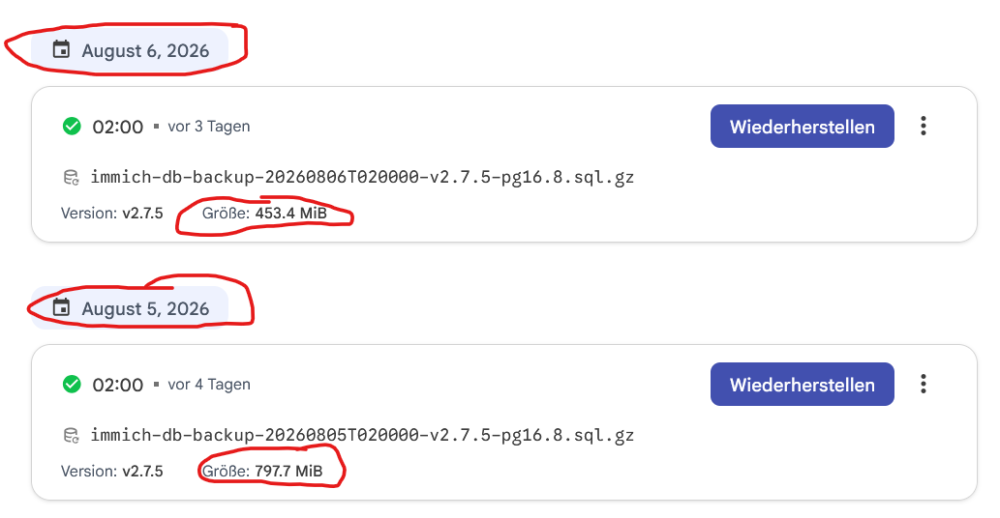
Hello, I run Unraid 7.0.1 and I have a simple SMB Network share called "Mediathek" (it has the network letter "X"). I am missing several hundreds of Gigabytes of pictures and videos within a folder in this share and I have no explanation on how this happened. So the Share and the folders look like this: X:\Auslandsjahr\2026-05-01_06-23_Indonesien X = Network Share Letter Auslandsjahr= Folder in Share 2026-05-01_06-23_Indonesien = Subfolder of Auslandsjahr. Here the files are missing although only picture and video files. Log files of my drohne are still present. The Problem: Within the folder "2026-05-01_06-23_Indonesien" there are missing picture and movie files as well as in the Subfolders picture and video files are missing. There is another file type present in this folder, namely drohne log files which seem to be uneffected. Unfortunately I restarted the Server before saving logs. The only proof of the missing data I can find is within the immich application. These ,now missing, Pictures and videos were displayed in Immich as an external library and you can see in the screenshot that the daily backup immich does from its database is considerably smaller because suddenly all the files are missing. I have no user scripts or something else running only the mover moves files from cache to the array at night. QUESTION: Does anyone have any Idea where the data is gone. I dont even know how to find out if it is deleted or "just mistakenly somewhere else on the server" Is there any way to verify how much or which data is even effected. Thank you for your help! Here you can see the Screenshot from the "Immich" application. It shows the time and size of the automated Backup of the Immich Database. You can see , that sometime between the 05.08. and the 06.08 that the size of the Backupdatabase decreased from 797,7 mb to 453,4 mb. I think this in direct connection with the missing data on my network share. nas-01-diagnostics-20260809-2306.zip