





a12vman
Members
-
Joined
-
Last visited
-
All good now! PERC Drivers were outdated and i missed that. Updated to latest version and all is well.
-
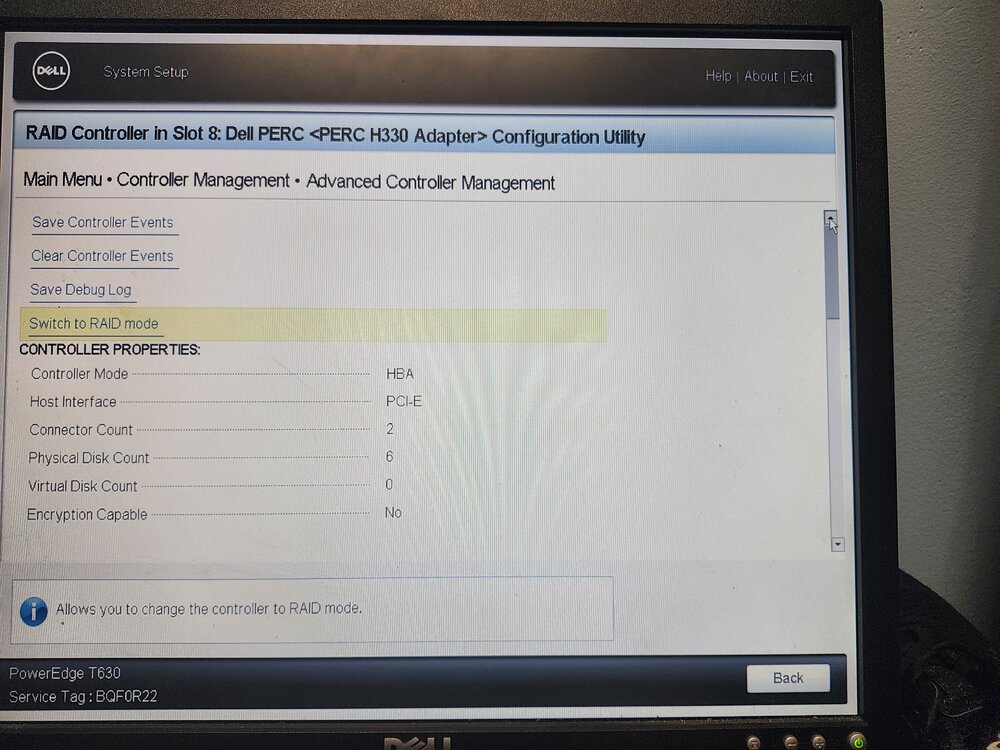
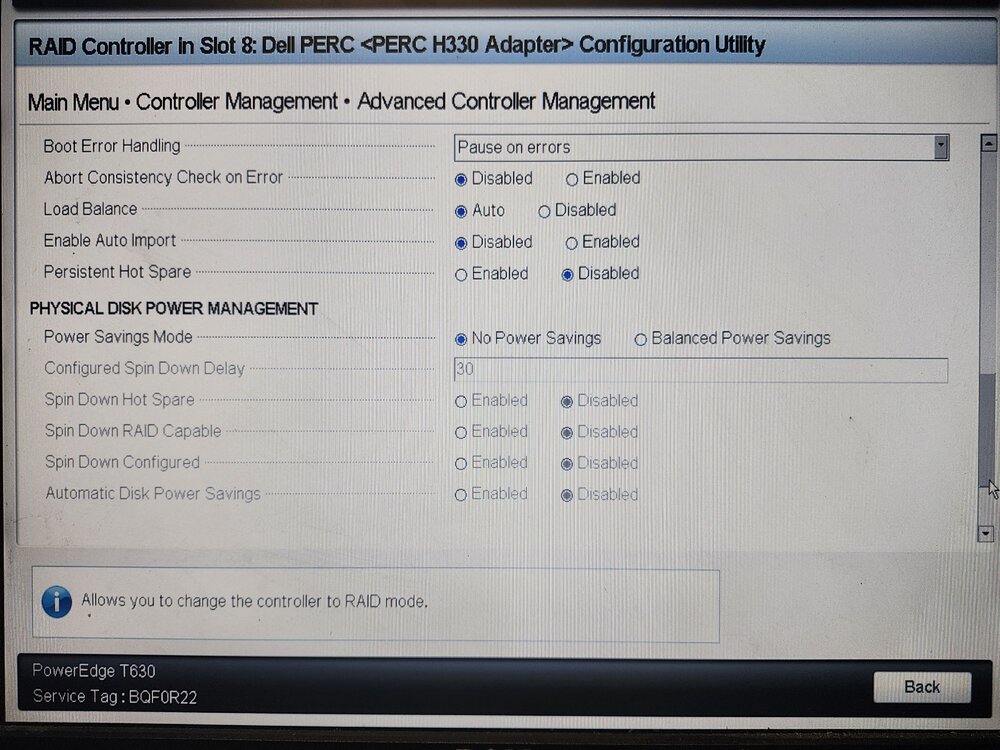
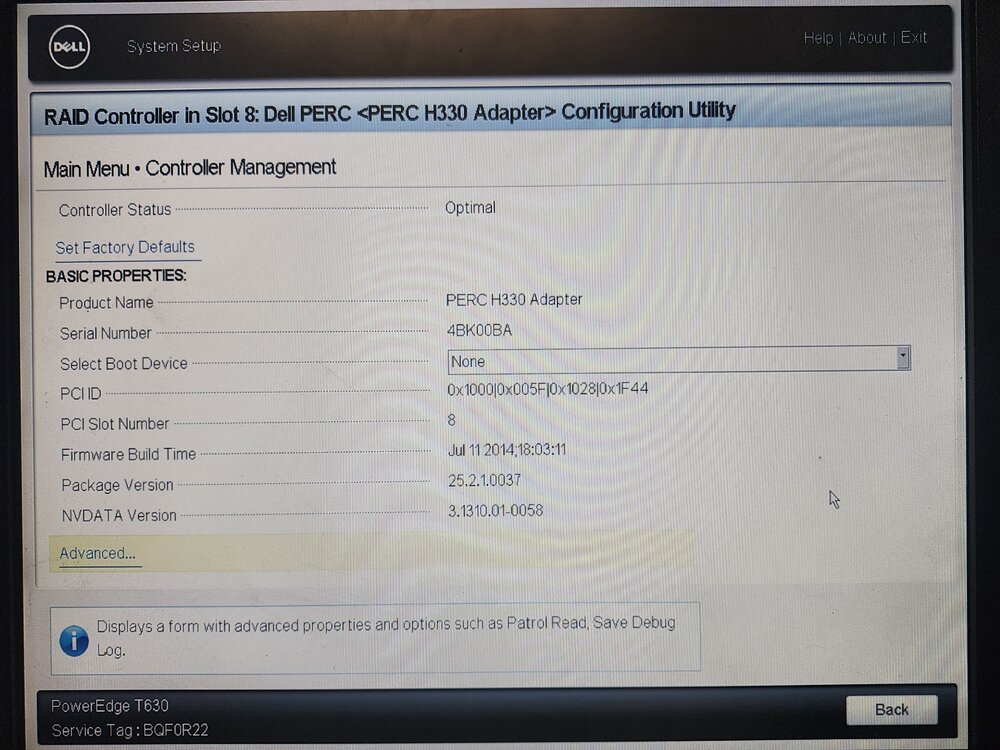
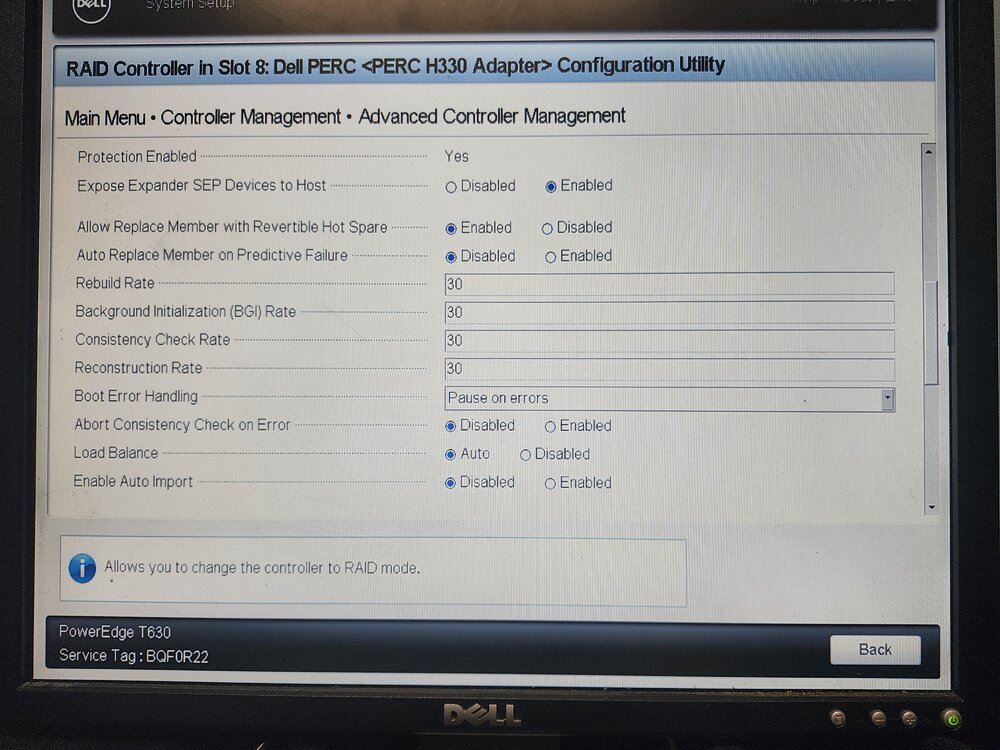
Here are the PERC Settings from BIOS:
-
Here is old and new configs.
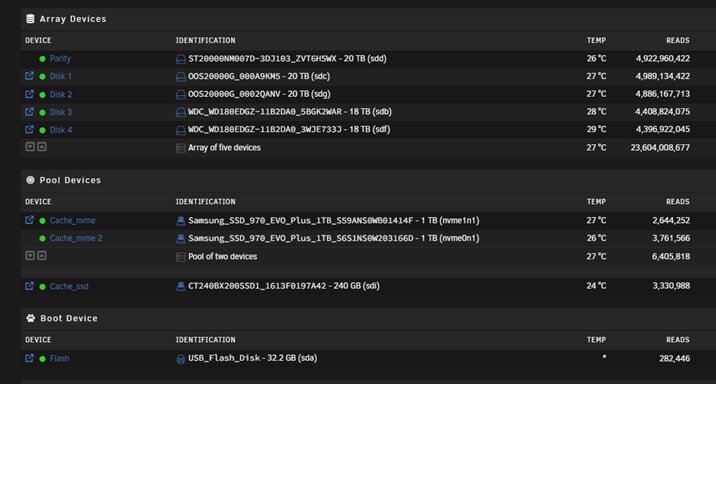
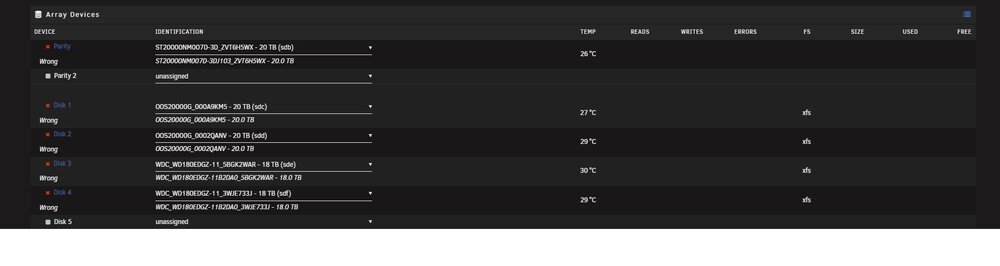
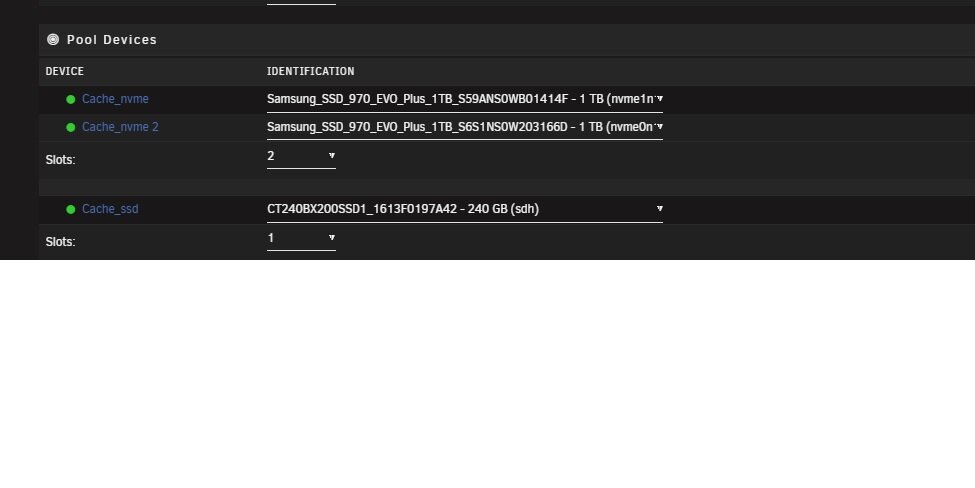
-
mediatower-diagnostics-20250413-0821.zip
-
My old system had a LSI Card flashed in IT Mode. New system has a PERC H330 and I double checked that it is in HBA Mode from Dell's System Setup. Are there issues with UnRaid and the H330?
-
I am having an issue after migrating to Dell T630 with Perc H330 in HBA Mode. I documented drive assignments with serial numbers on my old Dell server. I moved al the drives over to the new server along with the USB Drive. Powered up the new server and logged into the Unraid Console. I see all the drives with correct serial numbers and assign each drive to the same position as the old drive. Each Disk shows as "Wrong" and the "Start Array" option is not enabled. What am I missing here? The last time I did a hardware migration back in 2018 I had 0 issues. mediatower-diagnostics-20250413-0821.zip
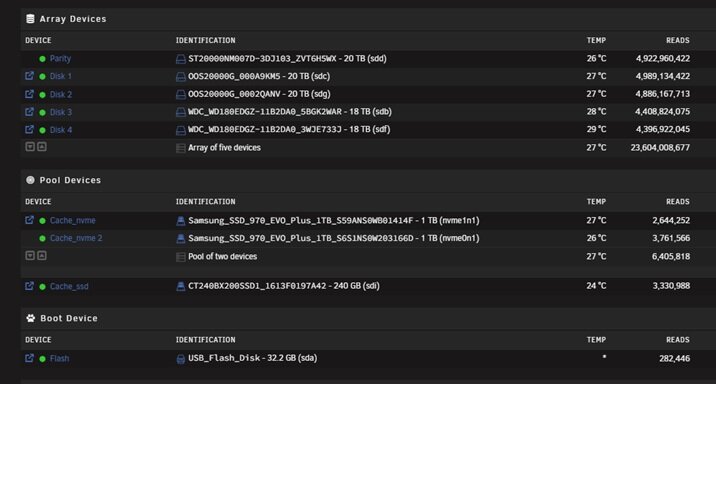
-
This is solved. I had the Mover Tuning Plugin Installed from the previous version. I removed the plugin and kicked off a manual move. All good now.
-
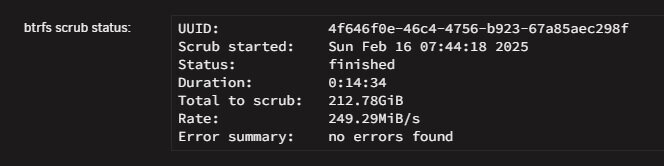
no errors reported on my Cache Drive(BTRFS). Definitely something going on here. I just downloaded a TV Episode thru Sonarr that didn't exist. It shows up as recently added in Plex. I run a manual move but nothing happens. File is still on Cache Drive. Tvshows share has always been to to cache(Move from Primary(Cache_SSD) to Secondary(Array).

-
I upgraded to 7.0 about a week ago. Haven't had any issues so far. I just got a low space warning on my Cache Drive. Mover is supposed to transfer files to my Shares(Primary) from my Cache Drive(Secondary) but it doesn't happen. I tried stopping Docker/VM Services & running Mover but it didn't help. mediatower-diagnostics-20250216-0715.zip
-
Anyone have any ideas? This is showing up every day around the same time. I am not seeing any issues from anything else. Can any of these identifiers be used to tie back to a specific Docker or Process that is running? kernel: traps: unrar7[5211] trap invalid opcode ip:562a90ff41a1 sp:7fffe2a97c48 error:0 in unrar7[562a90ff1000+4b000]
-
I am seeing this daily in my syslog: kernel: traps: lsof[13954] general protection fault ip:14b81e3ccc6e sp:9e3ce931b6829a07 error:0 in libc-2.37.so[14b81e3b4000+169000] How do I isolate? mediatower-diagnostics-20240112-1352.zip
-
Ok my biggest concern is preserving my plex metadata. I changed the docker vdisk and appdata location as below. I enabled docker. Plex now shows as empty. In looking at the filesystem the original plex appdata on the array is unchanged at 4.5GB. It re-created the appdata on cache_nvme as a new install only 4 MB. The other Dockers like Emby & Sonarr have the same issue but others like Deluge & Duplicacy are ok. What did I do wrong?

-
Can I change Docker Vdisk & Storage Location to run off the array for the time being?

-
I noticed a few errors on my NVME drive(holds System,Docker,AppData,Domains) after a recent 6.12.6 upgrade.. I picked up a new SSD, formatted it & added as a Cache Drive. Last night I stopped docker & VM services. Went to System,Appdata,Docker,Domains shares & changed secondary storage to Array, Mover action set to Cache-->Array. Kicked off the Mover & let it run overnight. This morning I confirmed the mover wasnt running. Went to the same shares, changed primary storage to Crucial_Cache, set Mover Action to Array-->Cache. Started the Mover. Within minutes it failed. sdi is the new cache drive and filled the system log. When I look at Shares, Appdata and System are Green and living on Array. Docker and Domains show that files are unprotected. Looking at MC I have Docker.img on Mnt\User\Docker. Domains is still on the NVME Cache even though I set action to NVME-->Array. Am I incredibly unlucky with a bad SSD or could I have a problem with the controller? What are my next steps? I don't want to make the problem worse. I do have a full backup of AppData that I took before I started all of this. Dec 30 06:12:07 MediaTower kernel: BTRFS error (device sdi1): bdev /dev/sdi1 errs: wr 6, rd 0, flush 0, corrupt 0, gen 0 Dec 30 06:12:07 MediaTower kernel: BTRFS error (device sdi1): bdev /dev/sdi1 errs: wr 7, rd 0, flush 0, corrupt 0, gen 0 Dec 30 06:12:07 MediaTower kernel: BTRFS error (device sdi1): bdev /dev/sdi1 errs: wr 8, rd 0, flush 0, corrupt 0, gen 0 Dec 30 06:12:07 MediaTower kernel: BTRFS error (device sdi1): mediatower-diagnostics-20231230-0643.zip
-
mediatower-diagnostics-20231227-0744.zip


