



Skip to content
View in the app

A better way to browse. Learn more.

Unraid

A full-screen app on your home screen with push notifications, badges and more.

To install this app on iOS and iPadOS
  1. Tap the Share icon in Safari
  2. Scroll the menu and tap Add to Home Screen.
  3. Tap Add in the top-right corner.
To install this app on Android
  1. Tap the 3-dot menu (⋮) in the top-right corner of the browser.
  2. Tap Add to Home screen or Install app.
  3. Confirm by tapping Install.

c3ham

Members
  • Joined

  • Last visited

  1. Ok thanks for the help got 16gb coming tomorrow hopefully this will be enough
  2. Oops will post the correct plex setup once I get home I am running 8gb how much ram is required ?
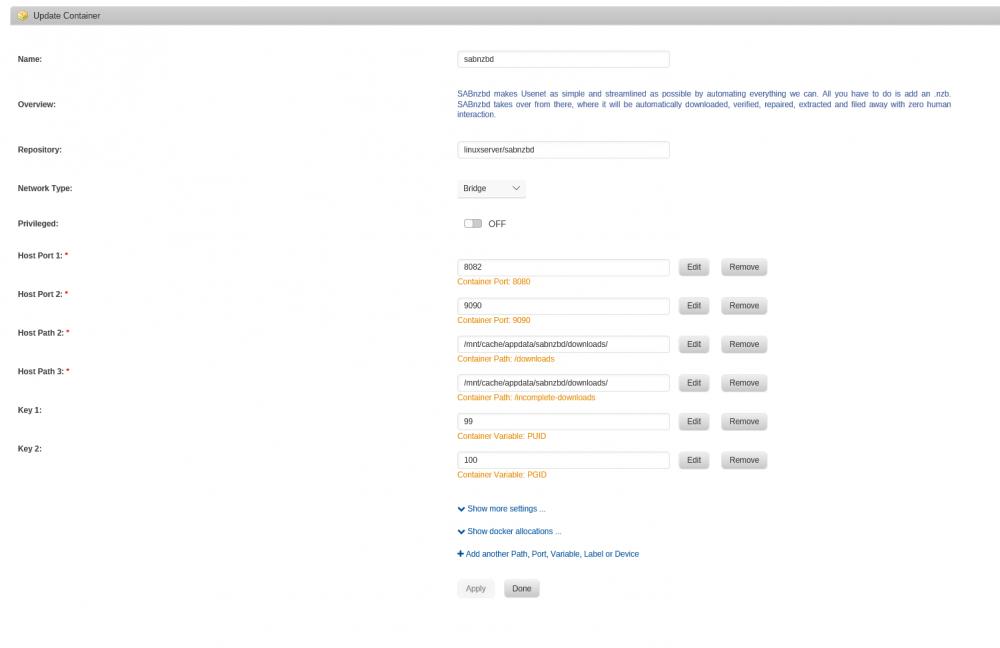
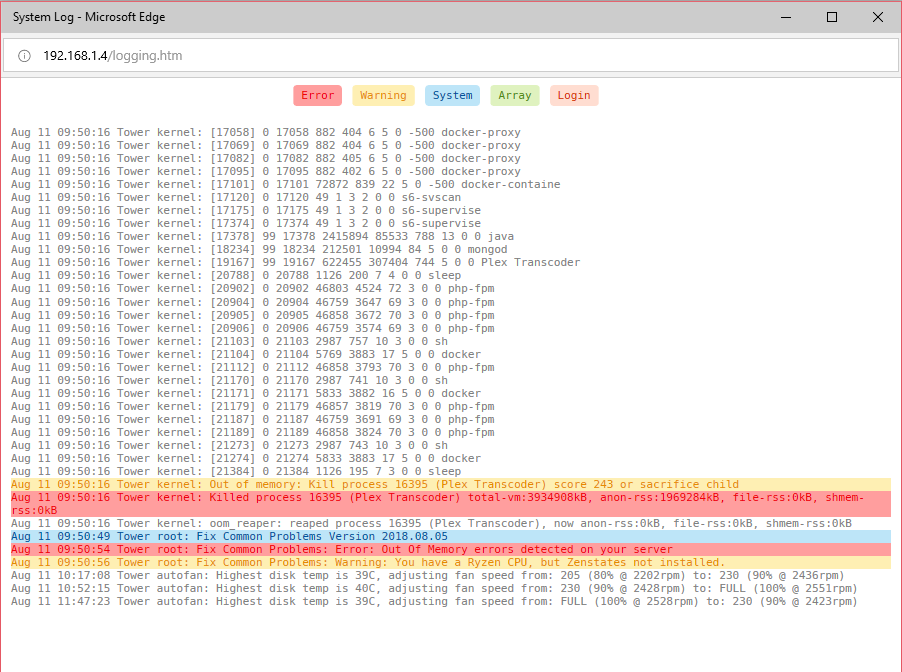
  3. Hi I am having issues with the plex docker when transcoding movies my server terminates the streams due to no memory can anyone help me resolve this issue I have attached some logs and my setup thank you in advance for any help
Account

Navigation

Search

Search

Configure browser push notifications

Chrome (Android)
  1. Tap the lock icon next to the address bar.
  2. Tap Permissions → Notifications.
  3. Adjust your preference.
Chrome (Desktop)
  1. Click the padlock icon in the address bar.
  2. Select Site settings.
  3. Find Notifications and adjust your preference.