awpullen
Members
-
Joined
-
Last visited
Everything posted by awpullen
-
Thank you both. I guess the simplest solutions are the best, it works fine. I had seen a tutorial where this was not necessary, so maybe that was a version issue of either the plugin or of Unraid itself. Anyway, thanks for your feedback, I am now all set.
-
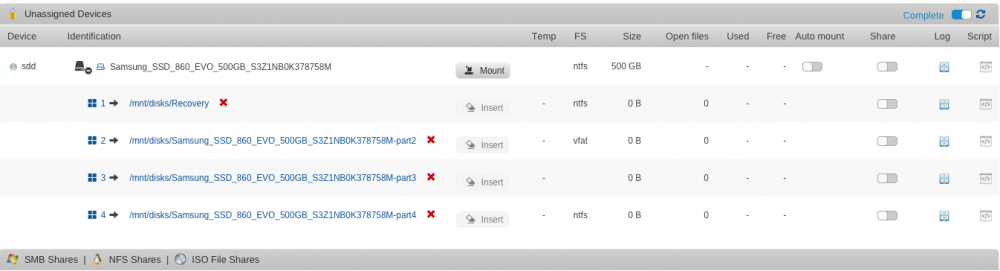
Hello I don't know if anyone can help with this but I suspect it might be a bug in the plugin. I just installed the latest version of Unnassigned Devices - dated 2018.04.09 onto Unraid v 6.5.1 I did a conversion of a VM disk directly to a new SSD drive, unassigned to the array, and it created the expected partitions. But each of the partitions are listed as 0 bytes. I updated the VM to use the disk and it did work, although slower than I had expected, but the sizes of the partitions are still showing zero. Below is a screenshot of what I see. Any ideas?