unraidnoob
Members
-
Joined
-
Last visited
-
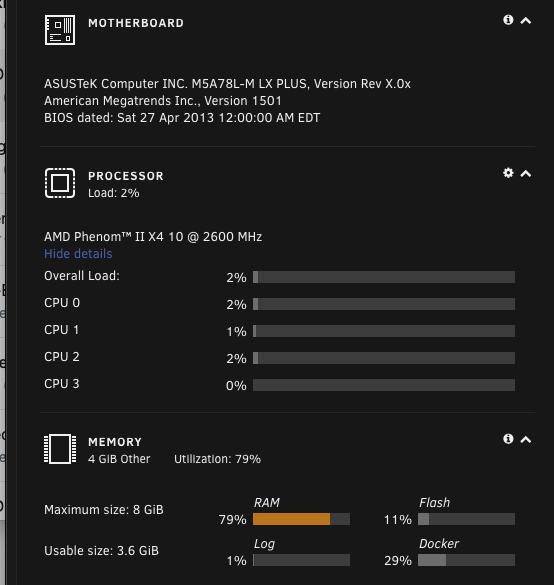
Time flies.. I've been using unraid for about 10 years now and pretty much it just runs in the background for plex and other media. I'm thinking about trying to do some VM gaming on it. Where should I start? Crazy how storage has changed over time. I have 6 drives 2-3TB and a cache drive and only had to replace 1 HDD earlier this year. Completely new to gaming and VM but I'm not looking at hardcore gaming what should I buy for from a video card perspective that will make this transition smooth? I'm guessing I would play things from like fortnite and lost ark etc. I've been looking at the the AMD 5600x or G and then adding like a 1070ti and using moonlight i think? Going up to 16 gig ram can i keep mu old PSU?.. a corsair CX650. I'm running unraid 6.9.2, I'm also getting concerned that some of my drives will start failing now so just trying to be a little premptive.