vonfrank
Members
-
Joined
-
Last visited
Everything posted by vonfrank
-
That would be damn.. Is there any indication that this was the reason for this crash? And what does this mean? I did notice this in "Fix common problems" plugin, but actually suspected it to be something to do with the aggregation of NICs, but only because I didn't know better.
-
vonfrankstorage-diagnostics-20240207-1457.zip syslog-192.168.3.1-7.log
-
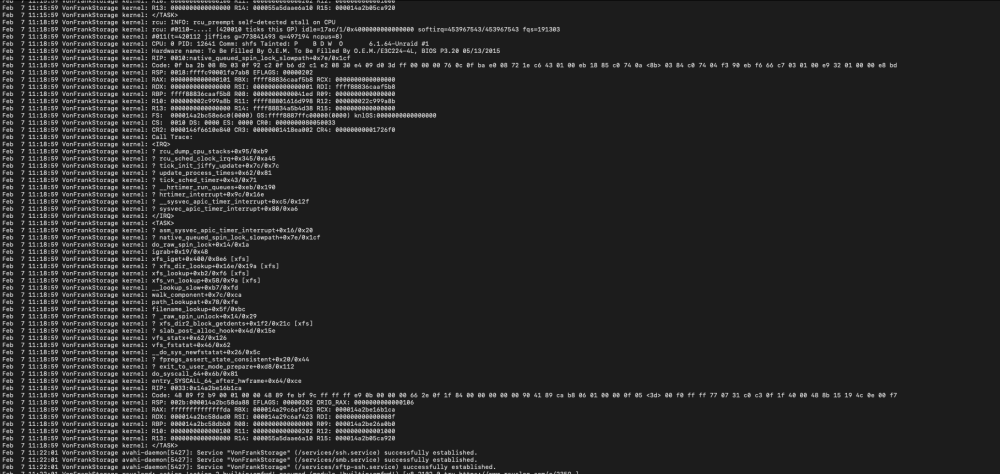
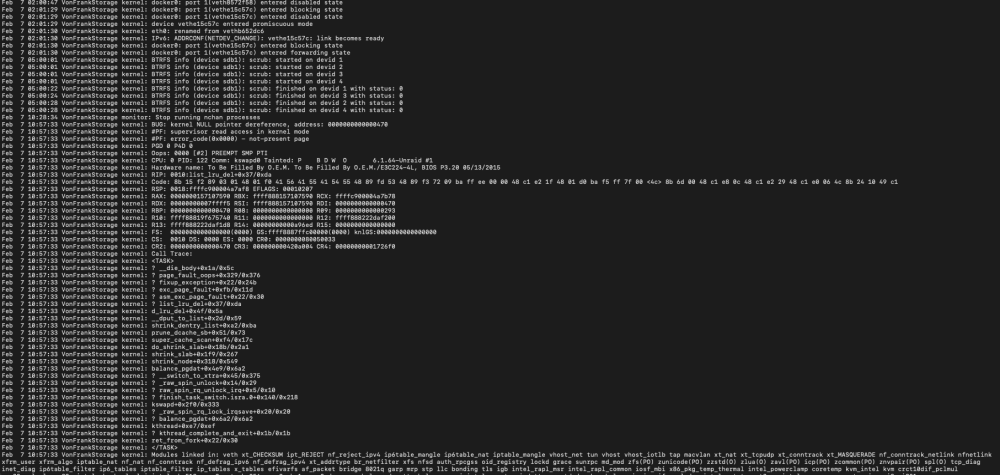
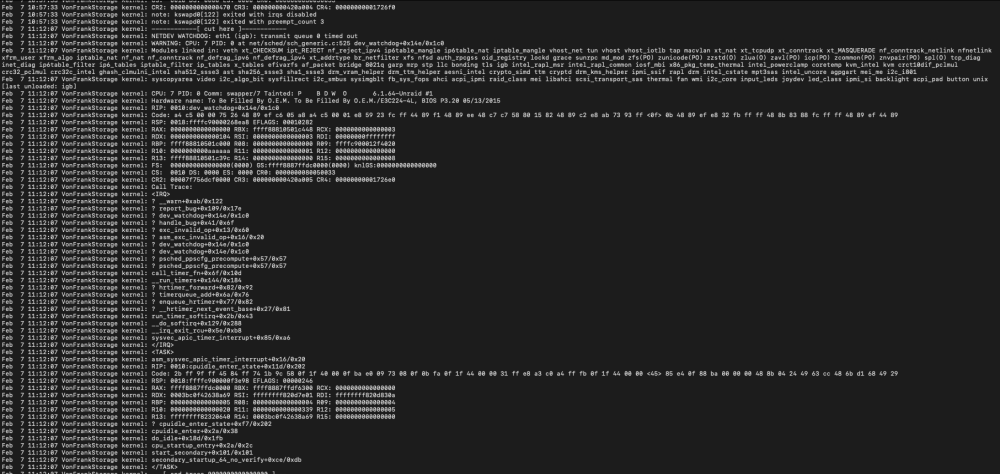
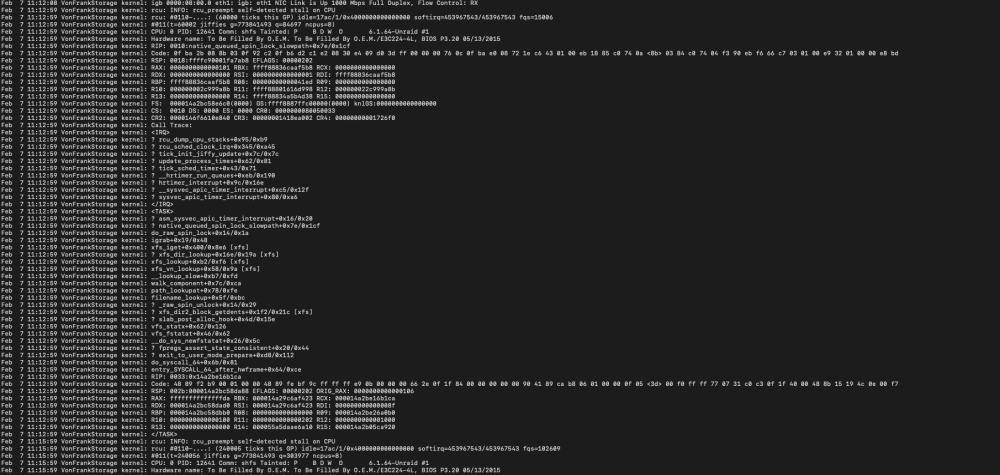
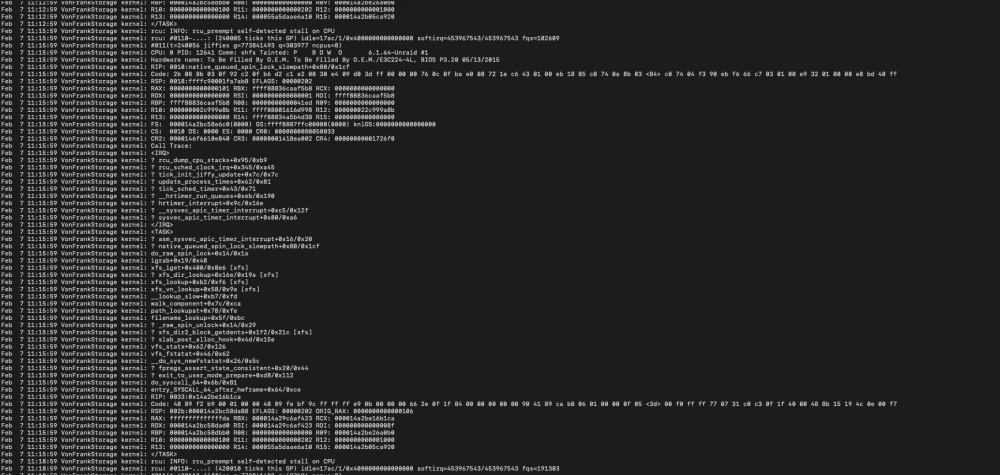
Hi, I may have a server start to die on me, and I am unable to resolve this issue. The server works fine for most of the time, but once a week/once every second week, it becomes totally unresponsive. I am not able to enter the GUI, all services running on the server dies, either containers or VMs. I started a syslog server on one of my other servers, in order to get some information, but my knowledge starts to lack when I start debugging linux. Is anyone able to see if this log seems out of the ordinary? This is what I see in the logs, up until the freeze. The time stamp 11:18:59 is before the freeze, and 11:22:01 is after a cold reboot. Thanks..
-
Everything you add in the template ends up in the run command. Every time you want to update the container you will need to remove --auth. Okay, thank you! Do you know if there is another workaround?
-
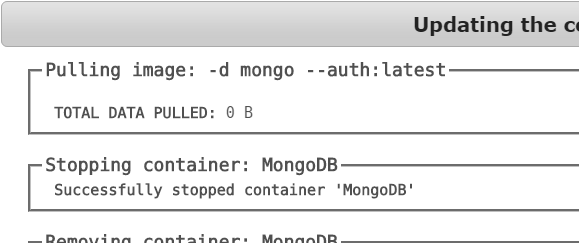
whenever i try to update.. it tries to update from mongo --auth:latest and not mongo:latest.....
-
what a shame.. does this mean the repo box is actually a placing its input in the commandline argument field of a docker command? If you understand..
-
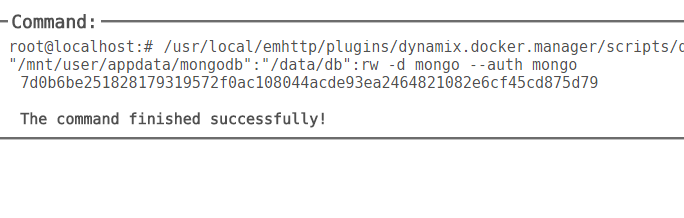
Hmm.. I tried this, and got a little further.. I tried " --auth" and "-d mongo --auth". The last one made it able to complete, but not start. But i saw a pattern. If i put it behind the repository field, (here it works, but can't update, and other small errors), the --auth comes behind the mongo command. If i put them in the extra parameters field, it goes in front of the mongo command. I need the --auth to be the last part of the command. Any ideas? Just playing around with this out of curiosity, looking at the readme there's nothing about --auth, where are you getting that from? Im not an expert, but from the docker hub page.. Around 40% down.. https://hub.docker.com/_/mongo/ there is a section of authentication.
-
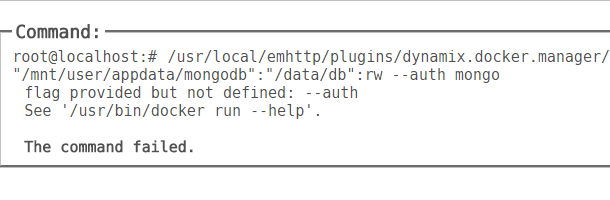
Hmm.. I tried this, and got a little further.. I tried " --auth" and "-d mongo --auth". The last one made it able to complete, but not start. But i saw a pattern. If i put it behind the repository field, (here it works, but can't update, and other small errors), the --auth comes behind the mongo command. If i put them in the extra parameters field, it goes in front of the mongo command. I need the --auth to be the last part of the command. Any ideas?
-
hmm.. I don't know if it is a variable or if it just is my word for it. How do i see this? It's this docker, and the authentication part is defined about 40% down the page.. Thanks.. https://hub.docker.com/_/mongo/
-
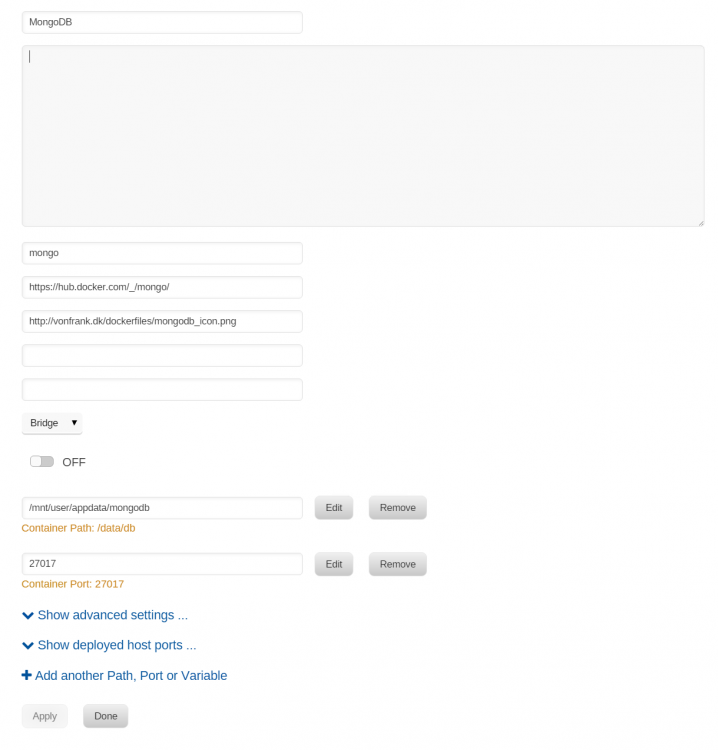
Hi there I am creating a docker manually in the wizard on my unraid system. I use a docker hub repository, in my case the original docker container for mongodb. I want to add the authentication variable ( --auth) to my run command, but i can't figure out where to put it. The original string for running the command is "$ docker run --name some-mongo -d mongo --auth" I have managed to make it work, by putting the --auth variable behind the repository field, but i have to delete it every time i update my container, and my icon doesn't work. Isn't there a more "right" way to add this variable? This is my custom template so far. Thanks!