gordonempire
Members
-
Joined
-
Last visited
Everything posted by gordonempire
-
This is the exact reason I was asking. Reading that back it sounded kinda snarky. Not intended. I wasn't going to mention the Privoxy starting and stopping initially, but forgot that I did include it.
-
If other containers are being passed into the DelugeVPN using the "--net=container:<name of vpn container>" option, does Privoxy need to be used? I'm thinking it doesn't but I just want to be sure. I seem to have everything working but the logs are showing that Privoxy stops and keeps being started.
-
To roll back, I changed the repository from: binhex/arch-delugevpn To: binhex/arch-delugevpn:2.0.4.dev38_g23a48dd01-3-01
-
Change repository line to the following. This references the container prior to the most recent.

-
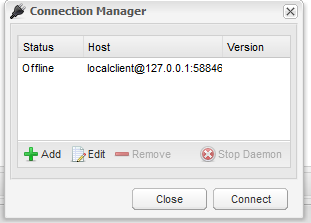
Also getting errors after updating the docker... This pops up in the webgui, And I see this in the log, Downgraded to 2.0.3_23_g5f1eada3e-1-03 and issues have stopped.